
INSSIST
Ultimate marketing tool to post to Instagram from PC, schedule posts, stories and reels, track unfollowers, remove bots and grow your account faster.
About
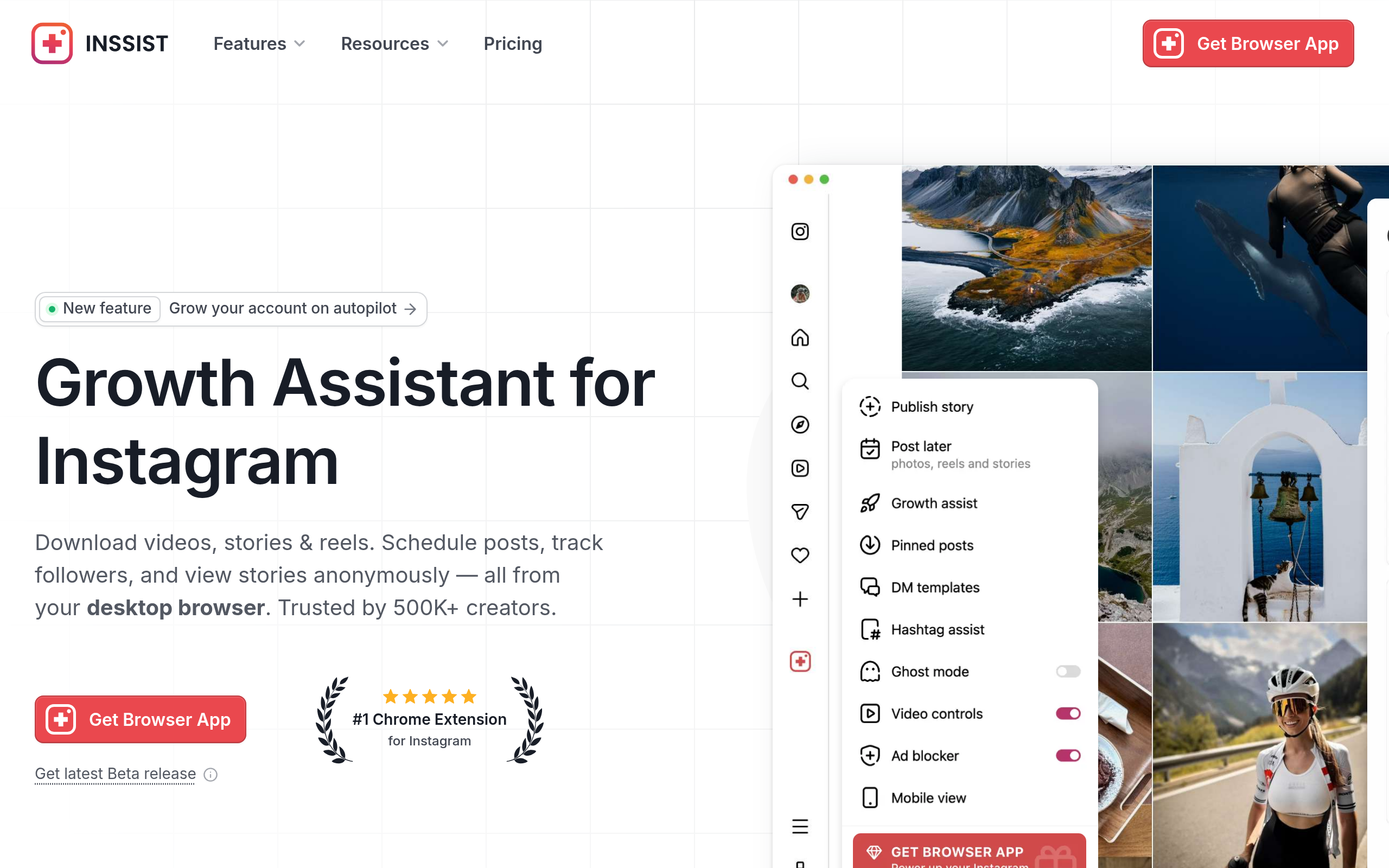
INSSIST is the #1 assistant for Instagram on web trusted by 500,000+ creators and businesses. Schedule, analyze, and grow your following from your desktop browser. Replaces 10+ apps. Features: • Publish stories, carousels and reels from PC/Mac with music, stickers, mentions, collab and location support • Schedule posts, stories and reels with visual planner, grid view and bulk import • Growth autopilot with smart engagement, lead generation and conversion tracking • Detect and remove bot followers with anti-bot scanner • Track growth, engagement, unfollowers. Export followers • Hashtag analytics for maximum reach • Download and backup videos, photos, stories and reels • Ghost mode: read DMs and watch stories anonymously • Repost content, block ads, send files in DMs, video controls Why creators choose INSSIST: • Total privacy: credentials never leave your browser • Full control: runs inside Instagram.com, not through external servers
Key Features
Desktop Publishing & Downloader
Publish photos, carousels, stories and reels (with music, mentions, locations and covers) directly from your PC/Mac and download or backup posts, stories and reels to your computer.
Scheduling & Visual Planner
Plan and schedule posts, stories and reels with a visual calendar, grid preview and bulk CSV/import scheduling to maintain a consistent feed and optimal posting times.
Growth Autopilot & Engagement
Automated engagement tools to find and interact with relevant users, generate leads, and convert followers organically while tracking conversion metrics.
Privacy-first Browser Workflow
Runs inside Instagram.com as a browser extension/app — user credentials stay in the browser, not external servers, preserving account privacy and control.
Analytics, Bot Detection & Follower Management
Track followers/unfollowers, detect and remove bot accounts, export follower data, run hashtag analytics for reach optimization and monitor engagement metrics.
How to Use INSSIST
1) Install INSSIST browser extension or web app and open Instagram.com. 2) Connect your Instagram account inside the extension — INSSIST runs in-browser and doesn’t send your credentials to external servers. 3) Create or upload media (photos, videos, reels, stories), add mentions, music, location and captions, then publish immediately or schedule via the visual planner or bulk import. 4) Monitor performance and growth: enable Growth Autopilot to engage prospects, run anti-bot scans, export followers/unfollowers, and use hashtag analytics to optimize reach.