
Inkspira
Three ways into your next tattoo: describe it, upload a photo, or try a design on your skin. 184+ idea pages to browse first.
About
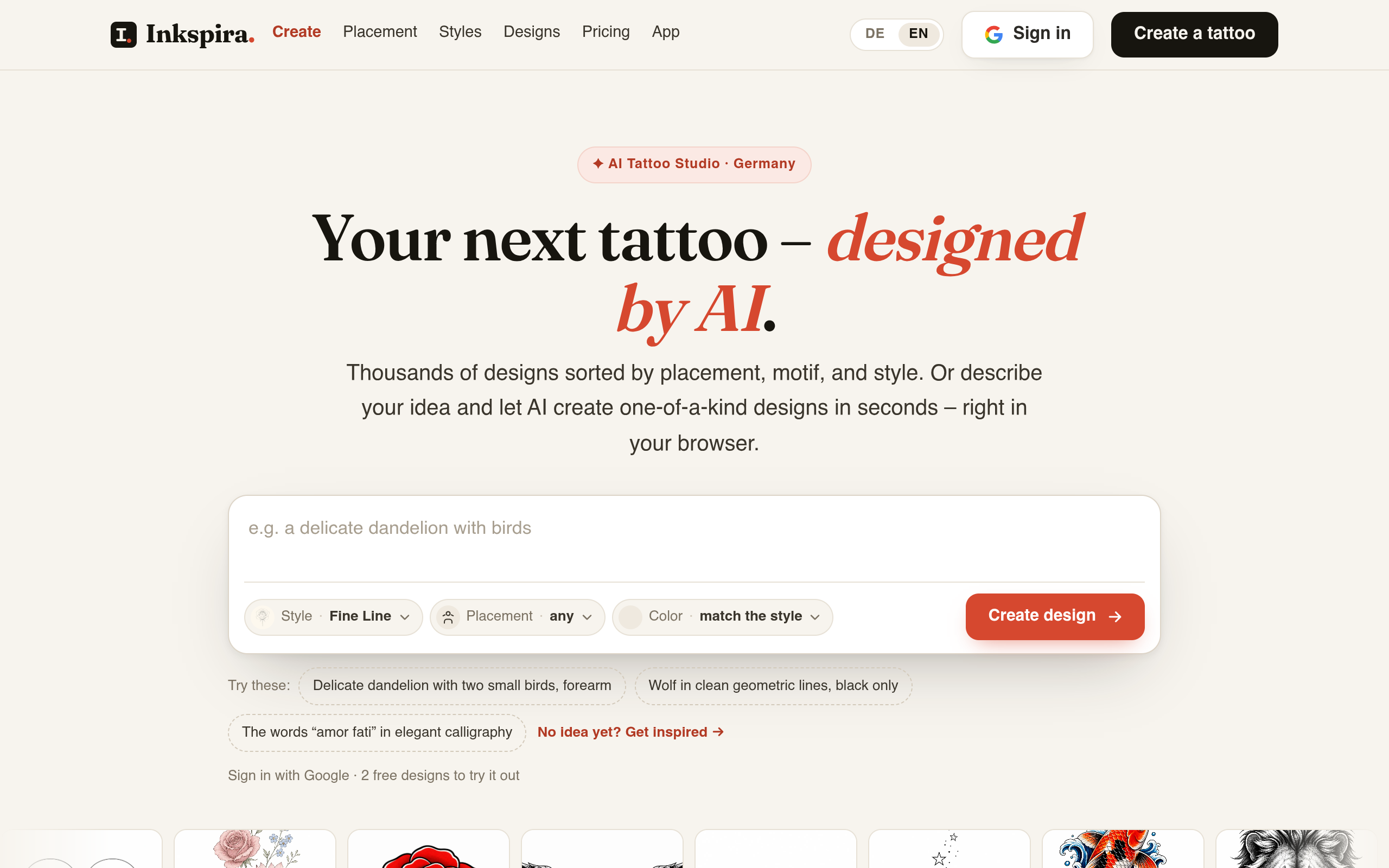
Inkspira is an AI tattoo studio, built in German and now available in English. Describe a motif in your own words and the generator drafts tattoo-ready designs in seconds — across 21 styles from fine line and blackwork to lettering and neo-traditional, for any placement on the body. Three image tools extend that. Photo-to-tattoo redraws a reference picture as a clean motif. The stencil generator turns a finished design into a stencil an artist can work from. The try-on simulator puts a design on a photo of your own skin, so you can compare sizes and placements visually. Around the generator sits a library of 184+ topic pages, sorted by placement, motif and style, plus free planning tools: a cost calculator, a size calculator, a removal-cost estimator and a font previewer with 17 typefaces. Sign in with Google to use the generator and get two free designs. After that, credits are a one-time purchase and never expire, starting at EUR 9.99 for 20 designs — every generation and every AI tool use costs exactly one credit, and every design — the free ones included — comes in HD with no watermark.
Key Features
AI Tattoo Generator
Type a description and get one-of-a-kind, tattoo-ready designs in seconds across 21 styles (fine line, blackwork, lettering, neo-traditional, etc.) and any body placement.
Photo-to-Tattoo Redraw
Upload a reference photo to convert it into a clean, stylized tattoo motif suitable as a template for artists.
Stencil Generator
Turn finished designs into printable stencils an artist can use in the studio, simplifying transfer and execution.
Try-On Simulator
Place designs onto a photo of your own skin to preview size, placement, and visual impact before committing to the tattoo.
Inspiration Library & Planning Tools
Browse 184+ idea pages by placement, motif and style, plus free tools — cost & size calculators, removal-cost estimator, and a 17-typeface font previewer.
How to Use Inkspira
1) Sign in with Google to create a free account (2 free designs included). 2) Choose a method: describe your idea in words, upload a reference photo (photo-to-tattoo), or pick a template from the inspiration library. 3) Select a tattoo style and placement, then generate. 4) Review the HD designs, use the stencil generator or try-on simulator as needed, and download the final design — generating or using any AI tool consumes one credit.