
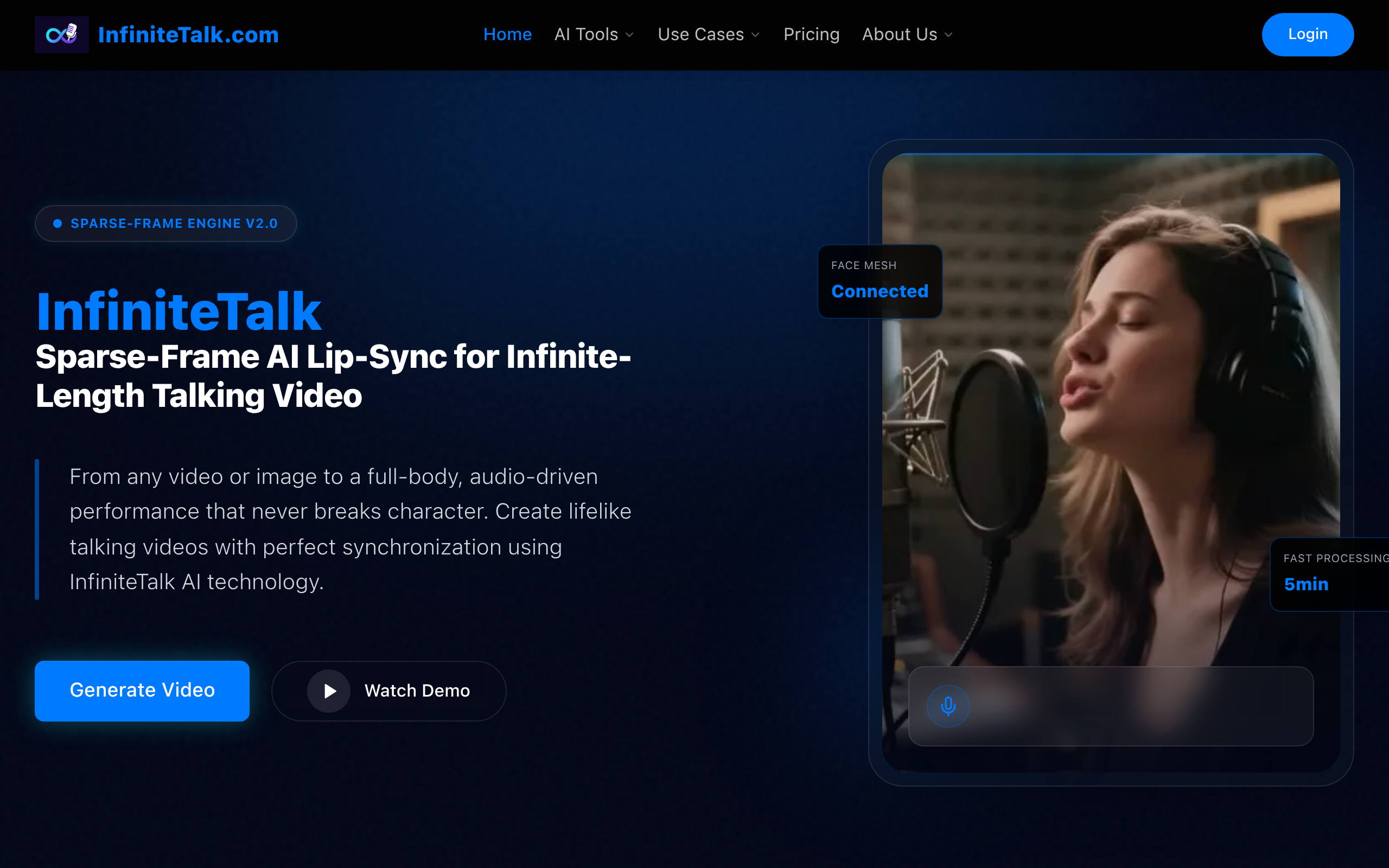
InfiniteTalk AI Lip-Sync Talking Video Generator
Create Infinite-Length Talking Videos That Never Break Character
About
InfiniteTalk AI is an audio-driven AI video generator that turns a photo or video into a realistic talking video. Simply upload an image (or video) and your audio, and the system automatically creates natural lip-sync, facial expressions, head movement, and subtle body motion that match the speech. Unlike basic lip-sync tools, InfiniteTalk uses advanced motion modeling to keep videos stable and expressive, even for long-form content. It supports unlimited video length, multiple resolutions (up to 1080p), and optional text prompts to control emotion or style. The platform also offers a multi-character mode for conversations or duets. InfiniteTalk is ideal for social media videos, tutorials, podcasts with visuals, online courses, and virtual presenters—no filming or editing skills required.
Key Features
Sparse-Frame Motion Engine
Advanced motion modeling that synchronizes lips, head pose, subtle body motion and micro-expressions to produce cohesive, natural performances that remain stable over long durations.
Infinite-Length Generation
Supports effectively unlimited video duration so you can create long-form content (podcasts, lectures, audiobooks) without breaks or consistency loss.
Multi-Character & Conversation Mode
Create multi-person videos, duets or back-and-forth conversations with distinct avatars, each accurately lip-synced to their respective audio tracks.
Superior Lip-Sync Accuracy
Phoneme-to-viseme mapping and precise audio analysis ensure tight lip synchronization across languages and dialects for realistic speech-to-video alignment.
Flexible Export & Resolution Options
Fast rendering and export in multiple resolutions with options suitable for social platforms and course material, plus easy sharing and localization workflows.
How to Use InfiniteTalk AI Lip-Sync Talking Video Generator
Upload Source & Audio – Upload your photo or video and the audio you want to animate. Adjust Settings – Choose resolution and optional prompts for style or motion. Generate & Export – The platform processes everything and outputs a talking video you can download and share.