
IMsupporting Hybrid Live Chat
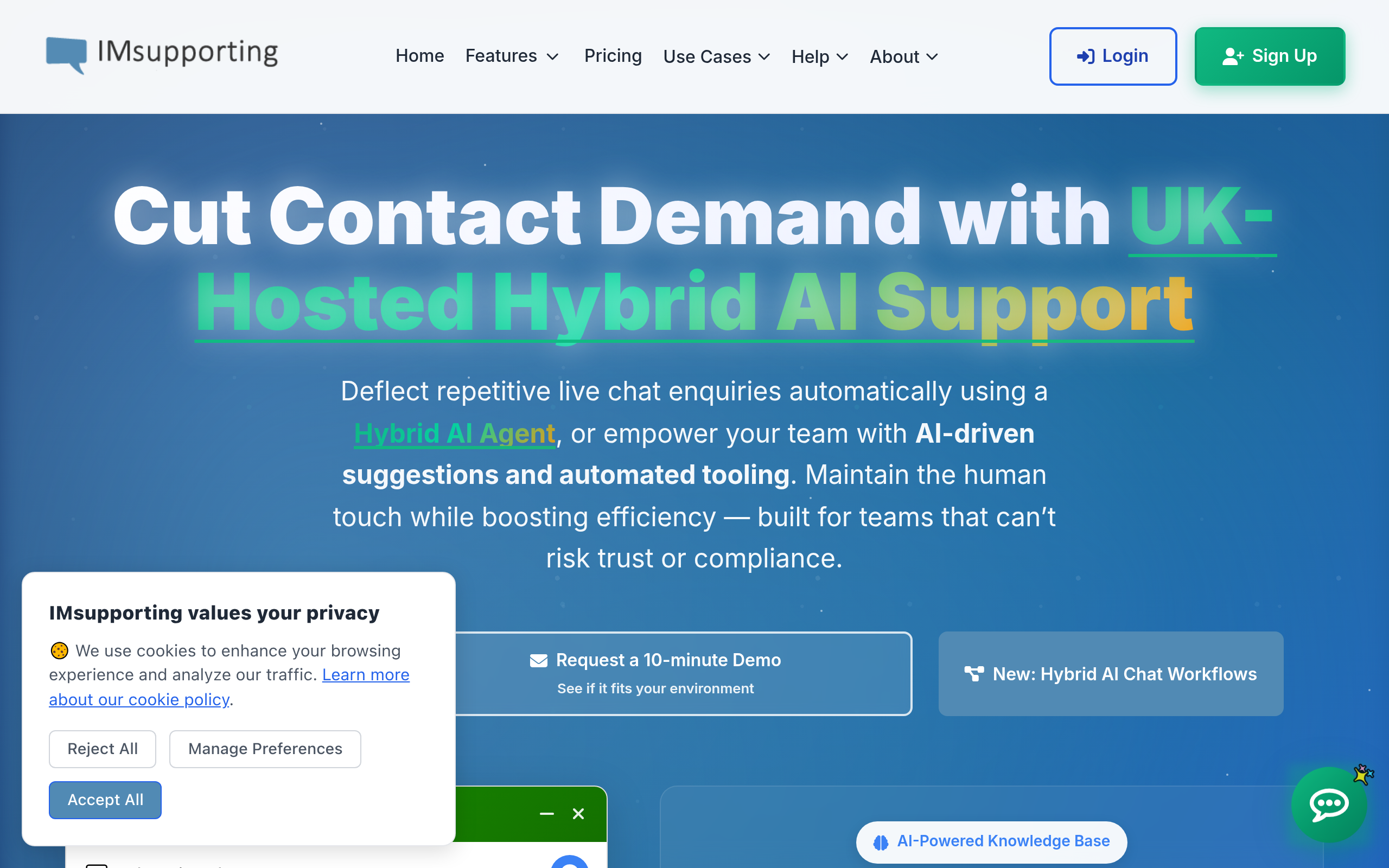
Hybrid AI + human live chat platform for websites. Automate support with AI while seamlessly handing conversations to human agents.
About
IMsupporting is a hybrid AI and human live chat platform designed to help organisations provide faster, smarter customer support directly from their website. The platform combines AI automation with real human agents, allowing businesses to automatically answer common questions, guide visitors through workflows, and seamlessly escalate conversations to live operators when needed. IMsupporting helps organisations reduce response times, improve customer satisfaction, and increase conversions by engaging website visitors instantly. Key features include: • Hybrid AI + human chat conversations • AI-powered automated responses and workflows • Intelligent chat routing workflows to human operators • Website visitor engagement and lead capture • Real-time chat dashboards and analytics • Multi-operator support for teams • Customisable chat widgets and integrations • GDPR-friendly hosting and deployment options
Key Features
Hybrid AI + Human Conversations
Automated AI-driven replies handle common queries while seamless escalation hands conversations to human agents when needed to keep the human touch.
AI-Powered Workflows & Knowledge
Create AI workflows and use RAG/knowledge integration to answer questions, guide flows (booking, troubleshooting, orders) and run actions like ticket creation.
Smart Routing & Escalation
Intelligent routing rules direct chats to the right operator or team, with escalation triggers and multi-operator support for complex enquiries.
Real-Time Dashboards & Analytics
Monitor conversations, agent performance, response times and conversion metrics in real time to optimise support operations.
GDPR-Friendly Hosting & Integrations
UK/GDPR-compliant deployment options, customizable chat widgets and integrations (CMS, APIs, plugins) for seamless site integration and data governance.
How to Use IMsupporting Hybrid Live Chat
1) Install the chat widget or CMS/plugin on your website and connect your account. 2) Populate the AI knowledge base and configure common automated workflows (FAQ answers, booking steps, ticket creation). 3) Define routing and escalation rules so the system hands off chats to specific operators or teams when needed. 4) Monitor live conversations and dashboards, review analytics, and refine responses/workflows to improve accuracy and conversions.