
Imgoe
Imgoe is an AI e-commerce product image generator that turns product photos into product detail images, hero visuals, feature images, comparison image
About
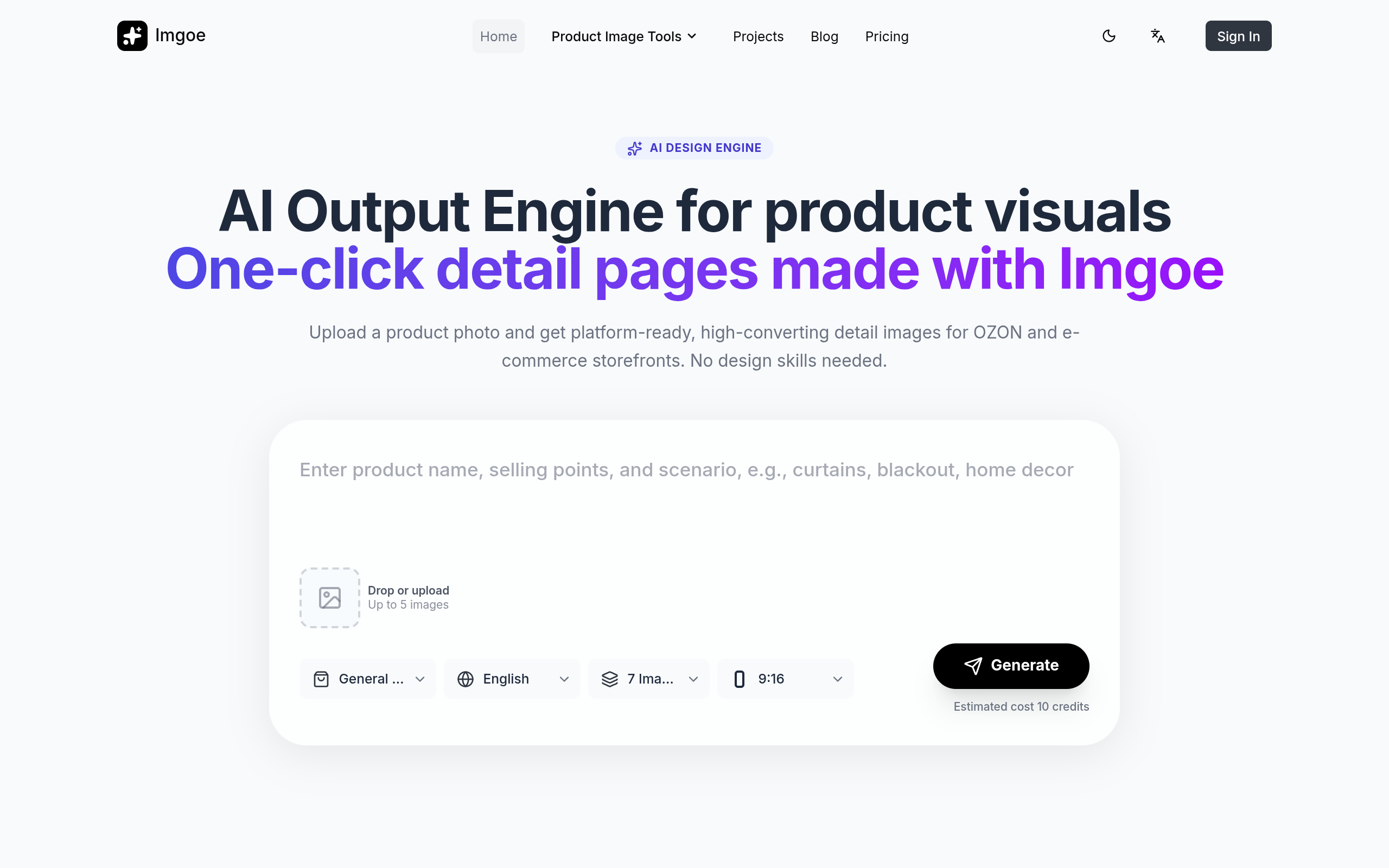
Imgoe is a browser-based AI output engine for e-commerce visuals. It helps online sellers, cross-border operators, DTC brands, product marketers, and small design teams turn simple product photos into store-ready product image assets without building a full studio or starting every design request from scratch.The product is especially useful for teams that need to create multiple visual directions from the same SKU, keep product-page assets visually consistent, test lifestyle or seasonal scenes, and produce more product visuals with lower iteration cost. Imgoe uses a task-based pricing model, gives new accounts a 3-task free trial, and offers monthly or yearly plans plus one-time add-on task packs for temporary production spikes. The core workflow is simple: upload a clean product image or SKU photo, describe the product, selling points, scene, or platform requirement, choose an asset type or marketplace preset, and generate product visuals that can be used across product pages, galleries, ads, and online store listings. Imgoe focuses on e-commerce output instead of general AI art, so the generated assets are organized around practical product-page roles such as hero images, gallery images, detail modules, feature images, comparison visuals, lifestyle scenes, and selling-point graphics.
Key Features
Template-first Workflow
Choose from marketplace and page templates to produce consistent sets of product images (hero, gallery, detail modules) so all assets match a unified visual style without redesigning each image from scratch.
SKU-driven Multi-Asset Generation
Upload a single clean product photo or multiple SKU images and generate multiple image types — hero, lifestyle, feature, comparison, and variant-specific assets — in one workflow.
Marketplace Presets & Export-Ready Specs
Built-in presets for marketplaces and ad platforms (aspect ratios, dimensions, and file requirements) let you generate images ready for storefronts and listings without manual resizing or rework.
Iterative Styling & Reference-Based Edits
Keep page-level visual consistency by applying reference templates and making iterative edits (scene, model placement, background, copy overlays) while preserving the chosen style across multiple images.
Task-based Pricing & Credit Packs
Pay per generation task with a starter trial, monthly/yearly plans, and one-time add-on task packs to scale production for temporary spikes without long-term commitments.
How to Use Imgoe
The core workflow is simple: upload a clean product image or SKU photo, describe the product, selling points, scene, or platform requirement, choose an asset type or marketplace preset, and generate product visuals that can be used across product pages, galleries, ads, and online store listings. Imgoe focuses on e-commerce output instead of general AI art, so the generated assets are organized around practical product-page roles such as hero images, gallery images, detail modules, feature images, comparison visuals, lifestyle scenes, and selling-point graphics.
Use Cases
Frequently Asked Questions
Q: What is Imgoe?
A: Imgoe is an AI output engine for e-commerce visuals. It turns uploaded product photos into product image assets such as product photos, hero visuals, detail modules, gallery images, feature images, and marketplace-ready visuals.
Q: Is Imgoe a general AI image generator?
A: Imgoe is more focused than a general AI image generator. It is built around e-commerce product image workflows, including product photography, product-page assets, marketplace presets, aspect ratios, and seller-friendly prompt constraints.