
Imgloo
Free online image editor to compress, convert, resize, crop, and optimize JPG, PNG, WebP, HEIC, AVIF, and PDF files.
About
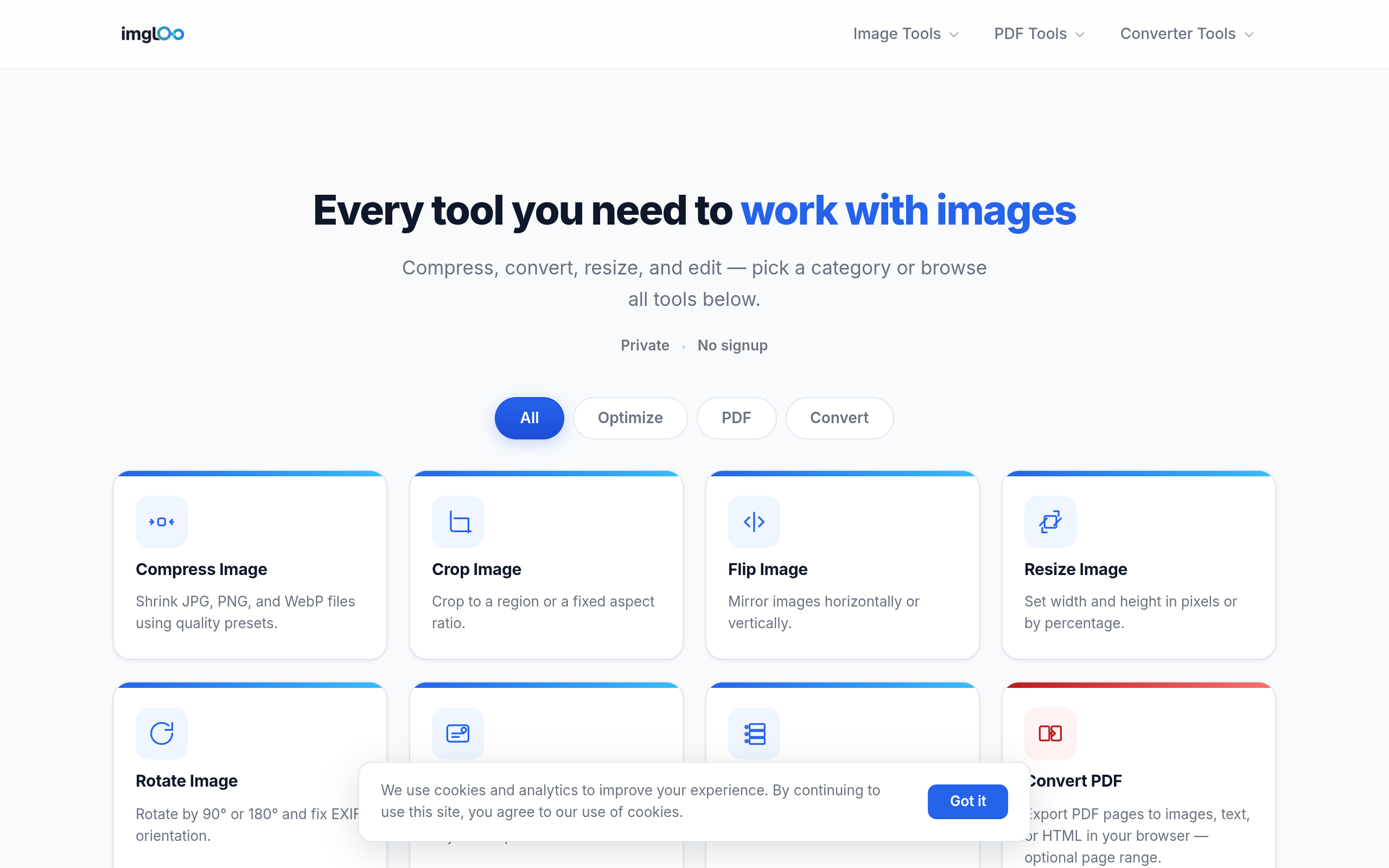
Imgloo is a free online platform that helps you edit, convert, compress, and manage images and PDF files directly in your browser. Resize, crop, rotate, add watermarks, convert between JPG, PNG, WebP, HEIC, AVIF, and PDF formats, and optimize images without installing software or creating an account. Most processing happens locally on your device, ensuring fast performance, enhanced privacy, and secure file handling. Perfect for everyday users, students, designers, and businesses.
Key Features
Image Compression
Reduce image file size while maintaining high quality.
Image Conversion
Convert between JPG, PNG, WebP, HEIC, AVIF, BMP, TIFF, ICO, GIF, and PDF.
Image Resizing
Resize images by pixels or percentage.
Crop Images
Remove unwanted areas with precise cropping.
Rotate & Flip
Rotate or mirror images in seconds.
Watermark Tool
Add text or image watermarks.
PDF Tools
Convert images to PDF and PDF pages to images.
How to Use Imgloo
1. Open the Imgloo tool you want to use. 2. Upload your image or PDF file by dragging and dropping it or selecting it from your device. 3. Adjust the settings, such as output format, quality, size, or compression level. 4. Click the Process button to start. 5. Preview the result. 6. Download your processed file instantly. No registration or software installation is required.
Use Cases
Frequently Asked Questions
Q: Is Imgloo free to use?
A: Yes. Imgloo is free to use and does not require registration. You can process images and PDF files directly in your browser.
Q: Which file formats does Imgloo support?
A: Imgloo supports popular formats including JPG, PNG, WebP, HEIC, AVIF, BMP, TIFF, GIF, ICO, and PDF, depending on the selected tool.
Q: Are my files secure?
A: Yes. Most tools process files locally in your browser, helping protect your privacy and keeping your files on your device whenever possible.
Q: Do I need to install any software?
A: No. Imgloo works entirely online in modern web browsers. Just upload your file, choose the desired settings, and download the result.
Q: Can I use Imgloo on mobile devices?
A: Yes. Imgloo works on desktops, tablets, and smartphones through any modern web browser.