
ImageToSTL.online
Convert images to STL for 3D printing privately in your browser.
About
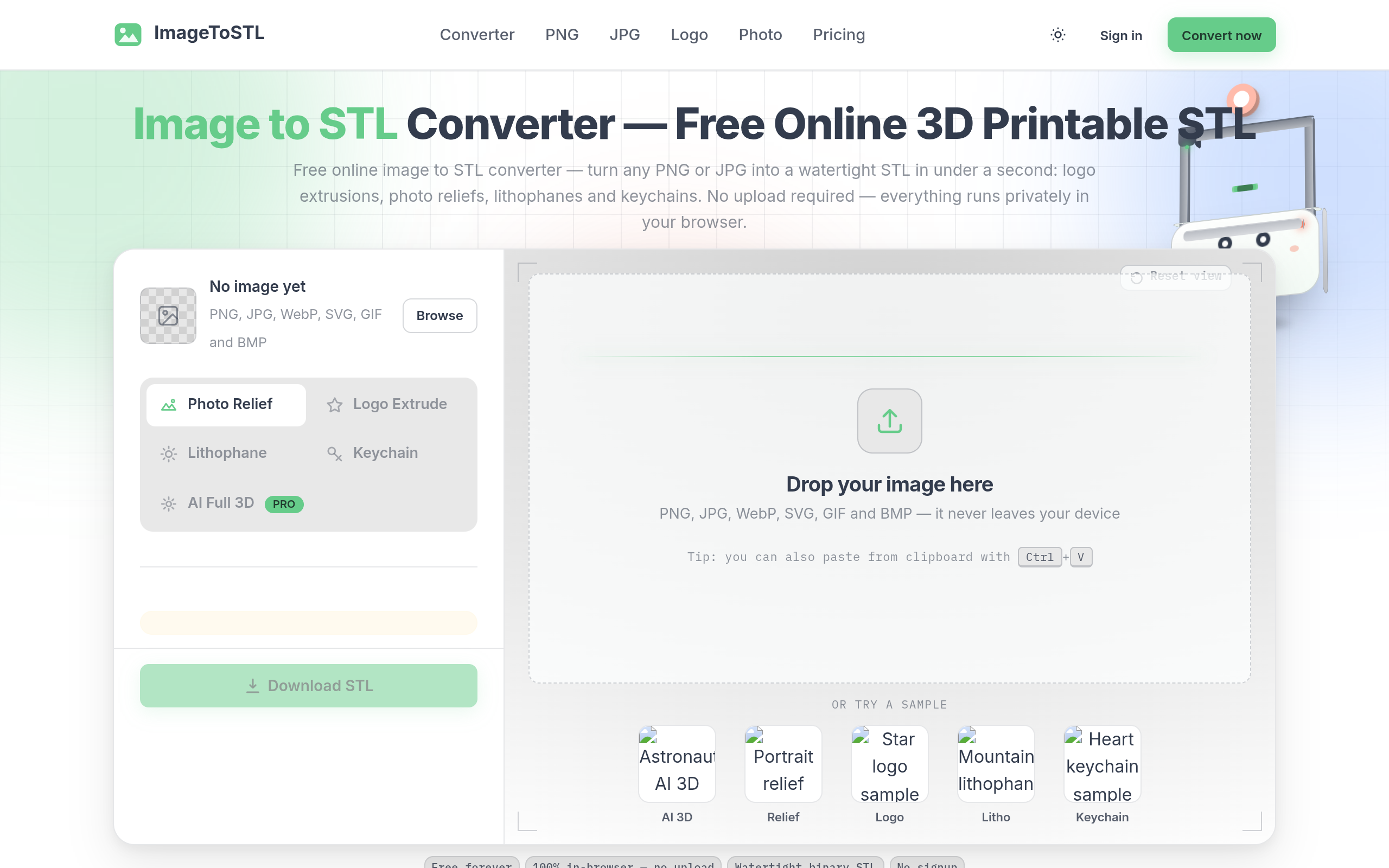
ImageToSTL.online converts photos and logos into STL files for 3D printing. Modes include relief, lithophane, extrusion, and keychain. Processing is client-side for privacy; optional AI Full 3D Pro available.
Key Features
Client-side Privacy
All free conversion modes run entirely in your browser (Canvas/WebGL) so images never leave your device.
Multiple Conversion Modes
Choose relief, lithophane, extrusion (logo/flat-to-height), or keychain modes to generate STL tailored for different print types.
Live 3D Preview & Adjustable Sliders
Interactive preview with sliders for height, base thickness, scale and other parameters to fine-tune the model before export.
Printable, Watertight STL Export
Generates closed, manifold binary STL files that slice cleanly in Cura, PrusaSlicer, Bambu Studio, Orca and other slicers.
Optional AI Full 3D (Pro)
Paid option to generate a fuller 360° mesh from a single photo when a full 3D model (rather than heightmap/silhouette) is required.
How to Use ImageToSTL.online
1) Open https://imagetostl.online and click Convert or drag & drop your image (PNG, JPG, WebP, SVG, GIF, BMP). 2) Pick a mode: Relief, Lithophane, Extrusion or Keychain. 3) Use the live 3D preview and sliders to adjust height, base thickness, scale and orientation. 4) Export the generated binary STL and import into your slicer (Cura, PrusaSlicer, Bambu Studio, etc.) for printing. (Use the AI Full 3D Pro option only if you need a full 360° mesh and are okay with a remote generation step.)