
ImageToSTL
One photo to a textured 3D model you can print
About
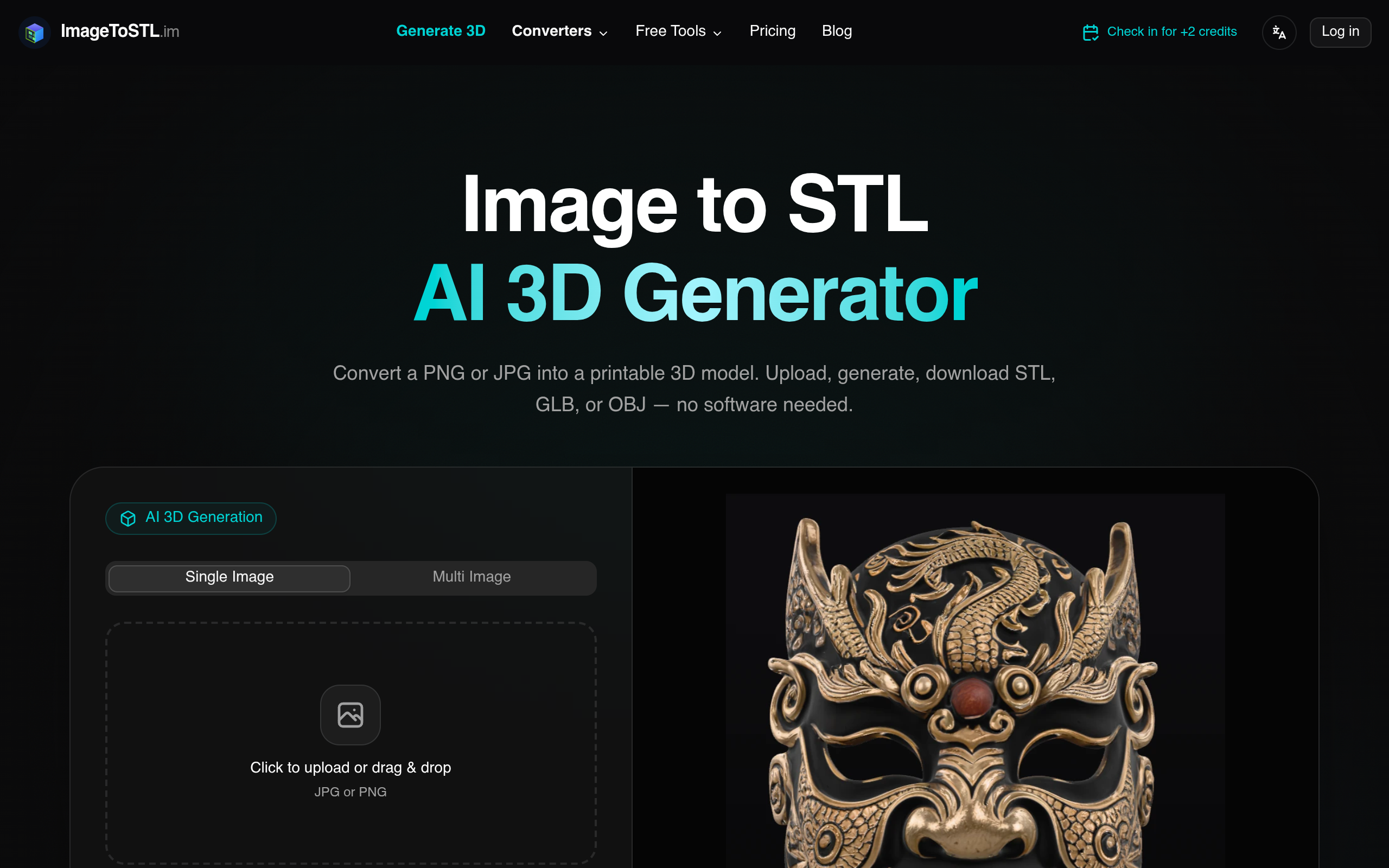
ImageToSTL turns a single photo into a textured 3D model you can rotate, download, and reuse. Upload a PNG or JPG, run AI generation, and export GLB or OBJ. If you need a printable STL, convert it with the free in-browser tools. The same site also does classic image-to-STL heightmaps for logos, coins, and lithophanes, plus local converters for 3MF, GLB, OBJ, PLY, and STL. Free to try. No desktop software required.
Key Features
Single-photo AI 3D Generation
Turn one PNG/JPG/WebP photo into a full, textured 3D model automatically — no modeling skills required.
Multi-view Input for Higher Accuracy
Upload multiple images (front/back/side) to improve geometry and texture fidelity for more accurate results.
Multi-format Export & Local Converters
Download generated models as GLB or OBJ, then convert in-browser to STL, 3MF, PLY or other printable formats without desktop software.
PBR Textures & Materials
Generates high-quality textures and PBR-ready materials suitable for games, AR/VR, and rendering pipelines.
Saved Library & Fast Iteration
Each generation is saved to your private library for quick access, re-downloads, and versioning; free trials available.
How to Use ImageToSTL
1) Prepare an image: choose a clear, well-lit PNG/JPG (or multiple views for better accuracy). 2) Upload: drag & drop or click to upload your image(s) on the site and select a quality/preset. 3) Generate: run the AI to build geometry and textures — preview the textured 3D model in the browser. 4) Export & print: download as GLB or OBJ, or use the in-browser converters to export a printable STL/3MF/PLY and send to your slicer or 3D printer.