
ImageRework
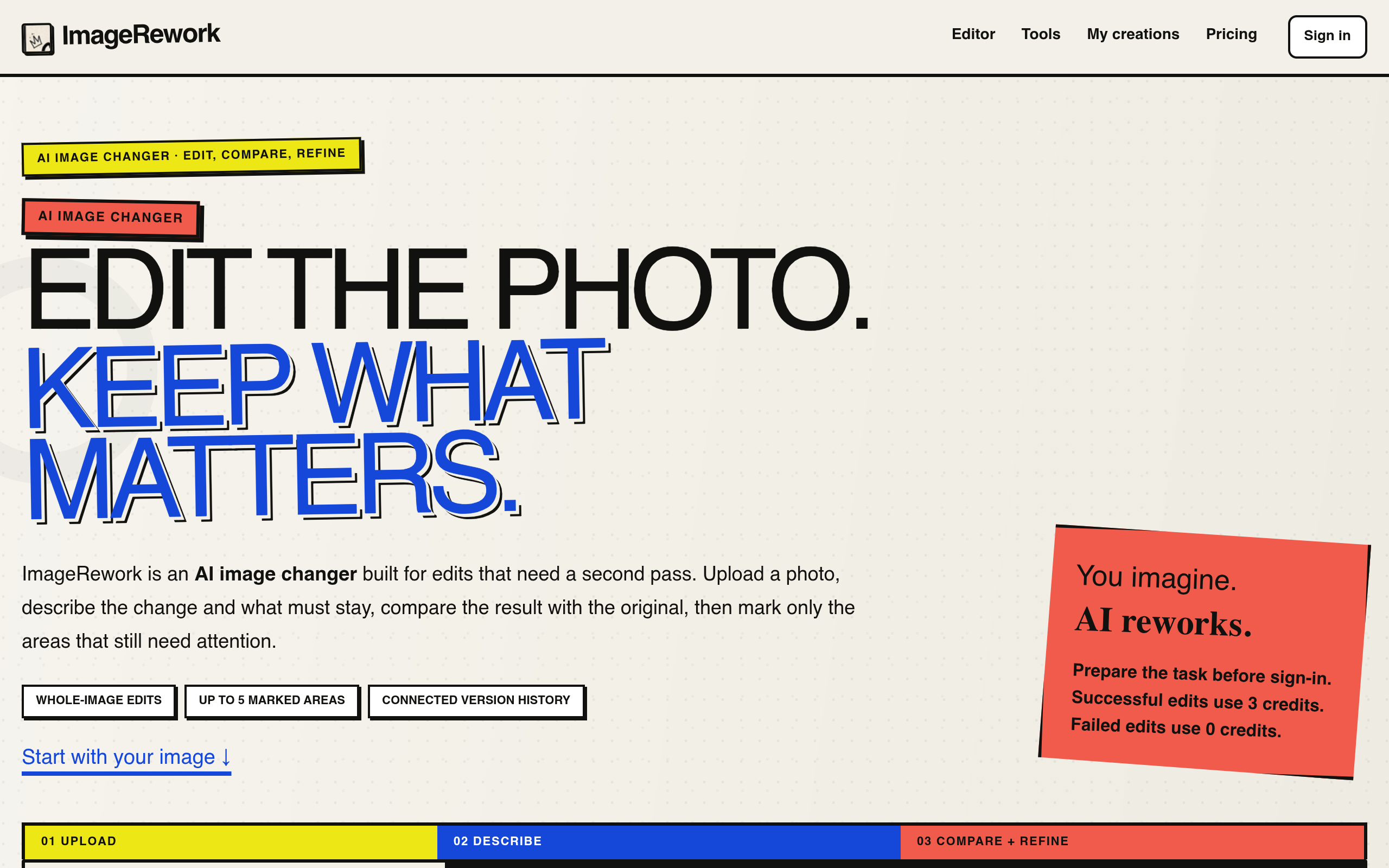
Edit an entire image from a prompt, compare before and after, then refine up to five marked areas without restarting.
About
ImageRework is a browser-based AI image changer for people who already have a useful photo but need a controlled second pass. Upload an image, describe the change and what should stay, compare the result with the original, then mark up to five areas for focused follow-up instructions. Successful edits are saved as connected versions, and failed or timed-out requests use no credits.
Key Features
Whole-image prompt edits
Transform an entire uploaded photo using a single descriptive prompt while specifying which elements must remain unchanged (composition, camera angle, subject position, etc.).
Before / After comparison slider
Side-by-side and draggable comparison so you can inspect the edited result against the original to ensure important details (edges, labels, proportions) were preserved.
Targeted area refinements (up to 5)
Mark up to five numbered regions on the result and give each area its own focused instruction to refine problem spots without restarting the whole edit.
Connected version history
Successful edits are saved as child versions linked to their parents so you can continue iterating while keeping earlier results available.
Credit-safe processing
Edits only consume credits when a successful result is saved; failed or timed-out requests use no credits.
How to Use ImageRework
1. Upload an image. 2. Describe the change and what should stay. 3. Compare the result with the original. 4. Mark up to five areas and add focused follow-up instructions. 5. Continue from any saved version.