
Imagera AI
All-in-one AI content creation platform
About
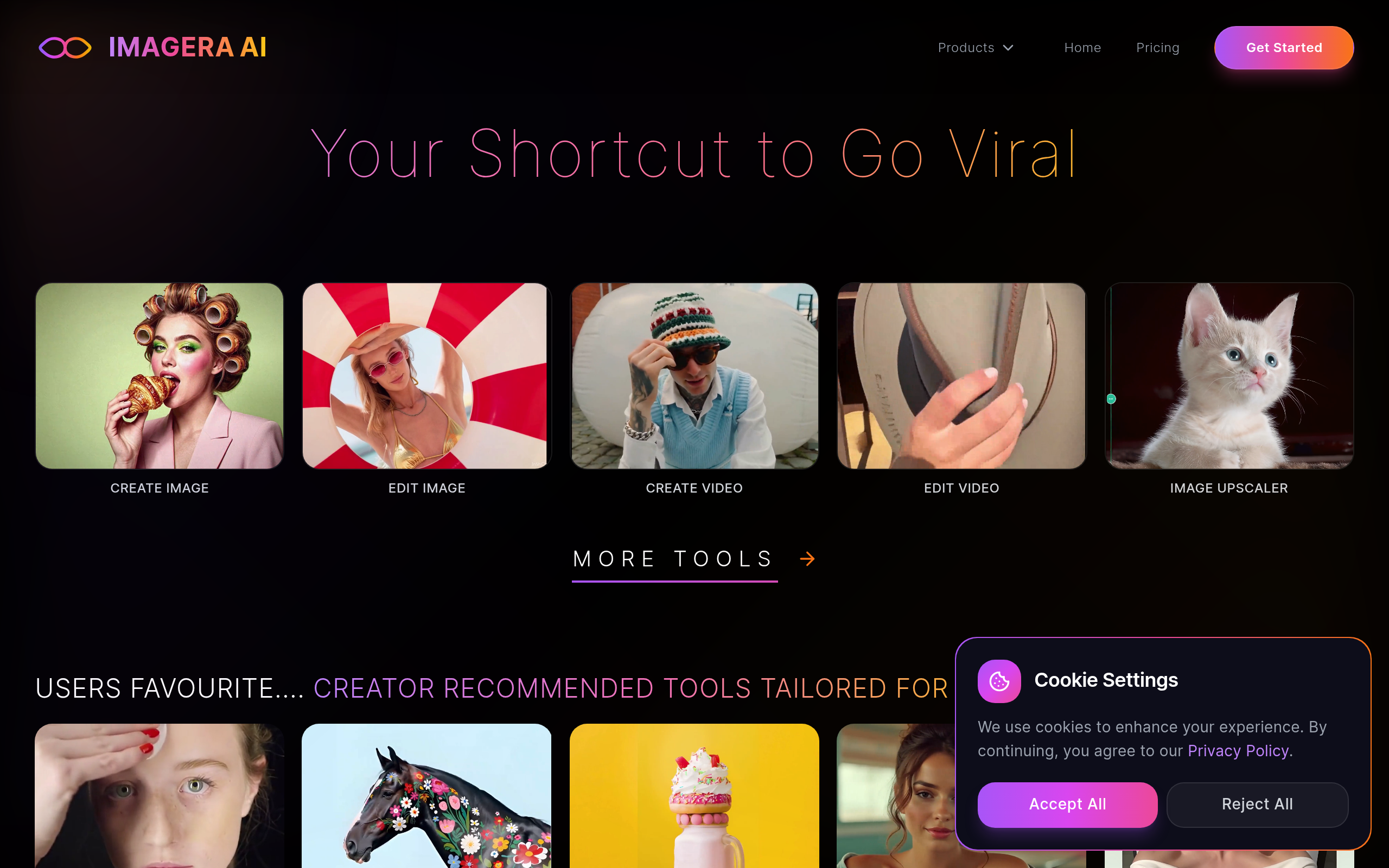
Imagera AI is a browser-based platform offering 22+ AI content creation tools under one roof. Generate images with LoRA chaining (100,000+ CivitAI models), upscale to 16K resolution, create videos with WAN 2.1/2.2 models, clone any voice from a 3-second sample, generate royalty-free music, and produce multi-speaker podcasts. Unique features include Real Camera mode (0% AI detection on Hive/Illuminarty), emotion-timbre voice control, full-body avatar animation, and browser-based LoRA training — no GPU or software install required. Used by 50,000+ creators generating 5M+ assets monthly. Plans start at $4.99/month with credit-based pay-per-use pricing.
Key Features
LoRA Chaining + CivitAI Model Library
Combine and chain LoRA models from a library of 100,000+ CivitAI models directly in the browser to create highly customized image styles and fine-grained visual outputs.
Ultra High-Resolution Upscaling (up to 16K)
AI upscaler that enhances images up to 16K resolution while preserving detail and reducing artifacts — ideal for print, large-format, and professional use.
Browser-Based Video Generation (WAN 2.1/2.2)
Generate and edit videos using WAN 2.1/2.2 models entirely in-browser, including image-to-video and text-to-video workflows without local GPU requirements.
Voice Cloning & Emotion/Timbre Control
Clone any voice from a 3‑second sample and control emotion and timbre for natural-sounding voiceovers, multi-speaker podcasts, and dubbing.
Full-Body Avatar Animation & Real Camera Mode
Create animated full-body avatars and use Real Camera mode (designed to evade common AI detectors) for realistic, production-ready character content — all within the browser.
How to Use Imagera AI
1) Sign up and select a tool: choose Image, Video, Voice, Music or Podcast from the dashboard. 2) Configure inputs: enter text prompts, upload images, chain LoRAs or select WAN models; for voice cloning upload a 3-second sample. 3) Adjust settings: tweak model, resolution (upscale to 16K), emotion/timbre controls, or avatar animation parameters. 4) Generate, review & export: preview results, make edits, then export assets (images, video files, voice tracks, or podcast episodes) or download for publishing.