
ImagEditorAI
Free online AI image editor that removes objects, replaces backgrounds, and restores photos with simple prompts, no sign-up.
About
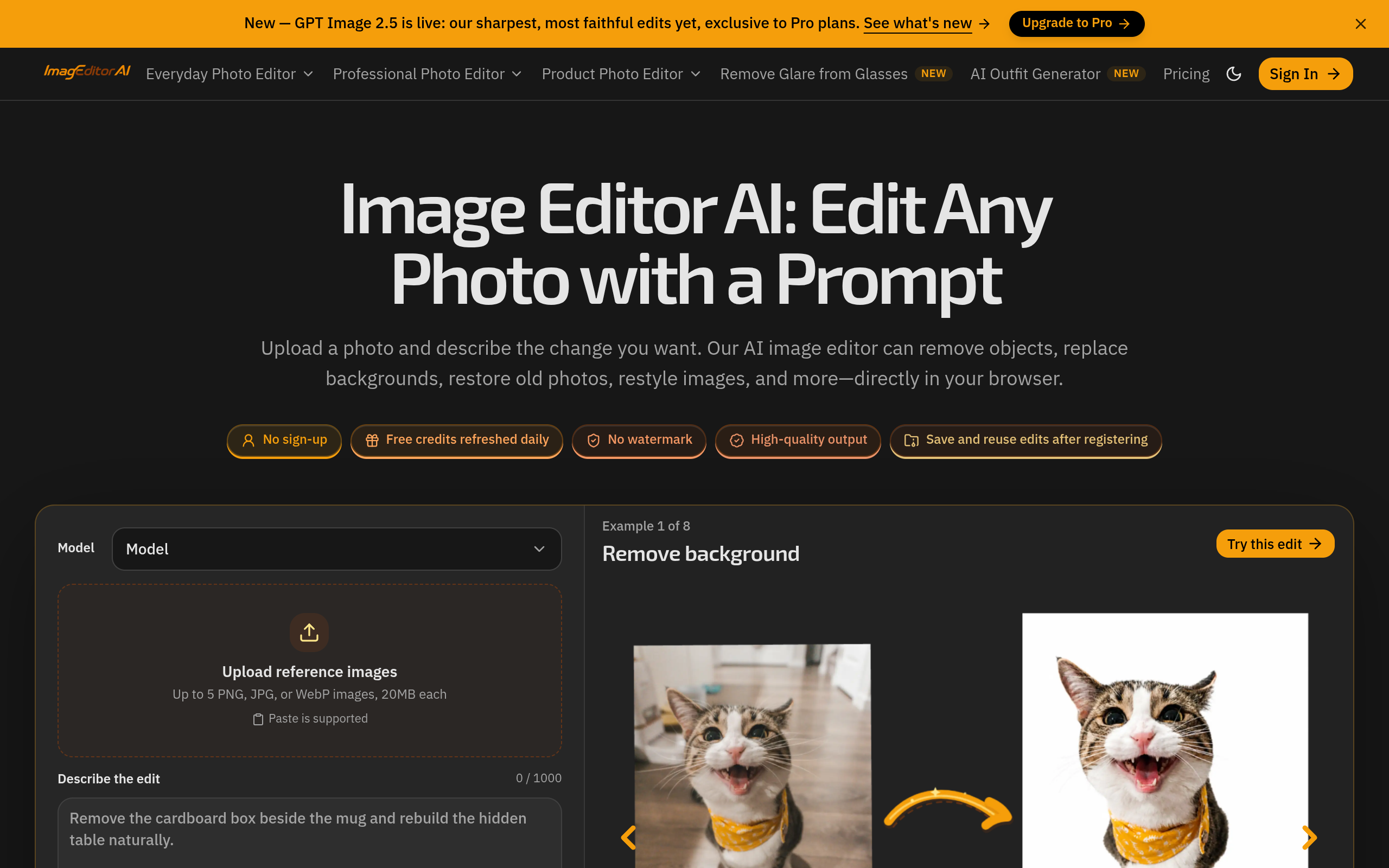
Image Editor AI (ImagEditorAI) is a free online AI image editor that lets you change existing photos with plain-language prompts. Instead of learning layers, masks, or selection tools, upload an image, describe the change you want, and let the AI edit it directly in your browser. No sign-up is required to start, free credits refresh daily, and downloaded results carry no watermark. Core capabilities: remove or replace backgrounds in one prompt while preserving fine edges, hair, and natural shadows; remove unwanted people or objects and rebuild the hidden background; restore and enhance faded or damaged photos while keeping faces recognizable; convert photos into anime, 3D cartoon, comic, or illustrated styles; combine up to five source images into one scene for product shots, branded merchandise, or virtual try-ons; expand and reframe images for new formats without cropping; change clothing, hairstyles, or product colorways without altering identity or labels; edit text inside images such as prices and headlines; create ghost mannequin looks and AI fashion model shots; and generate marketing posters with clear campaign text. Uploads support PNG, JPG, or WebP files up to 20MB each, with paste supported, and outputs are available at 1K, 2K, or 4K resolutions with selectable aspect ratios. Use cases span everyday photo cleanup, passport and dating profile photos, professional headshots, and ecommerce product imagery. Pricing is freemium: eligible guests refresh to 9 free credits each UTC day, account holders refresh to 15, and a Pro plan unlocks the GPT Image 2.5 model for the sharpest, most faithful edits.
Key Features
Prompt-based Editing
Make edits using plain-language prompts—no masks, layers, or advanced selection tools required. Describe what you want and the AI applies the change directly to your photo.
Background Removal & Replacement
Remove or replace backgrounds in a single prompt while preserving fine edges, hair, fur, natural lighting and contact shadows for realistic composites.
Object Removal & Inpainting
Remove people, stickers, glare, or unwanted objects and automatically rebuild the hidden background for a seamless result.
Photo Restoration & Enhancement
Repair faded, scratched, or damaged photos, restore color and clarity, reduce noise, and retouch while keeping faces and original character recognizable.
Multi-image Compositing & Outpainting
Combine up to five source images into one scene, expand or reframe images for new aspect ratios, and generate product or marketing scenes with consistent lighting and scale.
How to Use ImagEditorAI
1. Open imageditorai.com and upload or paste an image (up to 5 references, 20MB each). 2. Describe the change you want and what details to preserve. 3. Choose model, aspect ratio, and resolution. 4. Generate and download the result with no watermark.