
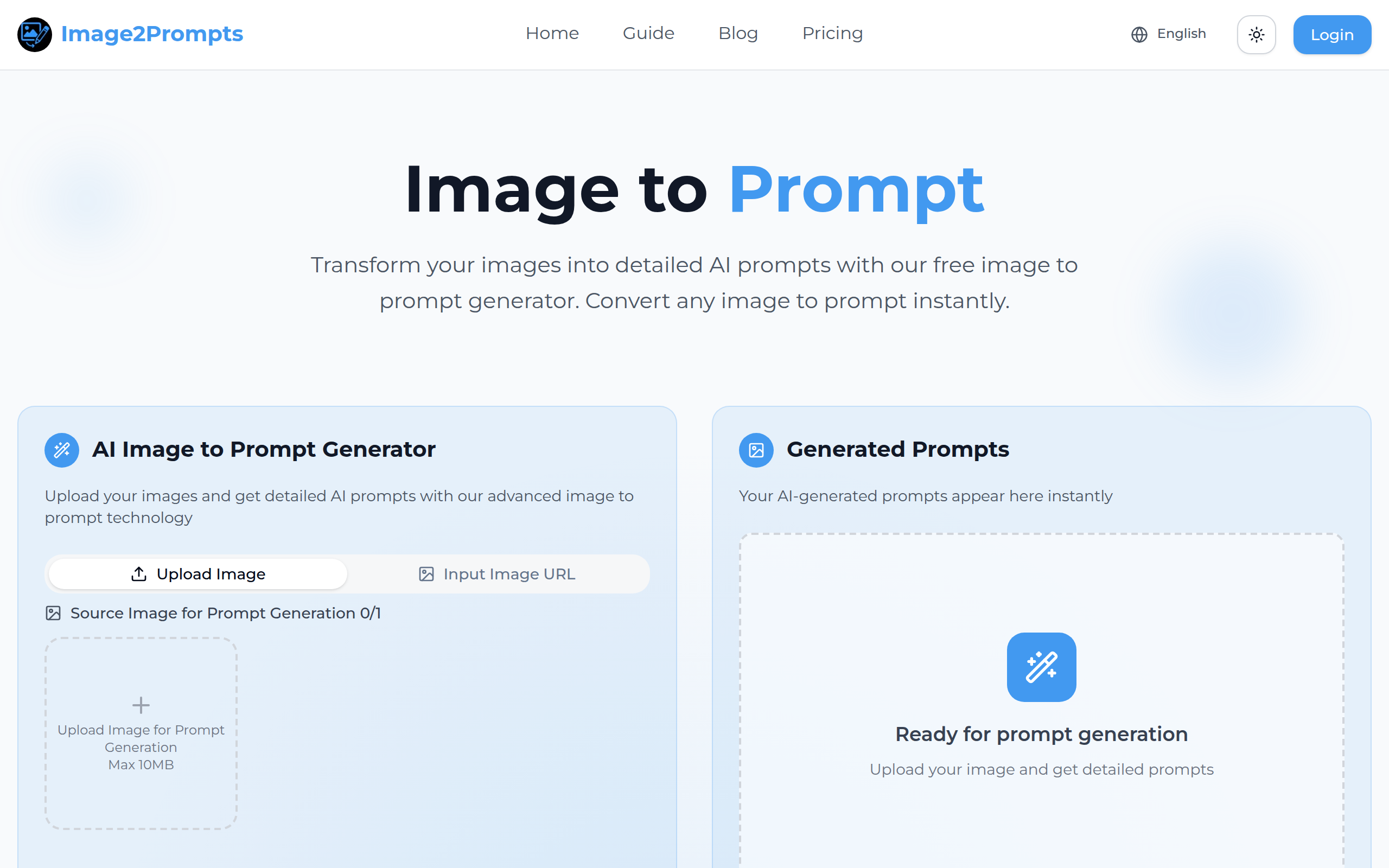
Image to Prompt
Image to Prompt – Free AI Image to Text Prompt Tool | Image2Prompts
About
Free AI-powered image to prompt generator. Upload images and get detailed prompts for AI art generation with our advanced converter.
Key Features
Advanced Image Analysis
Uses computer vision to detect objects, people, animals, colors, and composition to produce accurate, multi-layered descriptions.
Style & Atmosphere Extraction
Automatically identifies artistic style, color schemes, lighting, emotional mood, and photographic details (lens, perspective) to create stylized prompts.
Model-Compatible Prompts
Generates prompts formatted and optimized for popular image-generation models such as Midjourney and Stable Diffusion, ready to copy and paste.
Fast, Free, No Sign-up Required
Quick processing (under 2 seconds in many cases) with free access to start and support for PNG/JPG/WEBP uploads up to 10 MB.
Multi-layered Output & Refinement
Provides both high-level scene descriptions and granular details (objects, textures, lighting) with the ability to copy and refine prompts for specific results.
How to Use Image to Prompt
1) Upload an image (PNG/JPG/WEBP, up to 10 MB). 2) Let the AI analyze the image to detect objects, scene, style, composition, colors and mood. 3) Review the generated multi-layered prompt (overall scene + details) and copy it. 4) Paste the prompt into your preferred text-to-image tool (Midjourney, Stable Diffusion, etc.) and optionally refine wording or style tokens for desired results.