
image to pixel art
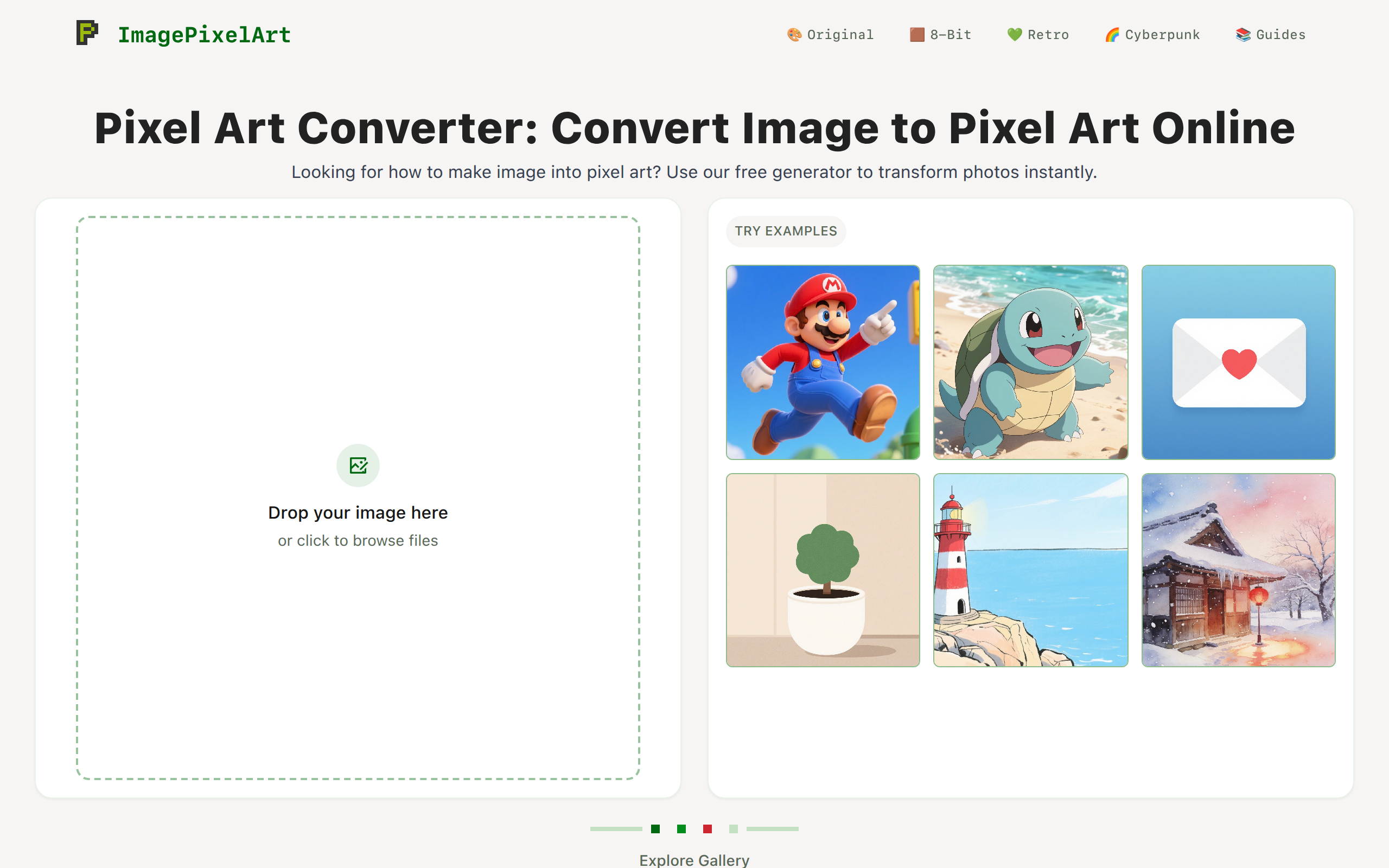
Transform your images, photos, or pictures into stunning pixel art effortlessly with our free online tool.
About
Imagepixelart is a powerful online tool designed to transform your daily photos, illustrations, and graphics into charming retro pixel art with just a single click. ✨ Key Features - 100% Free & Instant: No registration or account creation required. Start editing immediately. - One-Click Conversion: Effortlessly turn any image type into high-quality pixel art. - Flexible Customization: Fine-tune your creations with adjustable parameters: - Pixel Size: Control the level of "crunchiness" or detail. - Brightness & Contrast: Enhance the mood of your artwork. - Real-Time Preview: See every adjustment instantly as you make it. 🔒 Privacy & Performance - Local Processing: All image rendering happens locally in your browser. - Total Privacy: Your files are never uploaded to a server, ensuring your data remains 100% private. - Seamless Speed: Experience a smooth, lag-free workflow without waiting for uploads or downloads.
Key Features
One‑Click Conversion
Instantly convert any uploaded image into pixel art with a single click — fast results without sign-up or delays.
Multiple Pixel Styles & Presets
Choose from Classic 8‑Bit, Game Boy, Minecraft, Cyberpunk/neon and other preset styles to match your retro aesthetic.
Adjustable Parameters & Real‑Time Preview
Fine‑tune pixel size, brightness, contrast, saturation and more with sliders and see every change immediately in the preview.
Local Processing & Privacy
All rendering runs in your browser using web workers; images are never uploaded to a server, ensuring privacy and fast performance.
How to Use image to pixel art
1) Upload or drag-and-drop an image (jpeg, png, webp, gif supported). 2) Select a pixel-art style preset (8-bit, Game Boy, Minecraft, Cyberpunk) or keep Original Colors. 3) Adjust parameters like pixel size, brightness, contrast and saturation while watching the real-time preview. 4) When satisfied, click Download to save the output PNG.