
Image Enhancer
Free AI Image Enhancer — 9 Tools, One Click
About
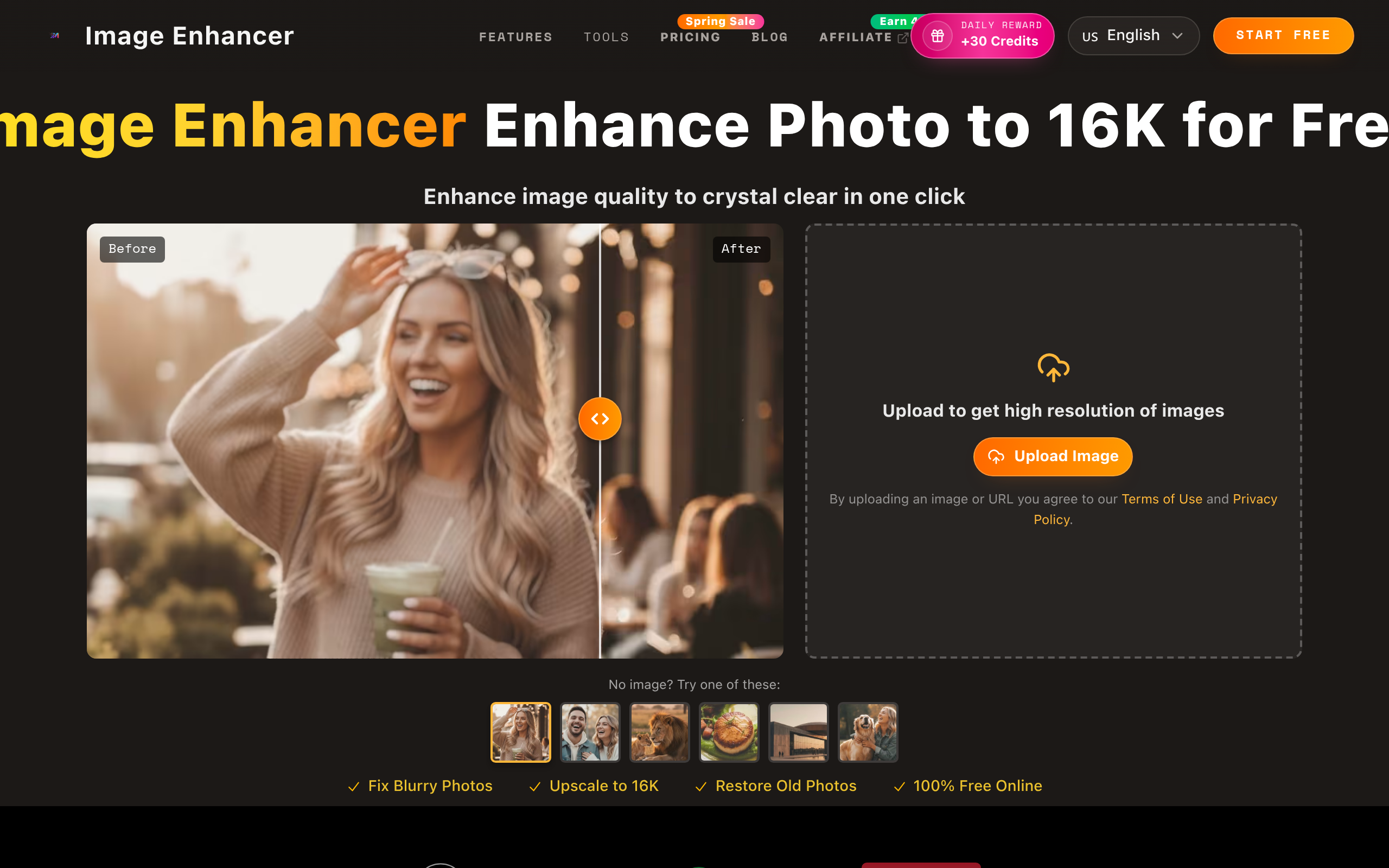
Image Enhancer is a free AI-powered image enhancement platform that transforms blurry, low-resolution, or damaged photos into crystal-clear results — all in your browser, no sign-up required. 9 AI tools in one platform: • Photo Enhancer — Auto-improve color, contrast, and clarity • Image Upscaler — Upscale images up to 4K/8K/16K resolution • Unblur Image — Fix blurry and out-of-focus photos instantly • Sharpen Image — Add crisp detail to soft photos • Background Remover — Remove backgrounds in one click • Object Remover — Erase unwanted objects or people from photos • Watermark Remover — Clean up watermarks from images • Photo Restoration — Restore old, scratched, or faded photos • Photo Colorizer — Add natural color to black-and-white photos Built for photographers, e-commerce sellers, content creators, and anyone who needs better-looking images — fast. No Photoshop skills required. Upload, enhance, download. Free to start with ~5 images/day. No watermark. Paid plans from $4.90/mo.
Key Features
9 AI Tools in One Platform
Enhance, upscale, unblur, sharpen, remove background, remove objects, remove watermarks, restore, and colorize photos with AI
No Sign-Up Required
Upload and enhance images instantly in your browser without creating an account. Free daily credits with no watermark.
Up to 16K Output Resolution
Upscale images up to 4K/8K/16K resolution for ultra-high-quality results suitable for print and professional use.
How to Use Image Enhancer
1) Open Image Enhancer in your browser and click Start / Upload. Drag & drop a photo or paste an image URL (JPEG, PNG, WebP, BMP supported). 2) Choose the tool you need (Photo Enhancer, Image Upscaler, Unblur, Sharpen, Background Remover, Object/Watermark Remover, Photo Restoration, Photo Colorizer). 3) Pick settings or target resolution (e.g., 4K/8K/16K) and run the enhancement. Preview the before/after and, if available, tweak strength or mode (photo vs. artwork). 4) Download the result in full quality. Use batch processing for multiple images; the free tier provides limited daily uses (~5 images/day on the free plan), upgrade for higher limits and faster batch jobs.