
IconAI.art
AI app icons in multiple styles, refined with your feedback.
About
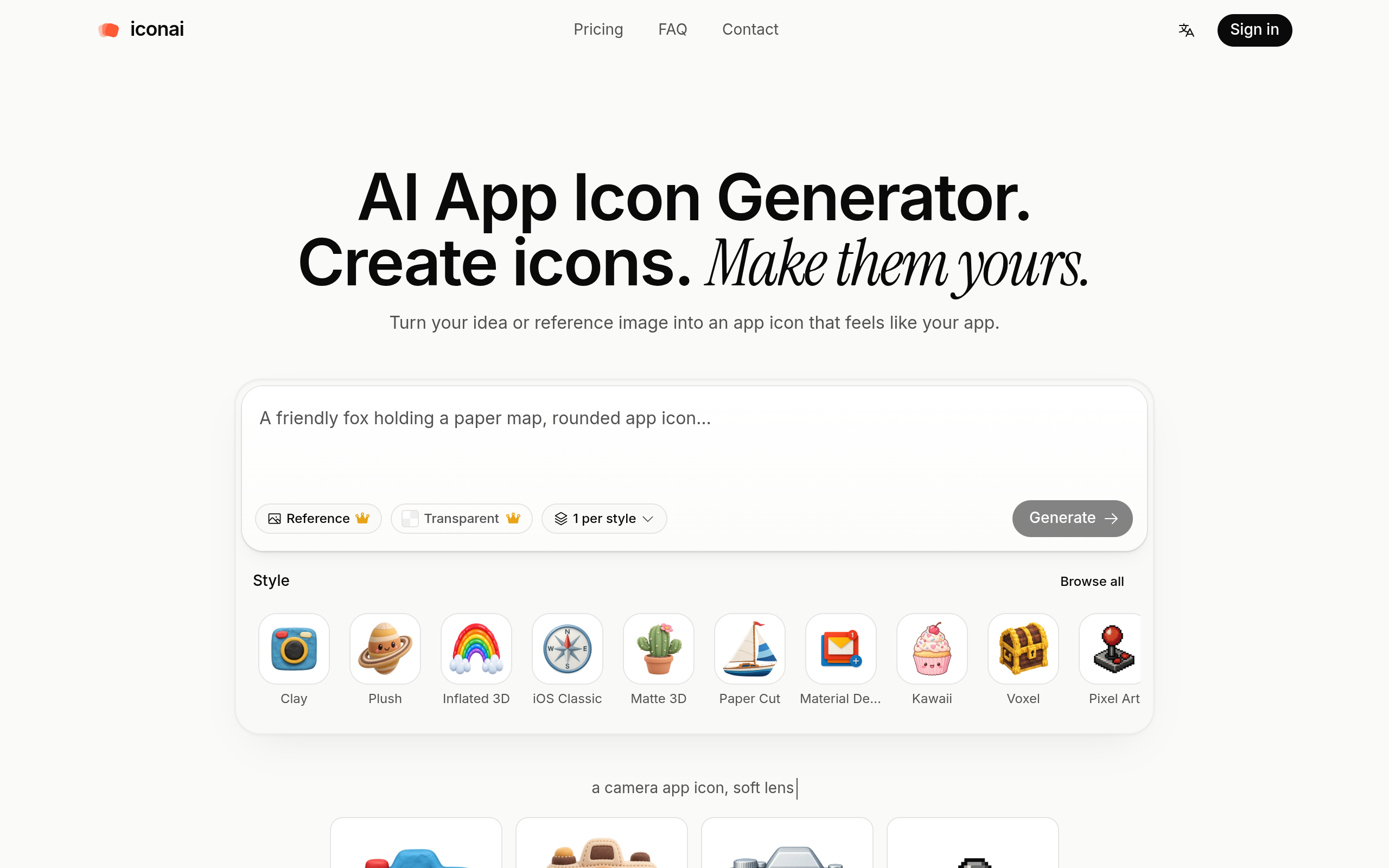
IconAI helps independent developers, designers, and small teams create app icons, website graphics, and logo concepts. Start with a prompt or reference image, explore visual styles, and refine details with comments. Download 1024 × 1024 PNGs, including transparent backgrounds, or export icon packs for websites, iOS, macOS, and Android. Sign up for 5 free credits. Subscriptions and one-time credit packs unlock multi-style generation, reference images, transparent backgrounds, comment editing, and platform exports.
Key Features
Multi-style Generation
Generate one idea across many visual styles (Clay, Plush, iOS Classic, Material, Pixel Art, etc.) in a single run so you can compare directions quickly.
Reference Image & Image-to-Icon
Upload a sketch or existing image to guide shape, composition and layout for consistent, brand-aligned results.
Iterative Comment Editing
Refine results by pointing to details and leaving comments; edit earlier comments and regenerate to converge on the exact look.
Platform Exports & Transparent PNGs
Download 1024×1024 PNGs (including transparent backgrounds) or export ready-made icon packs for iOS, Android, macOS and the web with resized assets.
Credit & Subscription Options
Free sign-up credits plus subscription and one-time credit packs to unlock multi-style runs, reference uploads, transparent outputs and larger monthly generation allowances.
How to Use IconAI.art
1) Start: Sign up (get 5 free credits) and add a short prompt describing your app icon or upload a reference image/sketch. 2) Choose styles: Pick one or multiple visual styles and select transparent background if needed. 3) Generate & compare: Run generation to get up to several variations per style, then review results. 4) Refine & export: Use comments to request edits or point to details, regenerate until satisfied, then download a 1024×1024 PNG or export a platform icon pack.