
Icelake
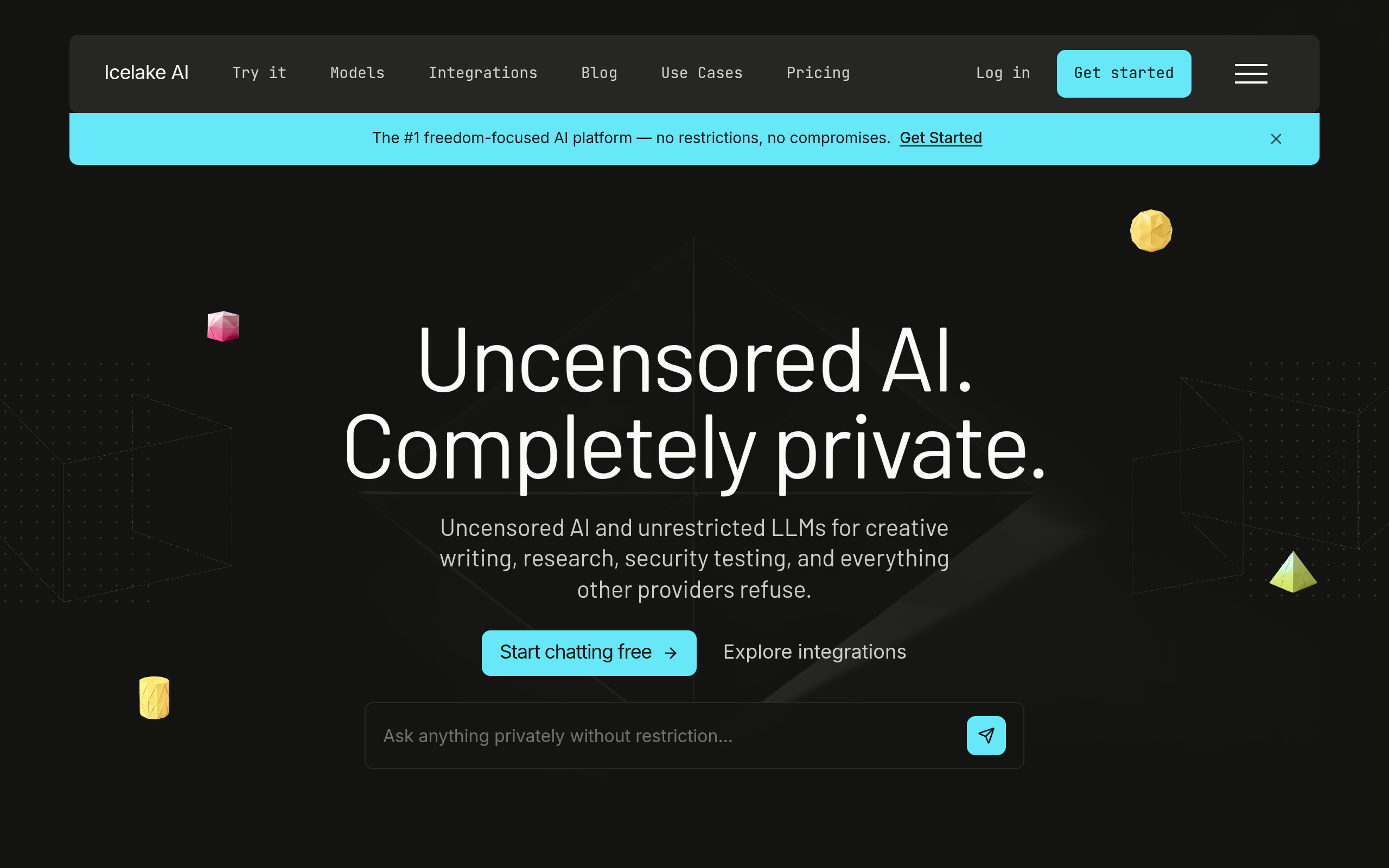
Icelake is a privacy-focused, uncensored AI platform that offers unrestricted chat, image generation, and an API.
About
Icelake is a privacy-first AI platform designed for users who want powerful AI without the usual limitations of mainstream tools. It combines unrestricted AI chat, image generation, and an OpenAI-compatible API in one platform, making it useful for creators, developers, researchers, roleplay communities, and teams building AI-powered products. Unlike many AI platforms that heavily filter responses or store user conversations for model training, Icelake is built around privacy, flexibility, and user control. It supports a wide range of use cases — from creative writing and character roleplay to coding, automation, research, image generation, and custom AI integrations. Users can access Icelake through its native web chat or connect it to popular tools like SillyTavern, Open WebUI, Cursor, ComfyUI, Stable Diffusion WebUI, LM Studio, and other AI workflows. For individuals, Icelake offers a more open AI experience with fewer interruptions. For developers and builders, it provides a flexible API layer that can power apps, agents, creative tools, and private AI workflows. Whether you are writing fiction, generating images, testing prompts, building AI agents, or looking for a more private alternative to mainstream AI platforms, Icelake gives you more freedom to create.
Key Features
AI roleplay and character chat
Power immersive character interactions, RPG scenarios, companion bots, and SillyTavern-style roleplay workflows.
Private AI chat
Use AI for sensitive brainstorming, personal research, ideation, and writing without conversations being used to train models.
Image generation
Create visual concepts, character art, scenes, moodboards, and prompted images with zero creative restrictions.
Developer workflows
Use Icelake’s OpenAI-compatible API for AI apps, agents, automation tools, chatbots, coding assistants, and custom integrations. Particularly helpful for productivity tools or growth initiatives that mainstream AI would refuse to build.
Research and prompt testing
Explore edge-case prompts, compare model behavior, test workflows, and run AI experiments with more control over outputs.
How to Use Icelake
1. Create an account: Sign up on Icelake and choose the free or Pro plan based on how much you plan to use it. 2. Start chatting in the web app: Use Icelake Chat directly in your browser for writing, brainstorming, research, coding help, roleplay, and general AI conversations. 3. Generate images: Enter a visual prompt to create AI-generated images, character art, concept art, scenes, or creative visuals. 4. Connect your favorite tools: Use Icelake with popular AI tools and interfaces like SillyTavern, Open WebUI, Cursor, ComfyUI, Stable Diffusion WebUI, LM Studio, and more. 5. Use the API Developers can connect Icelake to apps, agents, automation tools, chatbots, and custom AI workflows using a familiar API format. 6. Build private AI workflows: Use Icelake for conversations, prompts, and creative work without your chats being used to train models.