
Hypeshare
HypeShare is a secure file transfer platform — send files up to 10GB free, no account needed, with AES-256 encryption and password protection.
About
HypeShare is a secure online file transfer platform built for freelancers, businesses, and anyone who needs to send or receive files without the complexity of cloud storage. Upload files up to 10GB for free with no account required on either end. Every transfer is protected with AES-256 encryption, password protection, download limits, and automatic expiry dates. Pro users get 1TB storage, 200GB per transfer, custom domains, email notifications, File Requests (receive files from anyone via a shareable upload link), and API access. No ads on download pages — ever. HypeShare is the faster, safer alternative to WeTransfer, Dropbox Transfer, and email attachments.
Key Features
End-to-end AES-256 Encryption
All transfers are protected with AES-256 encryption to ensure files remain private in transit and at rest.
No Account Required (Guest Transfers)
Send files up to 10 GB for free without requiring the sender or recipient to create an account.
Password Protection, Expiry & Download Limits
Add password protection, set automatic expiry dates and limit the number of downloads to control access and retention.
File Requests & Email Delivery
Create shareable upload (file request) links for others to send files directly to you, and optionally deliver transfer links by email.
Pro Features & API
Pro tier includes large storage and transfer limits (up to 1 TB storage, 200 GB per transfer), custom domains, branded/download options, email notifications and programmatic access via API.
How to Use Hypeshare
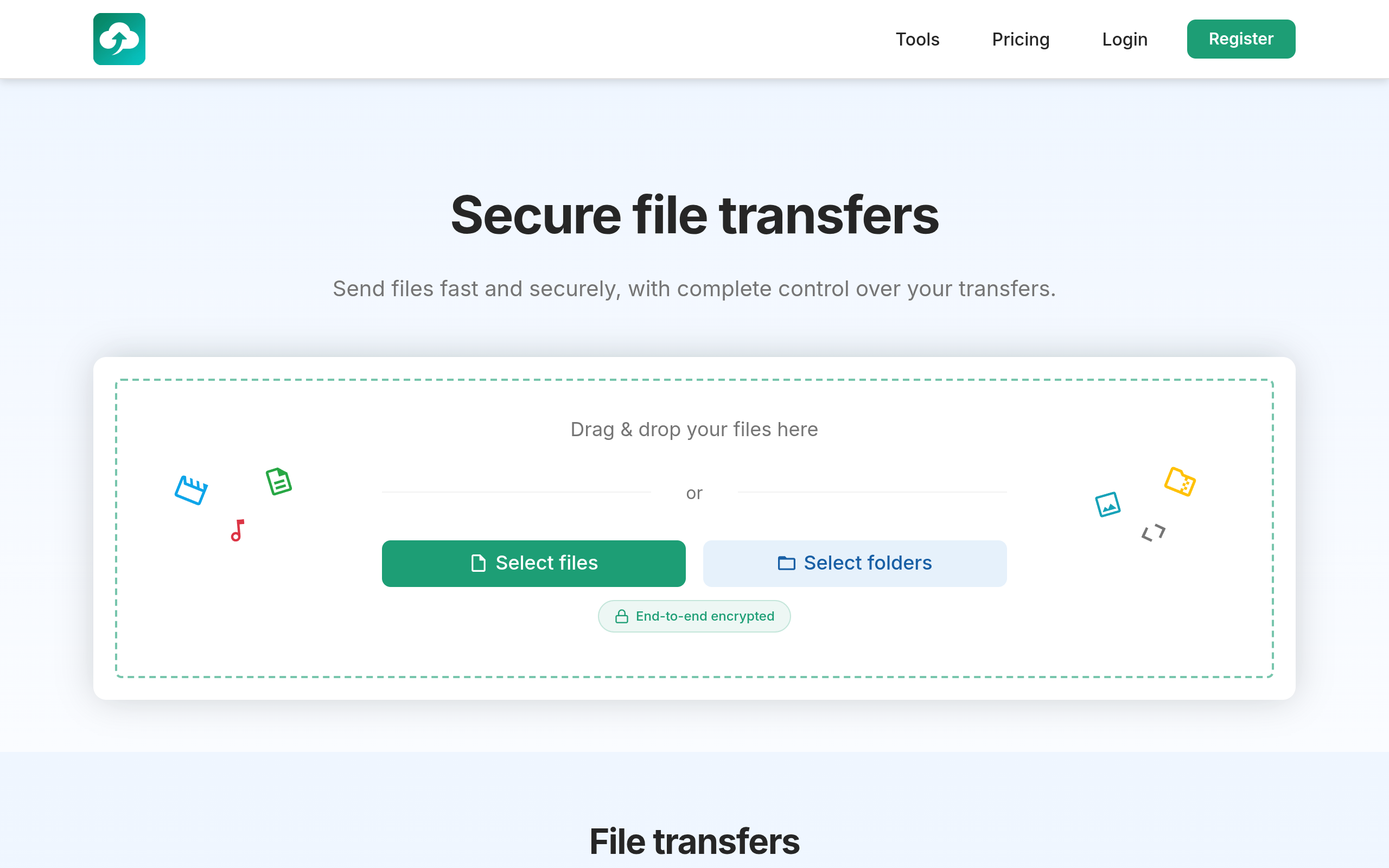
1) Upload: Drag & drop files or select folders on the HypeShare upload page (guest or logged-in). 2) Configure: Optionally set a password, expiration date, and maximum download count; add recipient emails or create a shareable link. 3) Share: Send the generated link or let HypeShare email recipients directly. 4) Receive: Recipients click the link and download files securely; use File Requests to collect uploads from others into your account or dashboard.