
Hush Touch | Voice-to-Text for MacOS
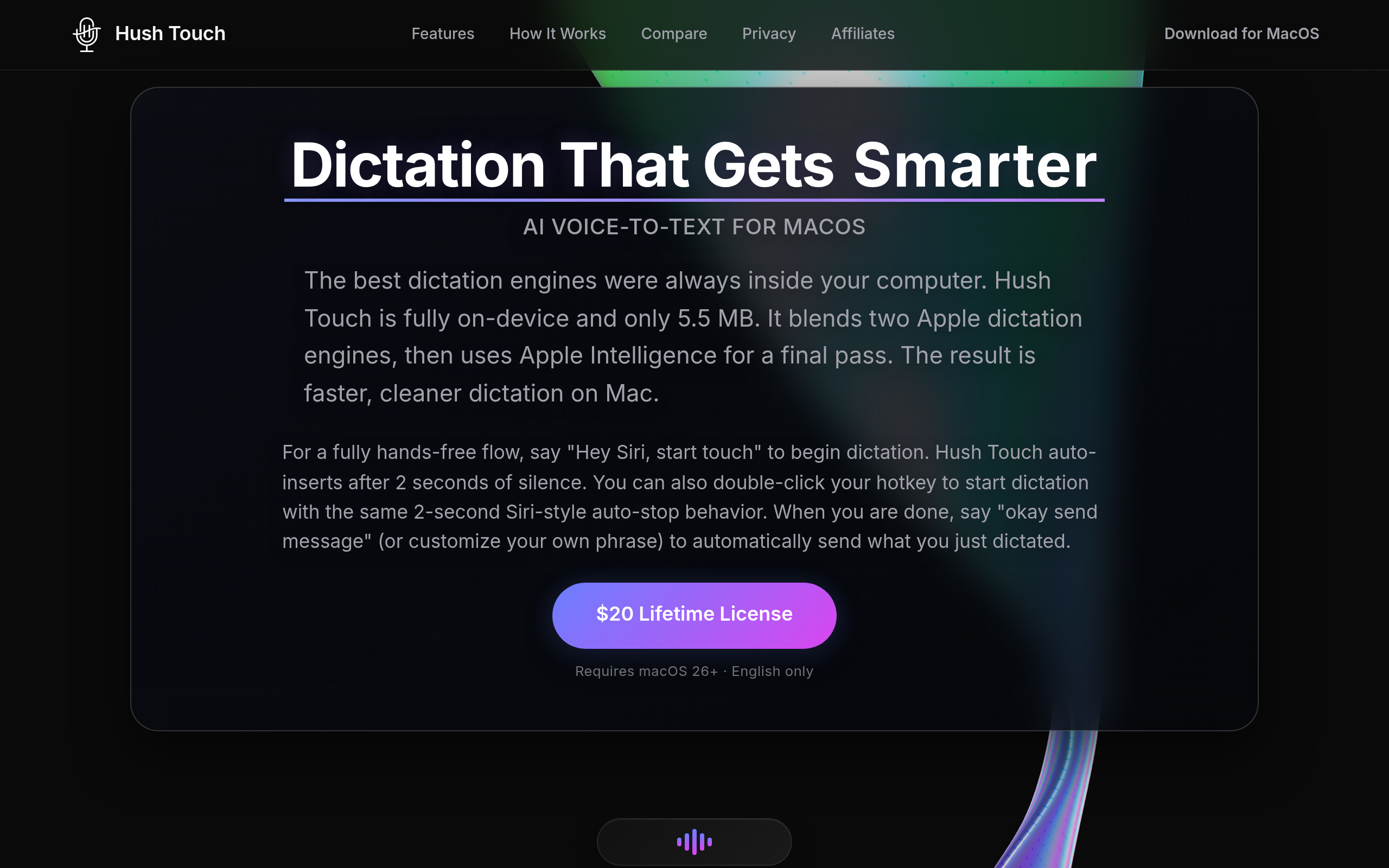
Offline voice-to-text for macOS, fully on-device with 2 tandem Apple transcription engines and an Apple Intelligence final pass. $20 lifetime license.
About
Hush Touch is a voice-to-text app for macOS that makes dictation feel fast, natural, and private. It runs fully on-device for offline use, combining two Apple transcription engines with an Apple Intelligence final pass to produce cleaner, more accurate text. The app is lightweight (5.5mb), launches quickly, and fits into everyday writing workflows with minimal setup. Use Hush Touch to draft emails, messages, notes, documents, and content hands-free. Start dictation with a hotkey or Siri, speak naturally, and let Hush Touch auto-insert text after a short pause. You can also send your message by voice with customizable command phrases. Hush Touch is built for people who want better dictation without cloud dependence. It helps remove filler words, improve punctuation, learn vocabulary over time, and keep your tone clear while preserving privacy through on-device processing. $20 lifetime license
Key Features
Dual-Engine Recognition
Combines two native Apple speech engines (DictationTranscriber + SFSpeechRecognizer) and runs an Apple Intelligence final pass to produce faster, cleaner, and more accurate on-device transcripts.
100% On‑Device Privacy
All speech processing, vocabulary learning, and text polishing happen locally on your Mac with zero cloud requests, telemetry, or data collection.
Custom Vocabulary & Adaptive Learning
Store up to 500 custom terms (technical jargon, names, commands) and auto-learn corrections to improve accuracy over time with per-app profile boosting.
Context Modes & Smart Text Processing
Switch between modes (General, Email, Code, Notes) and get features like filler-word removal, auto-punctuation, numbered lists, emoji dictation, and voice snippets for repeated phrases.
Flexible Activation & Send-by-Voice
Start dictation via hotkey, double-click hotkey (Siri-style auto-stop), or hands-free with 'Hey Siri, start touch'. Use a customizable voice phrase (e.g., 'okay send message') to send text by voice.
How to Use Hush Touch | Voice-to-Text for MacOS
1) Install Hush Touch on a compatible Mac (requires Apple Silicon; macOS 26+ for dual-engine mode). 2) Open the app and configure a hotkey and preferred context mode (General, Email, Code, Notes). 3) Start dictation with your hotkey or hands-free via 'Hey Siri, start touch'; speak naturally. Hush Touch auto-inserts text after ~2 seconds of silence. 4) Edit or correct text if needed—corrections update your custom vocabulary—and optionally send the message by saying your custom send phrase (e.g., 'okay send message').