
HuntAI
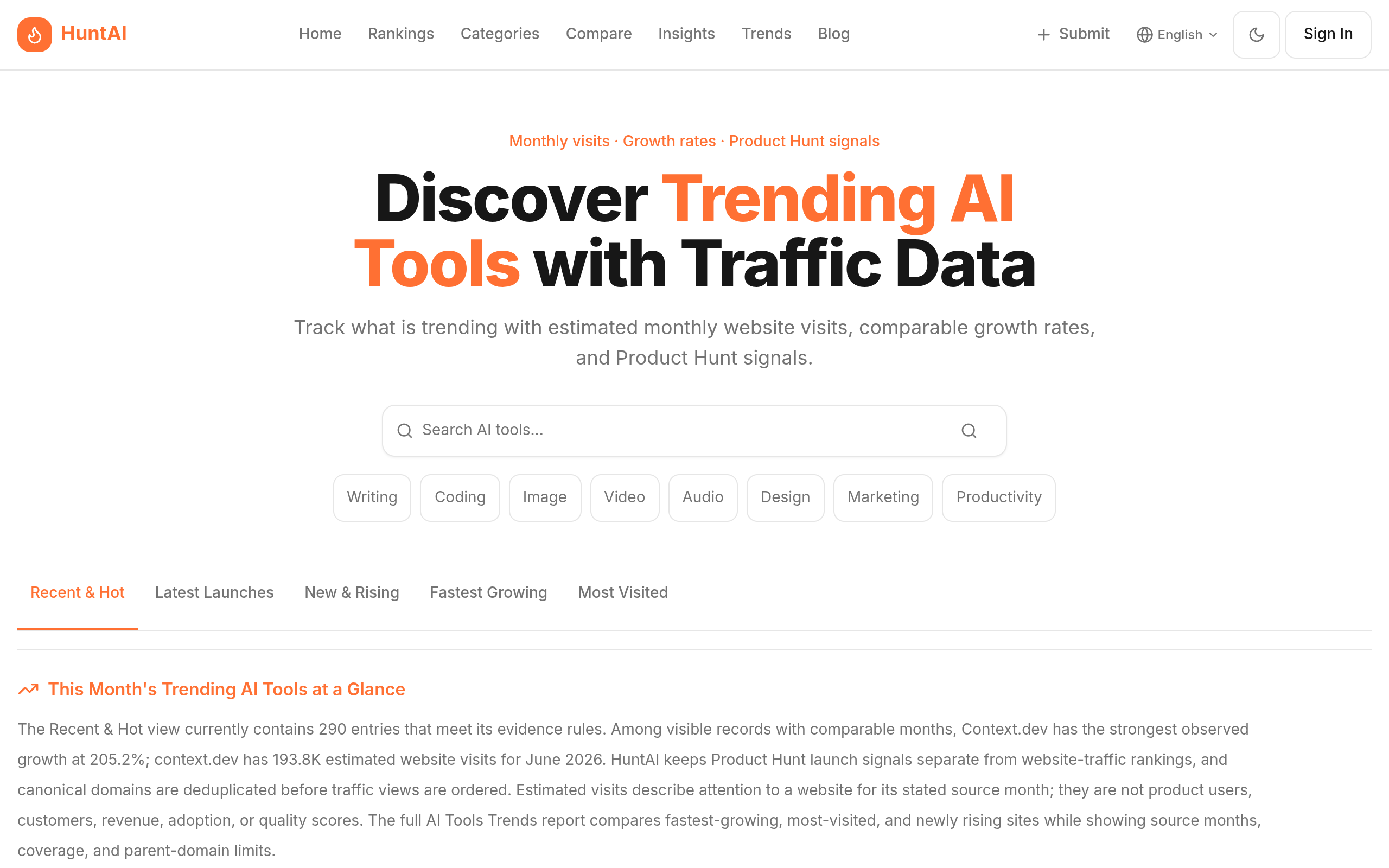
AI tool discovery and rankings powered by real SimilarWeb traffic data, with daily updates and global rankings.
About
HuntAI is an AI tool discovery and ranking platform powered by real SimilarWeb traffic data. It helps users compare AI products by monthly visits, global rankings, and traffic trends, browse tools by category and topic, and discover fast-growing products through daily-updated rankings. AI makers can also submit their products for inclusion. HuntAI is free to use and provides a practical starting point for AI product research, comparison, and discovery.
Key Features
Traffic-ranked Listings
AI tools are ranked using independent SimilarWeb website-visit estimates and shown with source months so users can compare monthly visits, absolute gains, and percentage growth.
Multiple Trending Views
Separate checkable views for Most Visited, Fastest Growing, New & Rising, and Recent & Hot to surface tools by different growth and launch signals rather than a single opaque score.
Category & Topic Browsing
Browse and filter tools by category, task, or topic (e.g., writing, coding, image, video) to quickly find relevant products and narrow lists using a controlled taxonomy.
Compare, Save & Export Signals
Save tools to watchlists, compare products side-by-side (after sign-in), and access HuntAI Signals history via RSS or JSON for tracking changes and exports.
Public Submission & Verification
AI makers can submit product information and canonical domains for review and inclusion, with methodology and FAQ documentation explaining what estimated visits represent.
How to Use HuntAI
1) Browse or search by category or topic on the homepage to find AI tools relevant to your need. 2) Open a ranking view (Most Visited, Fastest Growing, New & Rising, Recent & Hot) and apply filters to narrow by task, topic, or source month. 3) Click an individual product to view its traffic estimate, source month, growth trends, and available launch signals. 4) Sign in to save tools, create watchlists or compare selections; use RSS/JSON or Signals history to monitor changes over time or export data.