
Humanizer AI
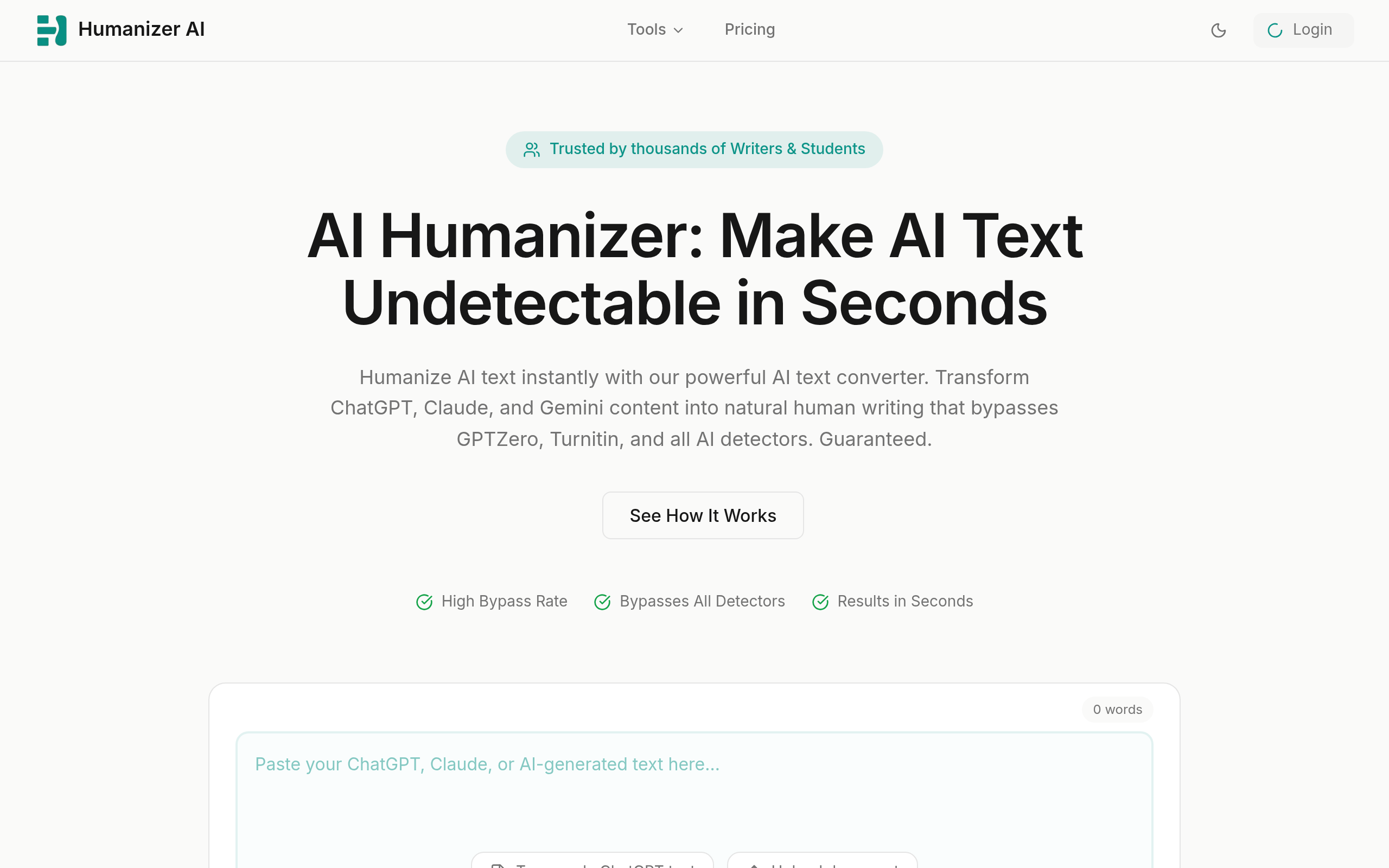
AI text humanizer and AI detector. Transform AI-generated content into natural, human-like writing that bypasses GPTZero, Turnitin, and Originality.ai.
About
Humanizer AI transforms AI-generated content from ChatGPT, Claude, and Gemini into natural human writing that bypasses detection tools like GPTZero, Turnitin, and Originality.ai while preserving the original meaning. Features include an AI detection scanner, three intensity modes (Light, Medium, Bypass), quote and LaTeX preservation, document management, and API access on all plans. Free tools available including AI detector, paraphraser, grammar checker, and summarizer.
Key Features
AI Detection Scanner
Instantly scores text for AI-origin signals and shows what detectors like GPTZero and Turnitin will flag so you can choose the right humanization level.
Three Humanization Modes
Light, Medium, and Bypass intensity settings let you pick subtle edits or deep rewrites to balance meaning preservation with detector bypassing.
Quote & LaTeX Preservation
Keeps quoted passages, citations, and LaTeX/math expressions intact during rewriting so technical content remains accurate.
Document Upload & Management
Upload, store, and manage documents for batch processing and quick access across projects.
API Access & Integrations
Programmatic API access on all plans enables integration into workflows, editors, or publishing pipelines for automated humanization.
How to Use Humanizer AI
1) Paste or upload the AI-generated text into the editor (or drop a document). 2) Run the built-in AI detection scanner to see the current AI-score and identify flagged passages. 3) Select a humanization mode (Light, Medium, or Bypass) and click Humanize. 4) Review the rewritten output, make any manual edits, and re-humanize with custom instructions if needed; export or copy the final text. Always review results and use responsibly.