
HireJosie
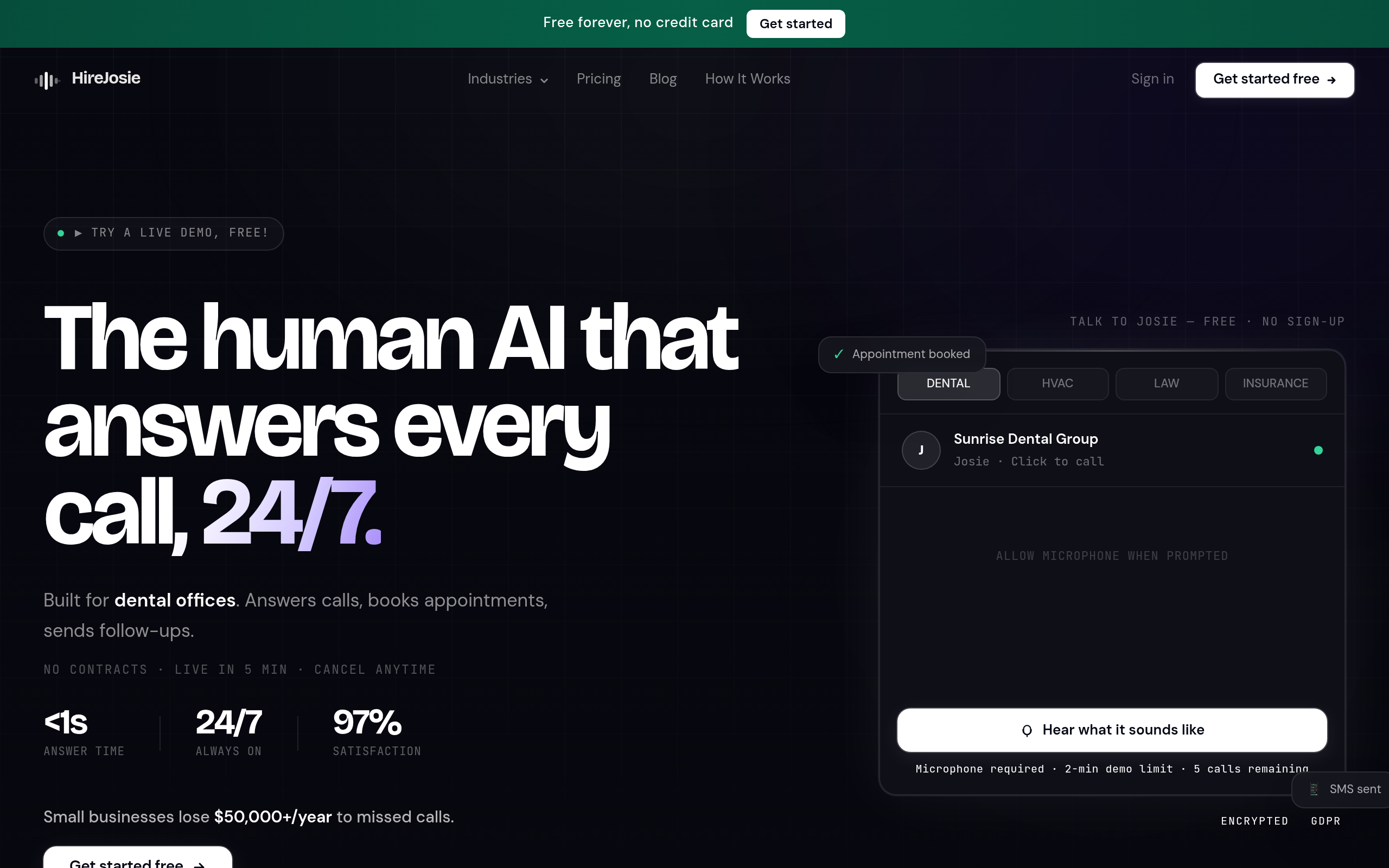
AI receptionist that answers every business call 24/7, books appointments, and sends follow-ups. Free forever, setup in 5 minutes.
About
HireJosie is an AI receptionist that answers your business phone 24/7: no missed calls ever! It handles appointment booking, FAQs, call transfers, and SMS follow-ups automatically, so you can focus on the work that matters. It handles multiple simultaneous calls. Features: - Works out of the box: paste your website URL and HireJosie learns your business. Your AI receptionist is live in under 5 minutes with zero technical setup. - Actually free: Free AI minutes per month, forever. No credit card, no trial expiration. - Industry-trained: purpose-built prompts for most small business categories. - Real integrations: syncs with Google Calendar for booking and provides full call transcripts and recordings in your dashboard. - Your voice, your rules: customize the greeting, personality, call handling instructions. Forward your existing number or get a new one. Used by solo practitioners and growing teams who need every call answered professionally, even at 2 AM.
Key Features
24/7 Call Answering
Answers every incoming business call instantly, day or night, preventing missed calls and handling multiple simultaneous callers without busy signals.
Automated Appointment Booking & Calendar Sync
Books appointments automatically and syncs them to Google Calendar to avoid double-booking and ensure booked slots appear in your team’s calendars.
Post-call SMS Summaries & Follow-ups
Sends an SMS summary to callers after each interaction (including booking confirmations and next steps) to improve conversion and reduce no-shows.
Transcripts, Recordings & Dashboard Analytics
Provides full call transcripts, recordings, AI summaries, and a live dashboard so you can review interactions, track bookings and monitor performance.
Custom Voice, Scripts & Industry Prompts
Pre-trained industry-specific prompts and customizable greetings, personas, routing rules and the option to forward an existing number or provision a new local number.
How to Use HireJosie
1) Sign up and tell HireJosie about your business (hours, services, call handling preferences) — onboarding takes minutes. 2) Paste your website or forward your existing phone number (or get a new local number) so Josie can learn your business and start answering. 3) Customize greeting, booking rules and integrations (connect Google Calendar, set SMS settings, transfer rules). 4) Go live: monitor calls, transcripts and booked appointments in the dashboard and tweak call handling as needed.