
HeightComparison Hub
Visually compare heights of people, celebrities & objects side by side
About
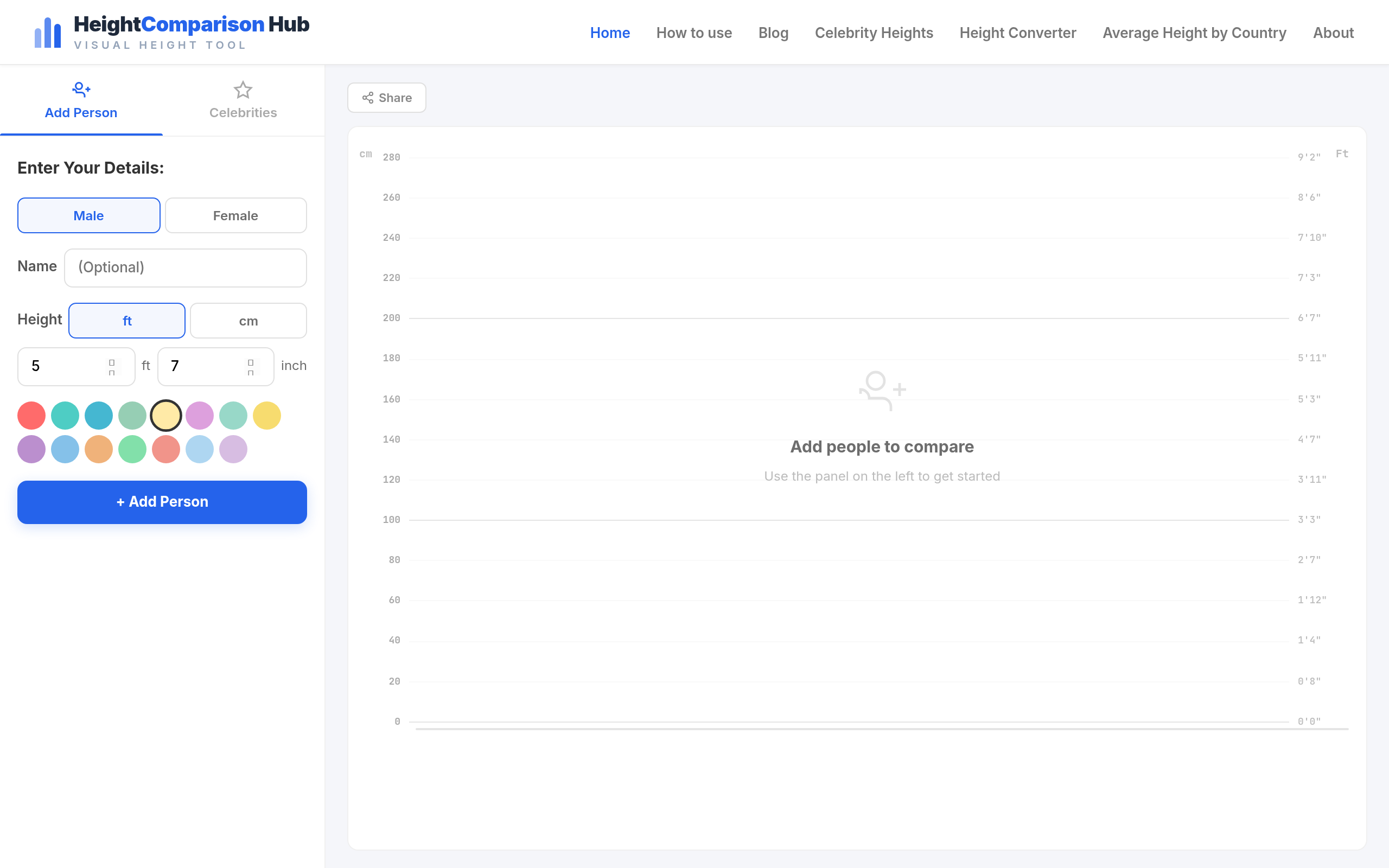
HeightComparison Hub is a free online tool that lets you visually compare the heights of people, celebrities, athletes, fictional characters, and everyday objects side by side. Simply search for any person or object from our extensive database, or enter custom heights manually. Our intuitive interface lets you arrange figures in any order, with real-time visualization showing accurate height comparisons to scale. Key features: - Compare multiple people or objects simultaneously - Database of thousands of celebrities, athletes, and public figures - Custom height entry in feet/inches or centimeters - Share comparisons via unique URLs - Mobile-friendly responsive design - No login required for basic comparisons Perfect for settling height debates, satisfying curiosity about celebrity heights, and educational purposes.
Key Features
Multi-figure Comparison
Compare many people, fictional characters, athletes, or objects side-by-side with accurate proportional silhouettes.
Extensive Celebrity & Public Figures Database
Built-in database of 139+ fact-checked celebrity, athlete, and public figure heights organized by category for quick search and add.
Custom Height Entry & Unit Conversion
Enter custom heights manually in feet/inches or centimeters, and use the built-in converter to switch units instantly.
Shareable Comparisons
Generate unique URLs for each comparison so you can save, share, or revisit exact visual charts later.
Mobile-friendly Responsive UI
Works on desktop and mobile with an intuitive sidebar interface for adding, ordering, and editing figures without requiring an account.
How to Use HeightComparison Hub
1) Open HeightComparisonHub.com and use the sidebar search to find a celebrity or object, or click 'Add custom' to enter a height in ft/in or cm. 2) Click any result (or Add) to place the figure into the visual chart; repeat to add multiple figures. 3) Reorder, remove, or edit entries in the sidebar; the chart updates in real time to show accurate, to-scale silhouettes. 4) When ready, copy the generated share URL or use the site controls to export or revisit your comparison.