
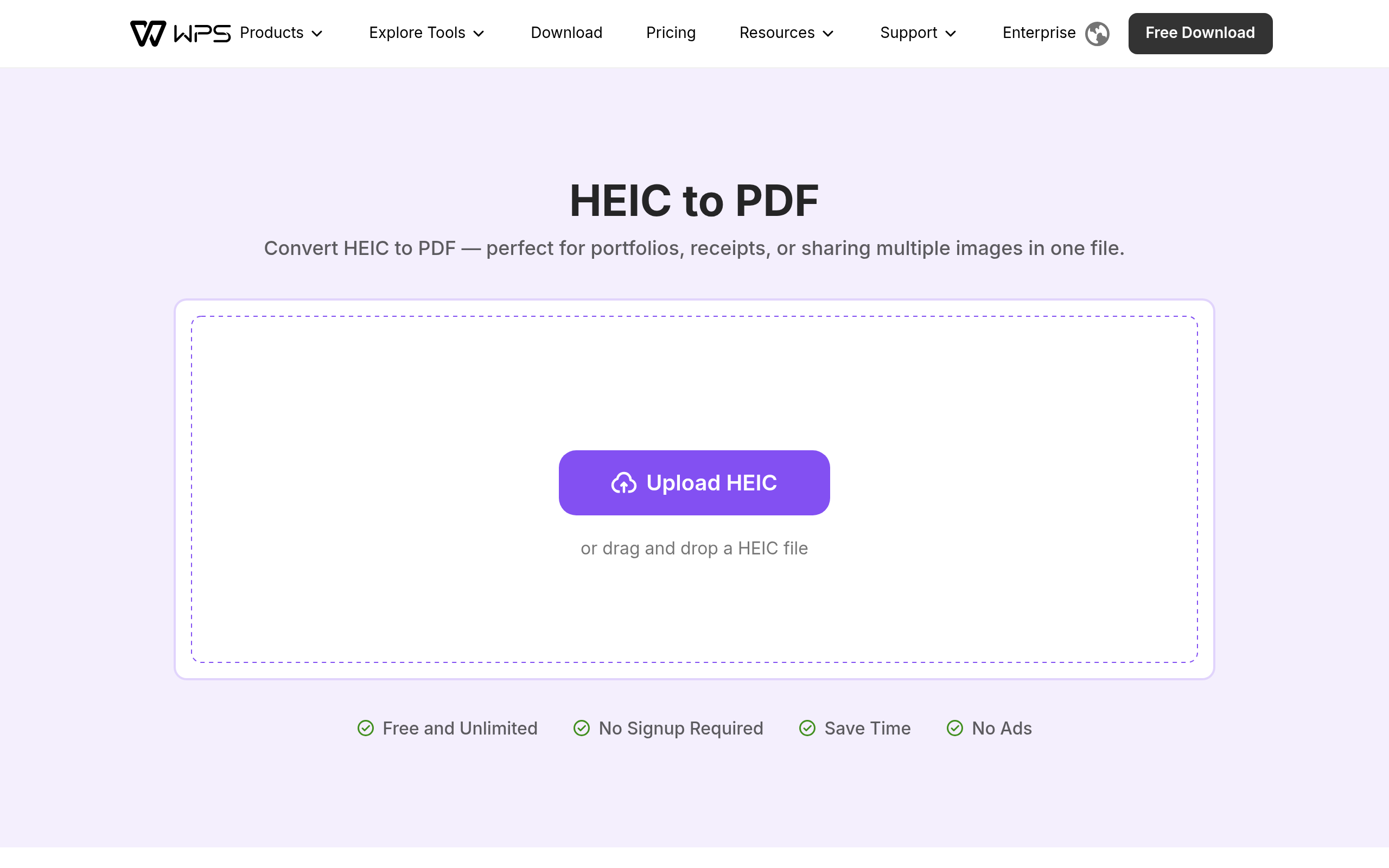
HEIC to PDF
Use HEIC to PDF converter to convert HEIC to PDF instantly. Combine iPhone images into a single PDF file for easy sharing and storage.
About
Convert HEIC to PDF quickly and efficiently with this free online tool. The HEIC to PDF converter allows you to transform iPhone HEIC images into structured PDF documents that are easy to share, store, and access across all devices. Since HEIC format is not fully supported everywhere, converting images into PDF ensures better compatibility and consistent viewing experience. This convert HEIC to PDF tool is ideal for creating organized documents from multiple images. HEIC to PDF in Three Simple Steps are: Step 1: Upload your HEIC images Step 2: Start the conversion Step 3: Download your PDF file Convert HEIC to PDF online in seconds with this reliable HEIC to PDF converter, ensuring fast processing, organized output, and universal compatibility
Key Features
Fast, Browser-Based Conversion
Convert HEIC images to PDF instantly in your browser—no software installation required.
Batch Conversion & Image Combining
Upload multiple HEIC photos at once and compile them into a single multi-page PDF for easy sharing or archiving.
Preserve Original Image Quality
Maintains original resolution, color and clarity during conversion so photos and scanned documents remain readable and sharp.
Secure & Private
Files are transferred over encrypted connections and automatically removed from servers after conversion to protect privacy.
Free & No Signup Required
Free to use with no account creation or hidden barriers; quick downloads with no ads or watermarks.
How to Use HEIC to PDF
1) Upload or drag-and-drop one or more HEIC files from your iPhone or computer. 2) Click Convert to start the conversion—each image will be placed on its own page. 3) Download the resulting PDF file and save, share, or print as needed.