
Haporium
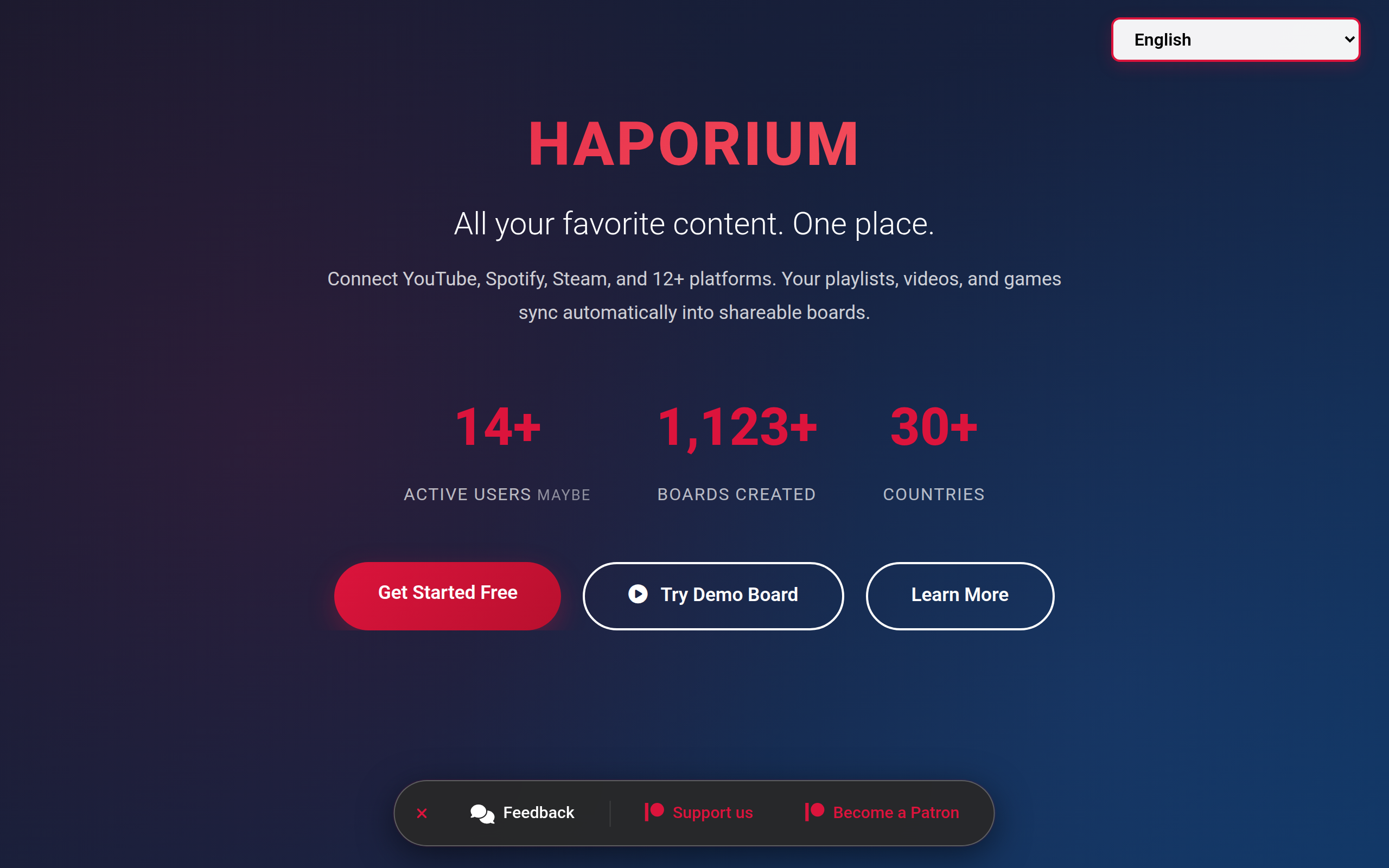
Haporium is a content curation platform that lets you collect items from 12+ social networks, organize them into customizable boards for sharing
About
Haporium is the ultimate content curation and social discovery platform. Create personalized "Boards" to collect, organize, and share anything from the web - links, images, text, and content from your connected social accounts. The Problem: Your digital life is scattered across dozens of platforms. Finding and sharing your favorite content means jumping between YouTube, Spotify, Pinterest, Steam, and more. The Solution: Haporium unifies everything. Connect your accounts, auto-sync your content, and organize it all into stunning boards you can share with anyone.
Key Features
Multi‑Account Connectors
Link and authorize 12+ platforms (YouTube, Spotify, Steam, Pinterest, TikTok, GitHub, etc.) so your playlists, videos, favorites, and libraries import automatically into Haporium.
Auto‑Sync & Live Import
Connected accounts auto-sync in the background so boards stay up to date with your latest posts, playlists, and saved items without manual importing.
Customizable Boards
Create themed boards to mix links, images, videos and text from different sources, customize layout and appearance, and organize content with sections and tags.
Flexible Sharing & Privacy
Publish boards publicly for discovery, keep them private for personal use, or protect them with passwords and share selective access with collaborators.
Discovery & Collaboration
Browse public boards to discover curated collections, follow creators, and invite friends or teammates to collaboratively build and edit boards.
How to Use Haporium
1) Connect accounts: Sign up (or try the demo) and connect your social accounts (YouTube, Spotify, Steam, etc.) with one click. 2) Create a board: Click 'New Board', choose a title and layout, and set privacy (public, private, or password-protected). 3) Add content: Auto-import synced items or manually add links, images, videos, and notes; organize items into sections and reorder as needed. 4) Share & collaborate: Share the board link, invite collaborators to edit, or explore and follow public boards from other users.