
H3 Video
AI video creation platform for MiniMax H3 with native 2K and stereo audio.
About
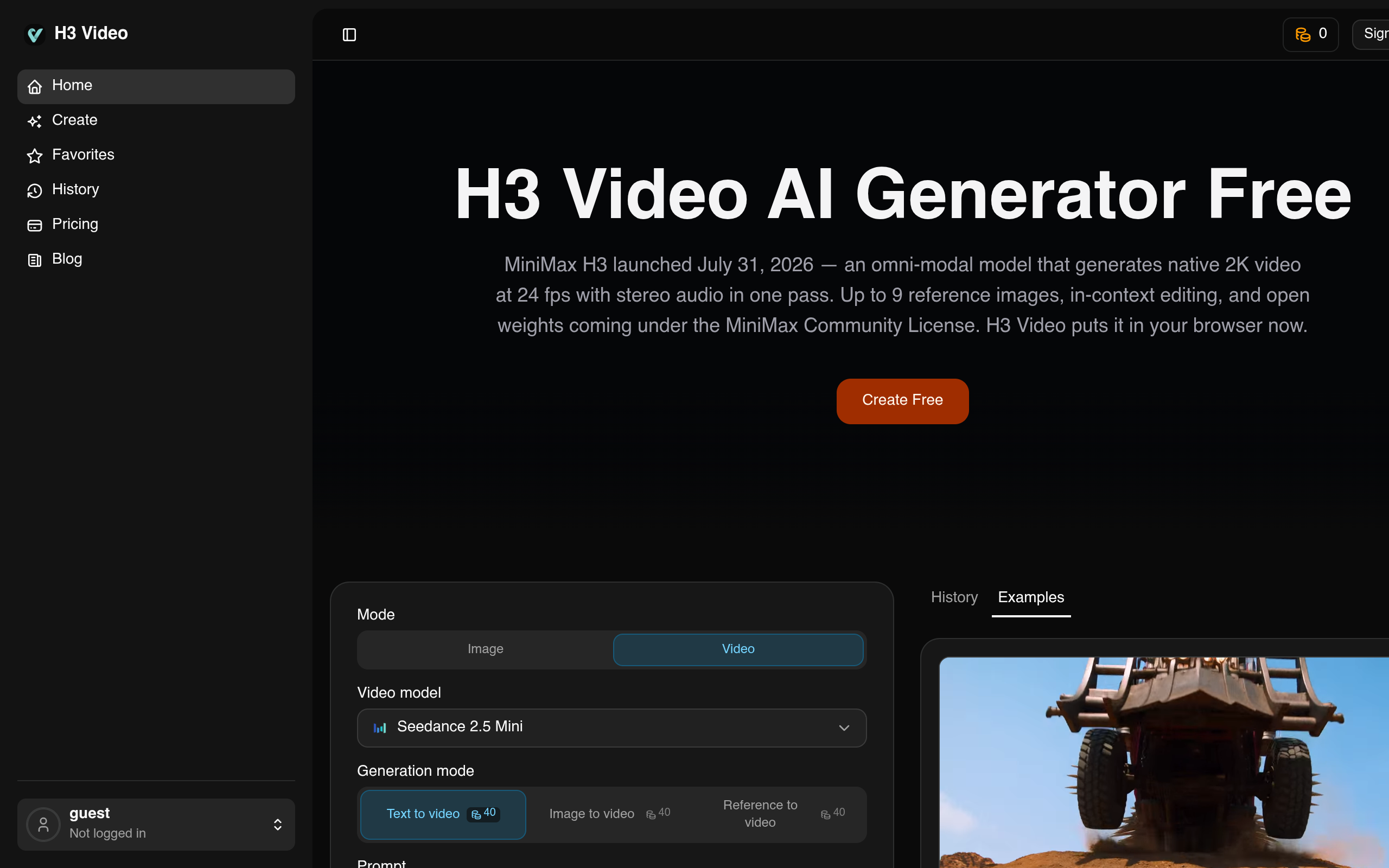
H3 Video is an AI video creation platform for MiniMax H3 (Hailuo 3). Generate native 2K video at 24 fps with stereo audio from text, images, and references. Supports text-to-video, image-to-video, reference-to-video, first-and-last-frame control, omni-reference with up to 9 images, and in-context editing. New accounts get free credits with no credit card required.
Key Features
Native 2K at 24 fps
Generates native 1440p (short-edge 2K) video at film-standard 24 fps without needing an upscale step — delivers short clips (4–15s) optimized for quality and cinematic look.
Omni-reference multimodal control
Accepts up to 9 reference images plus video and audio references (examples: 3 videos, 3 audio files) so you can combine character, motion, and audio sources for precise output control.
In-context editing (regenerate edits)
Edit scenes by describing changes in natural language — swap characters, change props or camera moves, and regenerate only the necessary content without re-rolling the entire clip.
Unified audio & video generation
Produces stereo dialogue, sound effects, and ambience in the same generation pass as video; supports voice transfer via reference audio inputs.
Hosted access with free starter credits
Cloud-hosted platform removes GPU/checkpoint management; new accounts receive free credits (no credit card required) and credits are refunded automatically on failed generations.
How to Use H3 Video
1. Open https://h3video.org and sign in. 2. Write a prompt or add reference images. 3. Choose duration, aspect ratio, and resolution. 4. Generate the clip, then review or edit in-context.