
graspeo
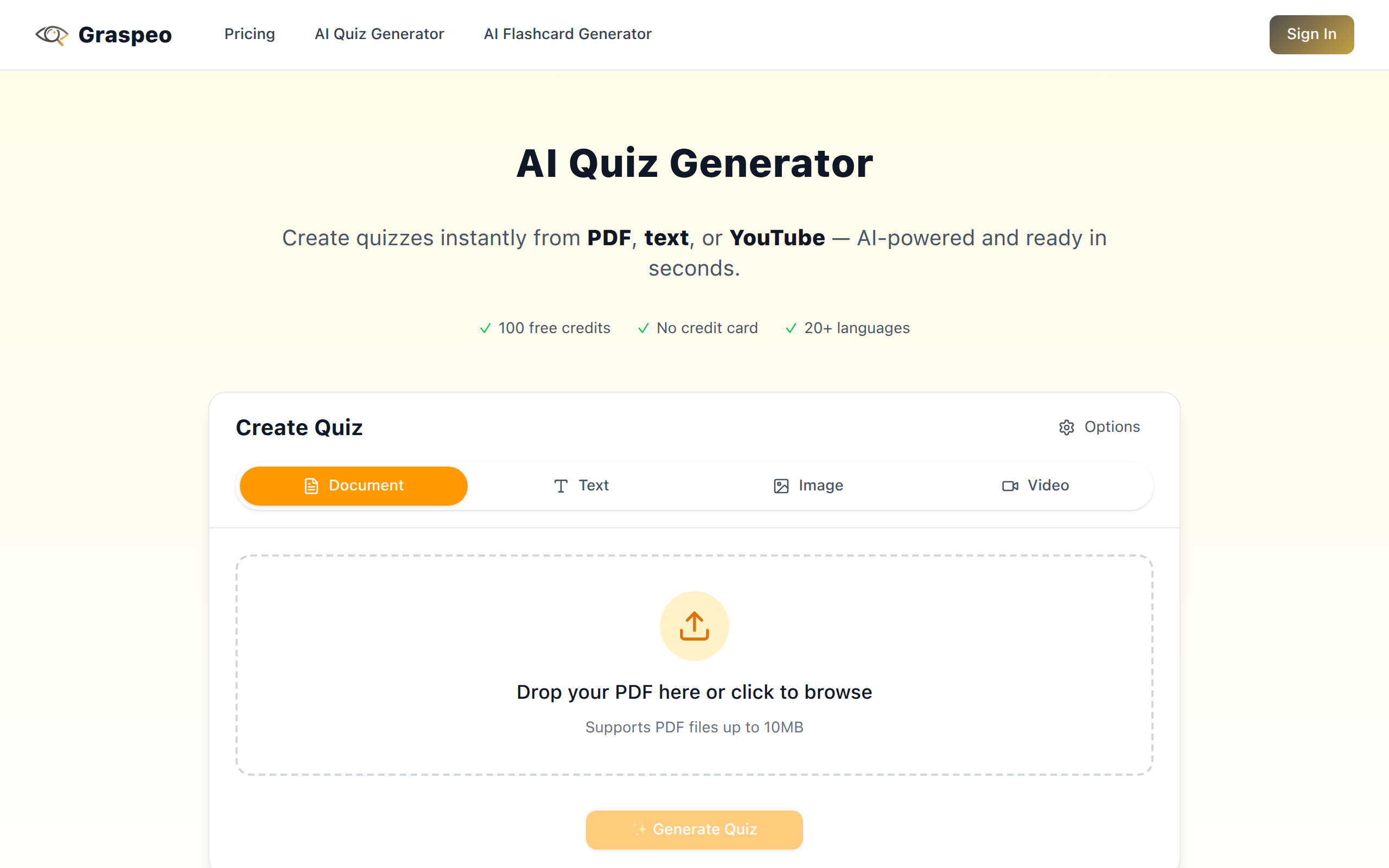
AI-powered study tool that turns PDFs, text, and YouTube videos into quizzes and flashcards instantly. Save hours of manual work.
About
Graspeo uses AI to transform any learning material into interactive study tools. Upload a PDF, paste text, or share a YouTube link - get quizzes and flashcards in seconds. Perfect for students, professionals preparing for certifications, and teachers who need to create assessments quickly. Supports 25+ languages with automatic detection. Features include multiple question types (single-choice, multiple-choice, true/false), customizable flashcard formats, practice mode with instant feedback, exam simulation, and export to Anki/CSV/PDF.
Key Features
Instant Quiz & Flashcard Generation
Convert PDFs, pasted text, images, URLs or YouTube links into ready-to-use quizzes and flashcards in seconds.
Multiple Question Types & Difficulty Control
Supports single-choice, multiple-choice, true/false, fill-in-the-blank and short-answer questions with Bloom's Taxonomy-aligned difficulty tiers (easy/medium/hard).
Editable Outputs & Practice Mode
Preview and fully edit generated questions, answers and explanations; use practice mode with instant feedback and exam simulation for realistic study.
Export & Integration
Export quizzes and flashcards to Anki, CSV, PDF, Word or JSON for printing, LMS import or further editing; secure processing with no permanent storage.
Multi-language Auto-detection
Automatic language detection and support for 20+ languages so you can generate study materials in students' native languages.
How to Use graspeo
1) Input content: Upload a PDF/Word/TXT, paste text, drop an image or paste a YouTube/URL. 2) Configure: Choose question types, set difficulty level, select number of questions and language. 3) Generate & edit: Click Generate to create the quiz/flashcards, then review and modify any stems, choices, answers or explanations. 4) Practice or export: Use practice/exam mode to study with instant feedback or export to Anki/CSV/PDF/Word/JSON.