
Gesture Synth
Free browser instrument: play synth chords with hand gestures, no install or account.
About
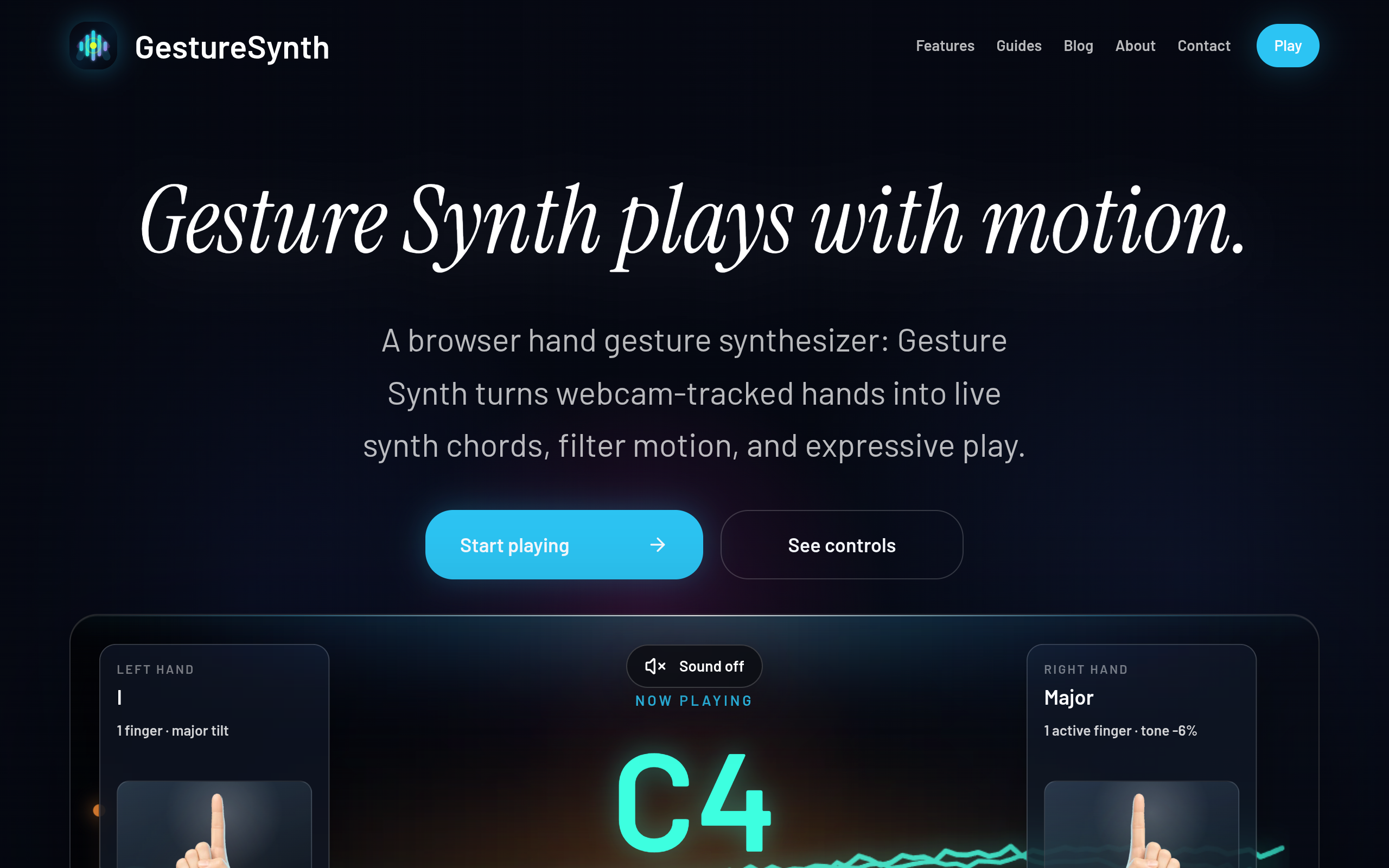
Gesture Synth is a free browser instrument and music game that turns hand gestures into synthesizer chords, with no installation and no account. Using a webcam and MediaPipe hand tracking, all processed locally in the browser, it lets players make music by moving their hands in front of the camera. The left hand selects scale degrees, while the right hand controls chord quality, octave, volume and filter tone, so every gesture produces instant sound feedback. It works as a playful way to explore harmony, chords and scales, and as a teaching aid for music lessons: students can hear how a chord changes as they change a hand position, without needing a keyboard or any hardware beyond a webcam. Gesture Synth runs entirely on the web, so it is easy to try in a classroom, at home, or in a workshop, and it is free to use.
Key Features
Local Webcam Hand Tracking
Uses MediaPipe to track hand landmarks in the browser; all gesture processing runs locally so no camera video is uploaded to a server.
Gesture-to-Chord Mapping
Left-hand finger combinations select scale degrees and major/minor context; right-hand gestures control chord quality, octave, volume and filter tone for immediate harmonic feedback.
Browser-First, No Install
Runs entirely in a modern web browser with no account, plug-ins, or external MIDI devices required—just grant camera permission after starting the game.
Education & Game Modes
Includes chord and song guides, a live scale guide, and troubleshooting tips—designed for classroom demos, music lessons, and playful musical exploration.
How to Use Gesture Synth
Open gesturesynth.org in a browser, allow camera access, and move your hands in front of the webcam: your left hand selects scale degrees and your right hand shapes the chord and sound.