
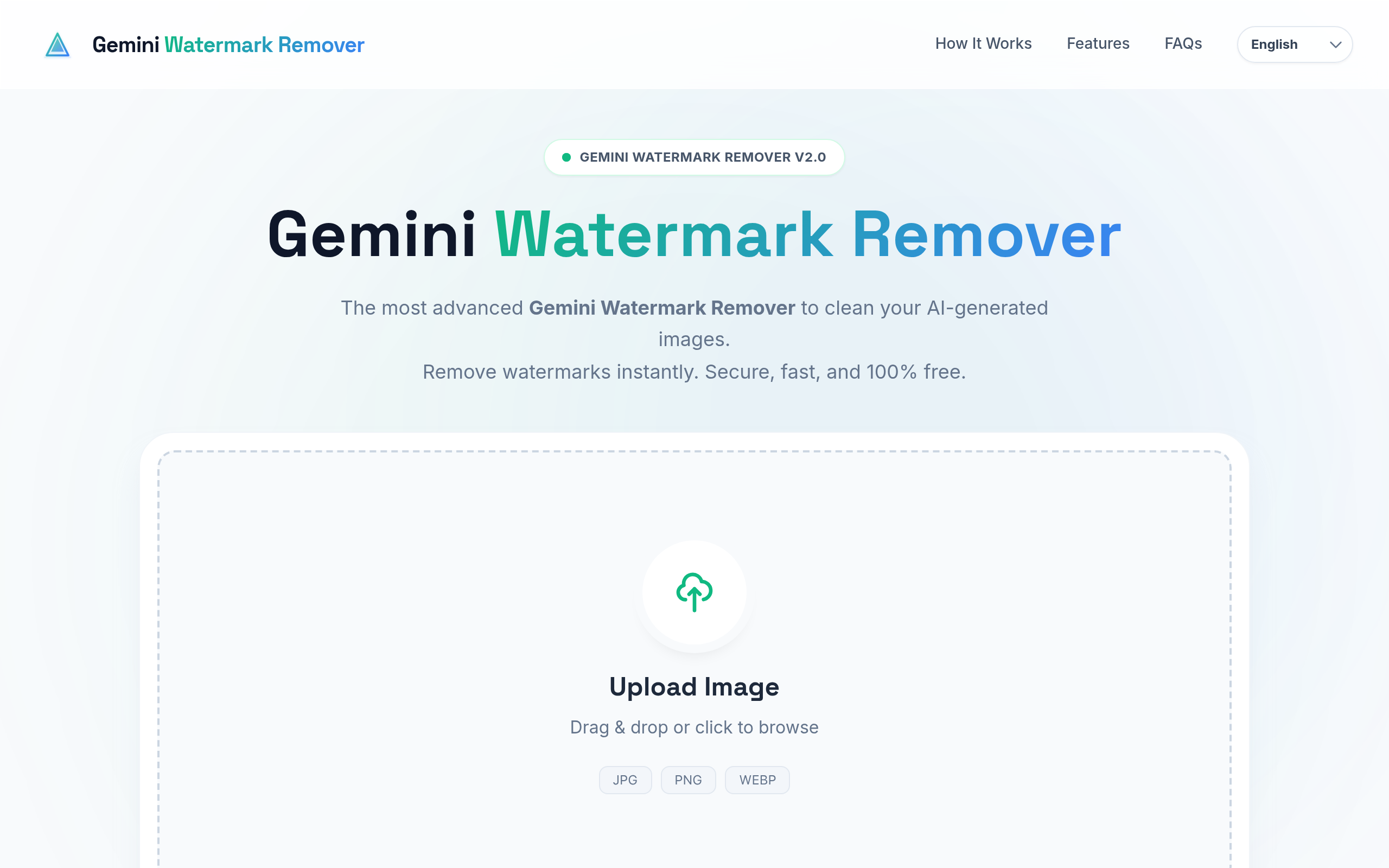
Gemini watermark remover
Gemini Water Remover is an advanced AI-powered online tool that helps you remove watermarks, logos, text, and branding from images and videos quickly and easily. It maintains original quality
About
Gemini Water Remover Tool is designed for users who want clean, professional-looking images and videos without unwanted watermarks or logos. In today’s digital world, content creators, bloggers, marketers, designers, and social media managers often face issues with watermarked visuals that reduce content quality and credibility. This tool uses advanced AI algorithms to intelligently detect and remove watermarks while preserving the original resolution, sharpness, and details of the image or video. Unlike traditional editing software, Gemini Water Remover does not require any technical skills, software installation, or paid subscriptions. One of the biggest advantages of Gemini Water Remover is its privacy-first approach. All processing is done directly in the user’s browser, meaning files are not uploaded or stored on external servers. Once the process is complete, files are automatically removed, making the tool safe and trustworthy. Whether you want to remove text from photos, logos from videos, or unwanted branding from visuals, Gemini Water Remover delivers fast, clean, and high-quality results with minimal effort.
Key Features
AI-Powered SynthID Detection & Removal
Advanced AI analyzes image/video pixels to detect synthetic watermark patterns (like SynthID) and mathematically subtracts the watermark layer while preserving original content.
Client-Side Privacy (No Uploads)
All processing runs locally in the user’s browser — files are not uploaded or stored on external servers and are removed automatically after processing.
Batch Processing & ZIP Download
Process hundreds of images at once and download cleaned files individually or as a ZIP archive to speed up large workflows.
4K Video Support & Frame-by-Frame Restoration
Supports high-resolution MP4 and WebM videos and removes watermarks across frames without re-encoding or quality loss.
Metadata Preservation & Quality Retention
Original EXIF metadata is preserved and the algorithm avoids compression artifacts, keeping sharpness, color, and resolution intact.
How to Use Gemini watermark remover
1) Open geminiwatermarksremover.com in a modern browser. 2) Drag & drop or click to upload your image(s) (JPG/PNG/WEBP) or video(s) (MP4/WebM); batch upload is supported. 3) The tool runs a local AI analysis to detect and remove the watermark — wait for the preview/restoration to complete. 4) Download the cleaned file(s) individually or choose Download All to get a ZIP. No login or uploads required.