
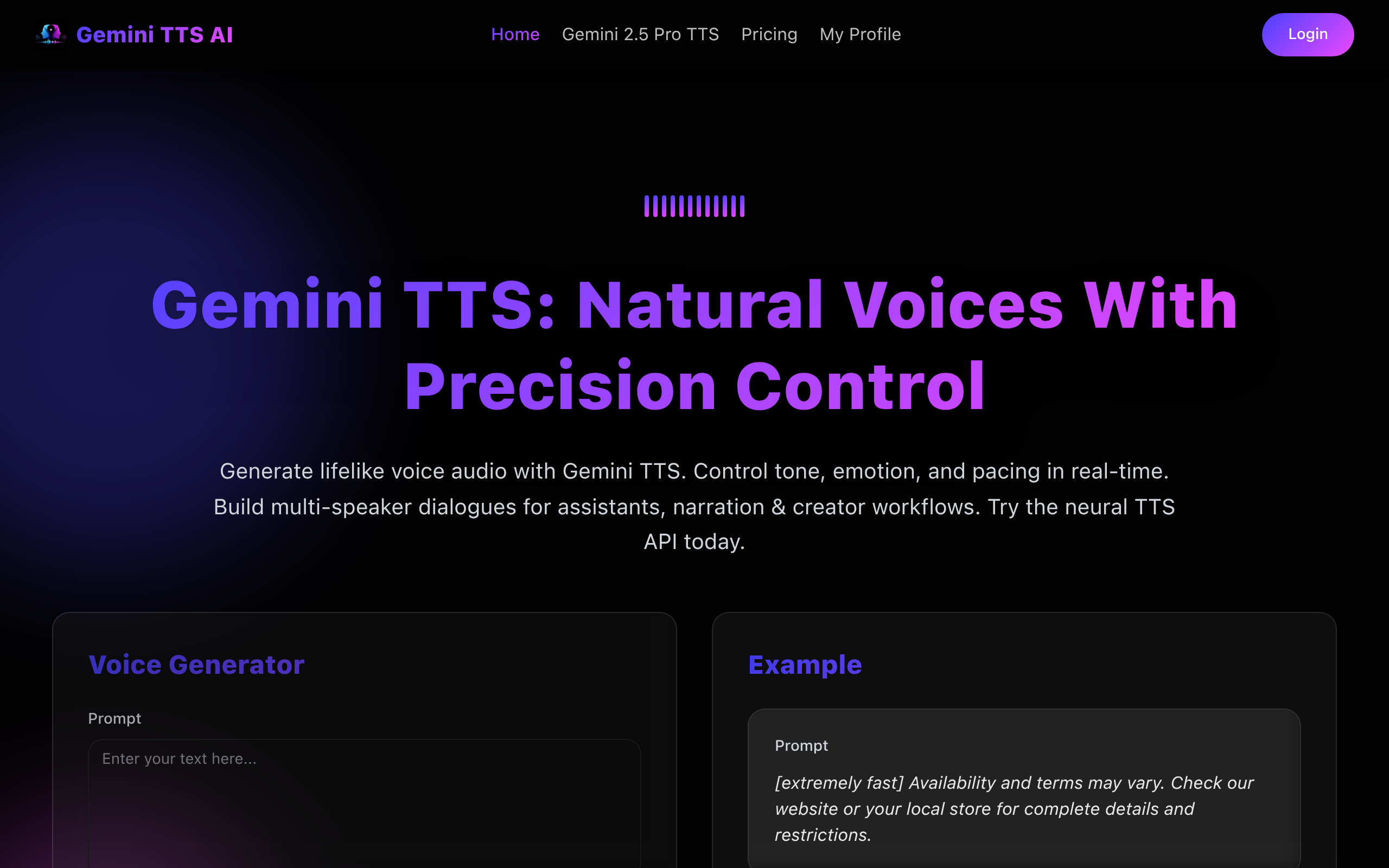
Gemini TTS
Generate lifelike voice audio with precise tone, emotion and pacing control. Build multi-speaker dialogues for assistants, narration and creator workflows.
About
Gemini TTS is a modern text-to-speech solution that generates natural audio while letting you direct the performance through plain-English instructions. Instead of tweaking complicated audio parameters, you describe what you want—tone, pace, emotion, and role—and Gemini TTS turns that into high-fidelity speech. You can use Gemini TTS for short snippets (UI confirmations, notifications, voice assistants) or longer narration (audiobooks, tutorials, explainer videos). You can also create multi-speaker audio where each speaker has a distinct identity, making conversations feel real and easy to follow. Key Benefits: • Brand-consistent voice experiences across every screen and flow • Higher engagement for content and learning with expressive narration • Better dialogue for multi-character content with distinct voices • Faster iteration - change tone and pacing by adjusting your prompt • Scales from prototypes to production
Key Features
Expressive Style Control
Direct voice performance using plain‑English prompts (cheerful, calm, cinematic, etc.) so output follows your desired tone and role without low-level audio tweaking.
Precision Pacing & Timing
Context-aware control over pacing, emphasis, and delivery—useful for jokes, suspense, tutorials, and disclaimers to make speech sound natural and intentional.
Multi‑Speaker Dialogue Support
Create conversations with distinct, consistent character voices and smooth speaker handoffs for podcasts, interviews, games, and simulations.
Multilingual & Pronunciation Control
Generate speech in many languages while preserving personality; fine-tune accents, pronunciation of technical terms, and locale-specific delivery.
Developer-Friendly API with Quality/Latency Options
Integrate via API with choices optimized for low latency (realtime assistants) or high fidelity (polished narration), enabling prototypes to scale into production.
How to Use Gemini TTS
1) Sign up or log in and choose a language and base voice. 2) Enter your script and add plain‑English performance instructions (tone, emotion, pacing, role). 3) For multi‑speaker content, assign speakers and specify each speaker's style/identity. 4) Preview the audio, tweak prompts or pacing, then export audio files or call the API for integration (use low‑latency endpoint for realtime apps or quality endpoint for polished output).