
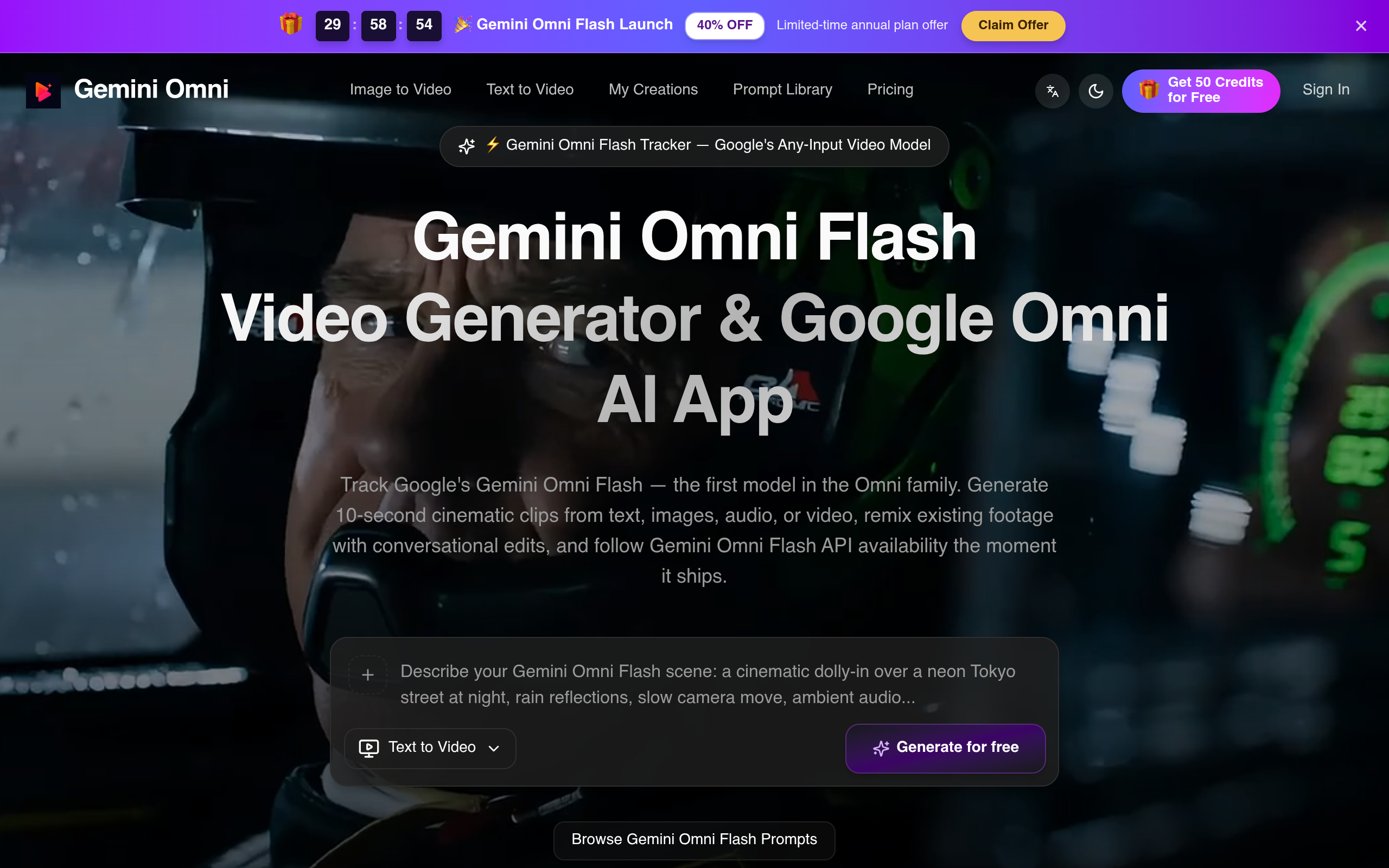
Gemini Omni Flash
Independent Gemini Omni AI video workspace for text, image, audio, and video-guided generation.
About
Gemini Omni Flash is an independent AI video workspace for creators exploring multimodal generation. It brings text-to-video, image-to-video, and reference-guided video workflows into one clear web interface, helping users move from a creative brief to a cinematic clip without switching between multiple tools. Users can start with text, a still image, audio, or an existing video reference, then describe the subject, camera movement, visual style, and desired changes in natural language. The platform includes free starter credits and paid credit plans for larger production volumes, with output options up to 1080p. It also offers a prompt library and creation history to help creators learn, iterate, and reuse effective ideas. Gemini Omni Flash is independently operated and is not an official Google product.
Key Features
Multimodal Input Support
Create videos from text prompts, still images, audio tracks, or existing video references in one unified workspace.
Reference-guided Editing & Remix
Remix or refine existing footage with conversational, reference-guided edits that preserve motion consistency and visual continuity.
Shot & Camera Control via Natural Language
Specify subject, camera movement, lighting, framing and visual style in structured natural-language prompts for intentional cinematic results.
Prompt Library, Versioning & Side-by-side Comparison
Save and reuse prompts, view creation history and compare multiple generated versions side-by-side to iterate efficiently.
Flexible Plans & Export Options
Free starter credits for testing plus paid credit plans for scale, with output options up to 1080p and selectable aspect ratios/resolution modes.
How to Use Gemini Omni Flash
1. Open Gemini Omni Flash and sign in to receive starter credits. 2. Choose a text-to-video, image-to-video, or reference-guided workflow. 3. Add a detailed prompt and any source media. 4. Generate the clip, review the result, and iterate on the prompt or references. 5. Save or export the final video from My Creations.