
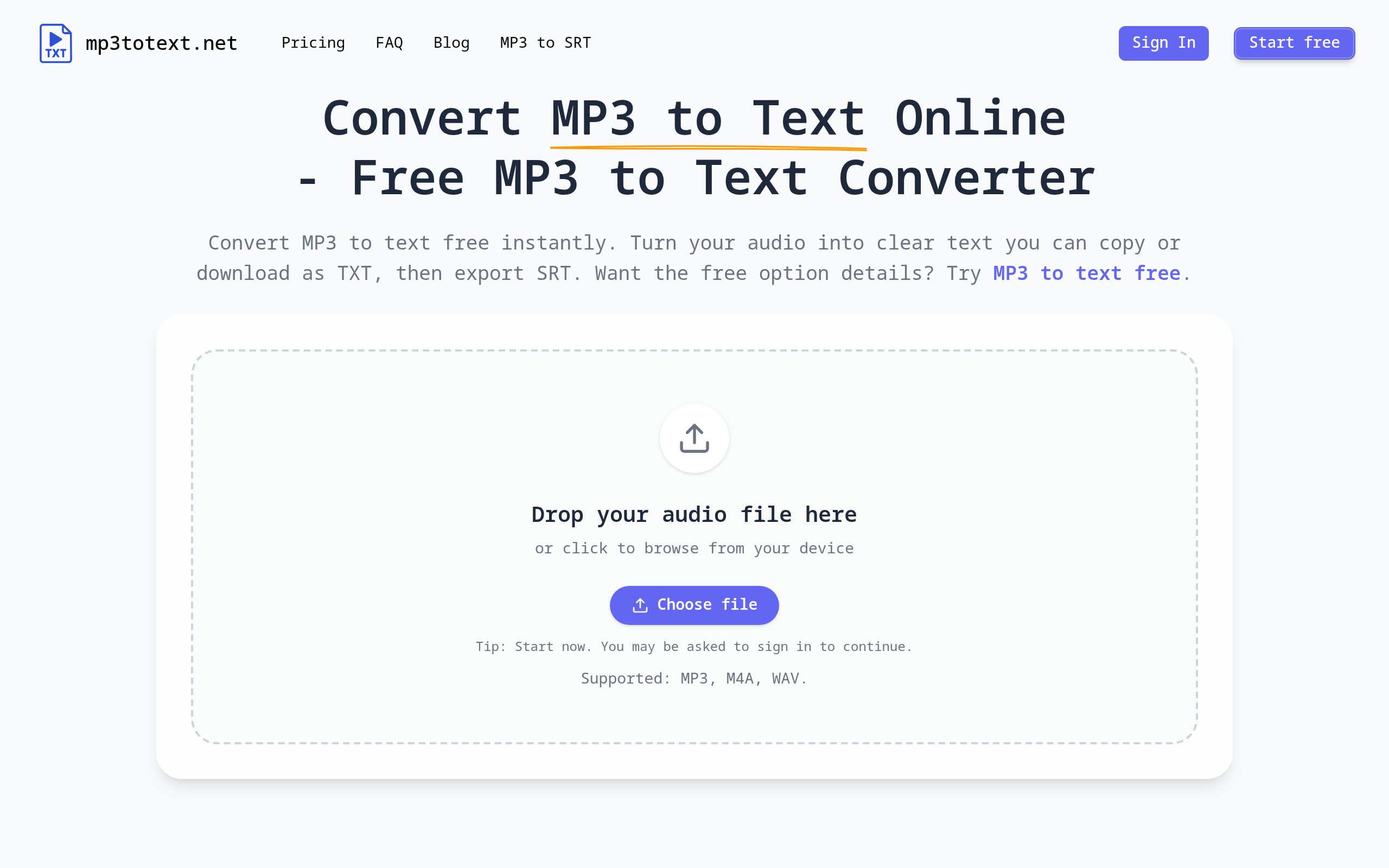
Free MP3 to Text Online Converter
Turn lectures, podcasts, and voice notes into clean text with an free AI-powered MP3 to text online converter.
About
mp3totext.net is a lightweight MP3 to text tool you can use online—built for students, researchers, and solo creators. Upload an MP3, click Transcribe, then copy the text, download TXT, or export SRT. Start free with no credit card, and upgrade with simple one-time credit packs (no subscription).
Key Features
Browser-based AI Transcription
Transcribes audio directly in any modern browser with no downloads or installations required.
Multi-format Support
Accepts MP3, M4A, WAV (and other common formats) so you can upload recordings from phones, recorders, or apps.
Export Options (TXT & SRT)
Copy transcripts or download them as TXT and export SRT for captions/subtitles.
Built-in Editor with Smart Punctuation
Review and correct transcripts in an integrated editor; AI adds punctuation and paragraph breaks for readable output.
Free Tier & Simple Credits
Try for free (guest and logged-in minute allowances) and buy one-time credit packs—no subscription required.
How to Use Free MP3 to Text Online Converter
1) Upload: Drag and drop your MP3 (or click to browse) — M4A and WAV are supported. 2) Transcribe: Click Transcribe and let the AI process the audio; short clips finish in seconds, longer files take longer. 3) Edit: Review the transcript in the built-in editor; fix any misheard words and adjust formatting. 4) Export: Copy the text, download a TXT file, or export an SRT for captions.