
franchiseinspect
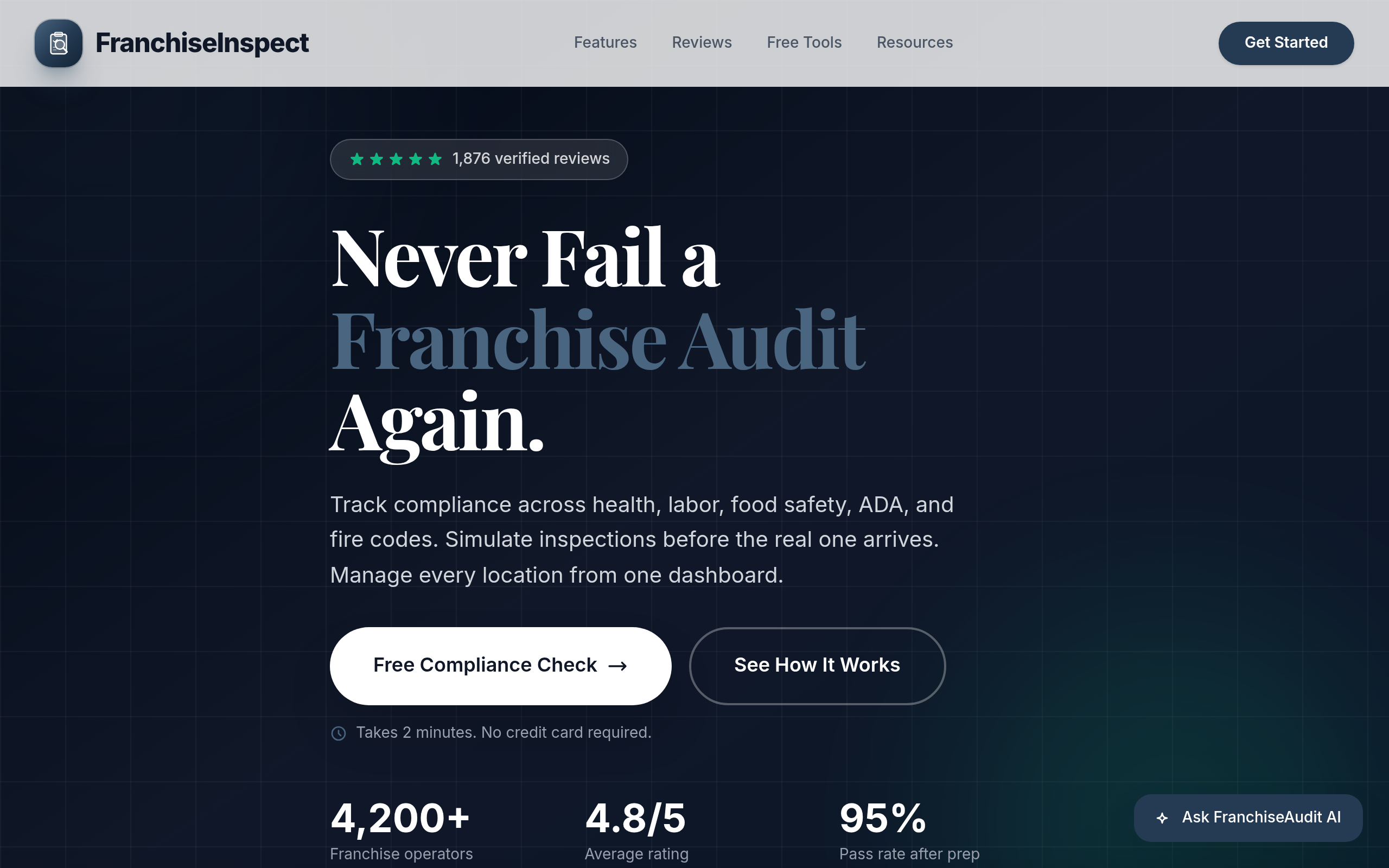
FranchiseInspect streamlines franchise audits, ensures compliance, and tracks performance across all locations with real-time reporting.
About
FranchiseInspect is a cloud-based SaaS platform built for franchise and multi-location businesses to simplify audits and ensure consistent compliance. It allows users to create customizable inspection checklists, perform mobile-based audits with photo evidence, and automatically generate branded reports. The platform provides real-time compliance tracking, centralized dashboards, and corrective action management to ensure issues are identified and resolved efficiently. With powerful analytics and reporting tools, FranchiseInspect gives full visibility into performance across all locations. By reducing manual processes and improving operational oversight, it helps businesses maintain brand standards, enhance accountability, and stay fully audit-ready at scale. For more details visit: https://franchiseinspect.com/
Key Features
Custom Checklist Builder
Create or import inspection checklists by category (food safety, cleanliness, ADA, fire safety, etc.), define pass/fail/N/A scoring and required photo points to match brand standards.
Mobile Photo-Documented Inspections
Run audits from a phone or tablet, capture pass/fail scores, attach timestamped photos and notes for each item to create an auditable record.
Auto-Generated Branded Reports
Automatically produce scored, branded PDF inspection reports with category breakdowns, flagged items, attached photos and executive summaries for stakeholders.
Multi-Location Dashboard & Analytics
Centralized dashboard to compare scores across locations, view trends over time, identify underperforming sites and prioritize field visits.
Corrective Action Tracker
Assign follow-up tasks with deadlines and owners, track fixes with photo verification, and maintain a documented resolution history to stay audit-ready.
How to Use franchiseinspect
1) Sign up and configure your account—add locations and users, and choose or upload your franchise branding for reports. 2) Build or import inspection checklists by category (food safety, ADA, fire safety, cleanliness), set scoring rules and required photo checkpoints. 3) Run inspections from the mobile app or tablet—score each item, attach photos and notes, and mark items pass/fail/N/A. 4) Review auto-generated branded PDF reports, assign corrective actions for failures, and monitor resolution and location trends via the central dashboard.