
Framespark
Explore premium & free Framer templates, 100+ blocks, and 60+ code components—fully customizable, CMS-powered, dark-mode ready, and built to convert.!
About
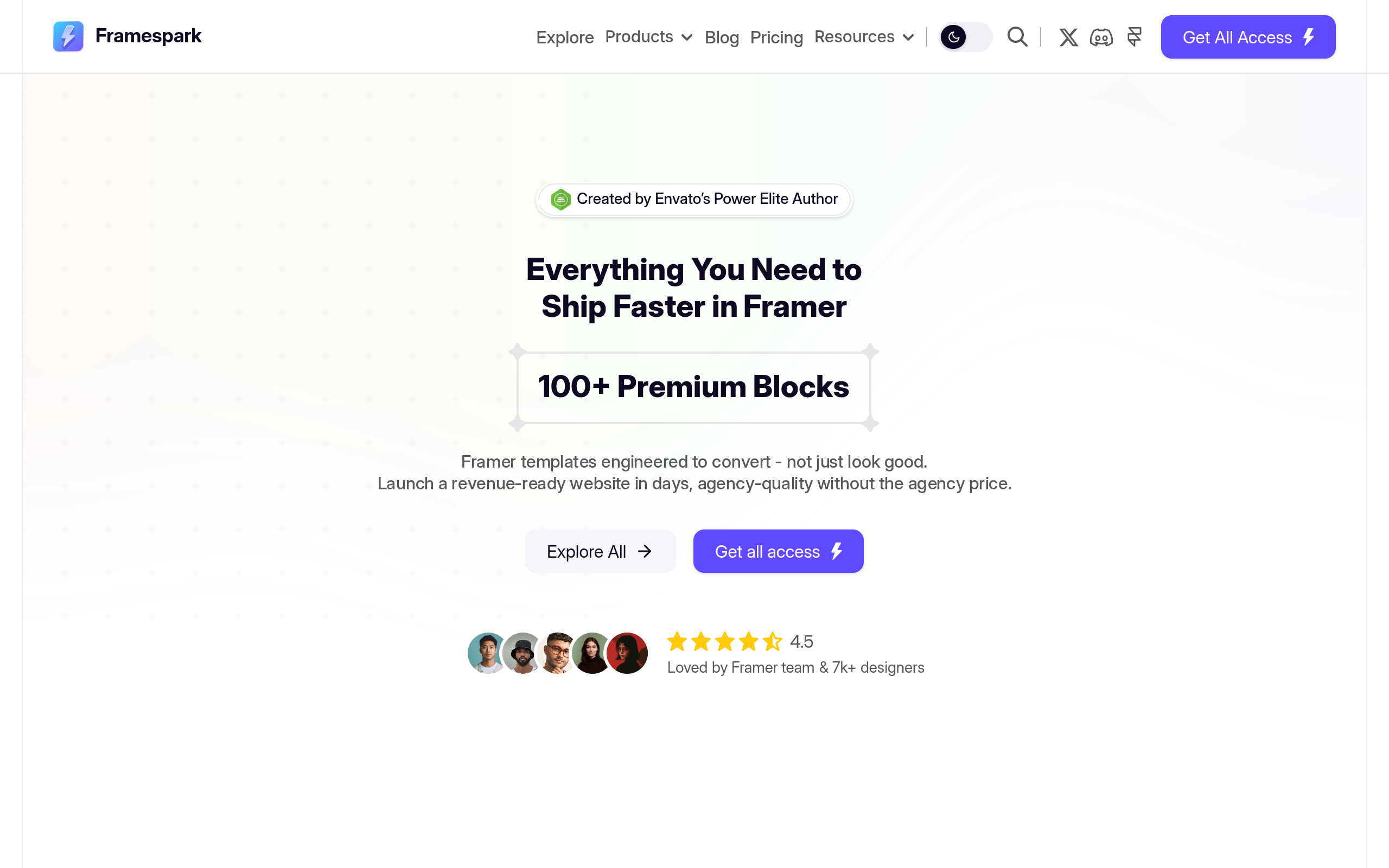
Framespark is a resource platform built for Framer designers and developers, offering premium and free Framer templates, reusable website blocks, and advanced code components. Creators can explore 100+ Framer blocks, 60+ code components, and ready-to-use website templates for SaaS, portfolios, restaurants, startups, agencies, and other modern websites. Framespark resources are designed to help creators build and launch Framer websites faster with responsive layouts, conversion-focused designs, dark-mode support, CMS-powered templates, and customizable components. Free templates, blocks, and components are available alongside Pro resources.
Key Features
Premium & Free Framer Templates
Conversion-ready, CMS-powered Framer templates for SaaS, portfolios, restaurants, agencies, startups, and more.
100+ Framer Blocks
Drop-in Framer sections and blocks designed for faster website building, easy customization, conversions, and dark mode.
60+ Framer Code Components
Advanced code-powered Framer components you can copy, connect to your content, and customize without writing code.
Fully Customizable
Easily customize layouts, typography, colors, content, and components directly inside Framer to match any brand.
All Access Library
Get access to templates, blocks, and components in one growing Framer resource library with new resources added regularly.
How to Use Framespark
## How to Use Framespark Framespark makes it easy to build high-quality Framer websites faster using ready-made templates, blocks, and code components. ### 1. Explore Resources Browse premium and free Framer templates, 100+ website blocks, and 60+ code components designed for different website types and use cases. ### 2. Choose What You Need Select a complete template for a full website, individual blocks for specific sections, or code components to add advanced functionality and interactions. ### 3. Copy or Remix in Framer Open the selected resource in Framer, duplicate or copy it into your project, and start customizing it instantly. ### 4. Customize Your Design Update colors, typography, images, layouts, content, and styles to match your brand. Most resources are fully responsive and easy to customize without coding. ### 5. Connect Your Content Use Framer CMS and dynamic content where supported to manage blogs, portfolios, listings, and other scalable website content. ##
Use Cases
Frequently Asked Questions
Q: I've never used Framer. Will I actually be able to do this?
A: Yes. If you've used Canva or Google Docs, you already have the skills. Framer is drag-and-drop with no code involved — you'll spend more time picking content and images than learning the tool.
Q: What happens after I make a purchase?
A: You'll get an instant purchase confirmation email with remix link that adds the template, blocks & components straight to your Framer account, plus access to our Customer Portal for downloads, updates, and invoices.
Q: Do I need a Framer subscription to use a template?
A: No - not right away. Framer is free to build and design with, so you can fully customize your template before paying anything. A paid Framer plan is only needed when you're ready to publish on your own domain. Since Framespark templates use Framer's CMS features, the Pro plan is recommended. Current Framer pricing is available on their site.
Q: How fast can I actually launch my site?
A: Most customers are live within a few days of focused work, since templates are 90%+ built before you even open them. Some launch same-day.