
FrameNotes
FrameNotes turns lecture, meeting and tutorial videos into timestamped, editable notes with key frames.
About
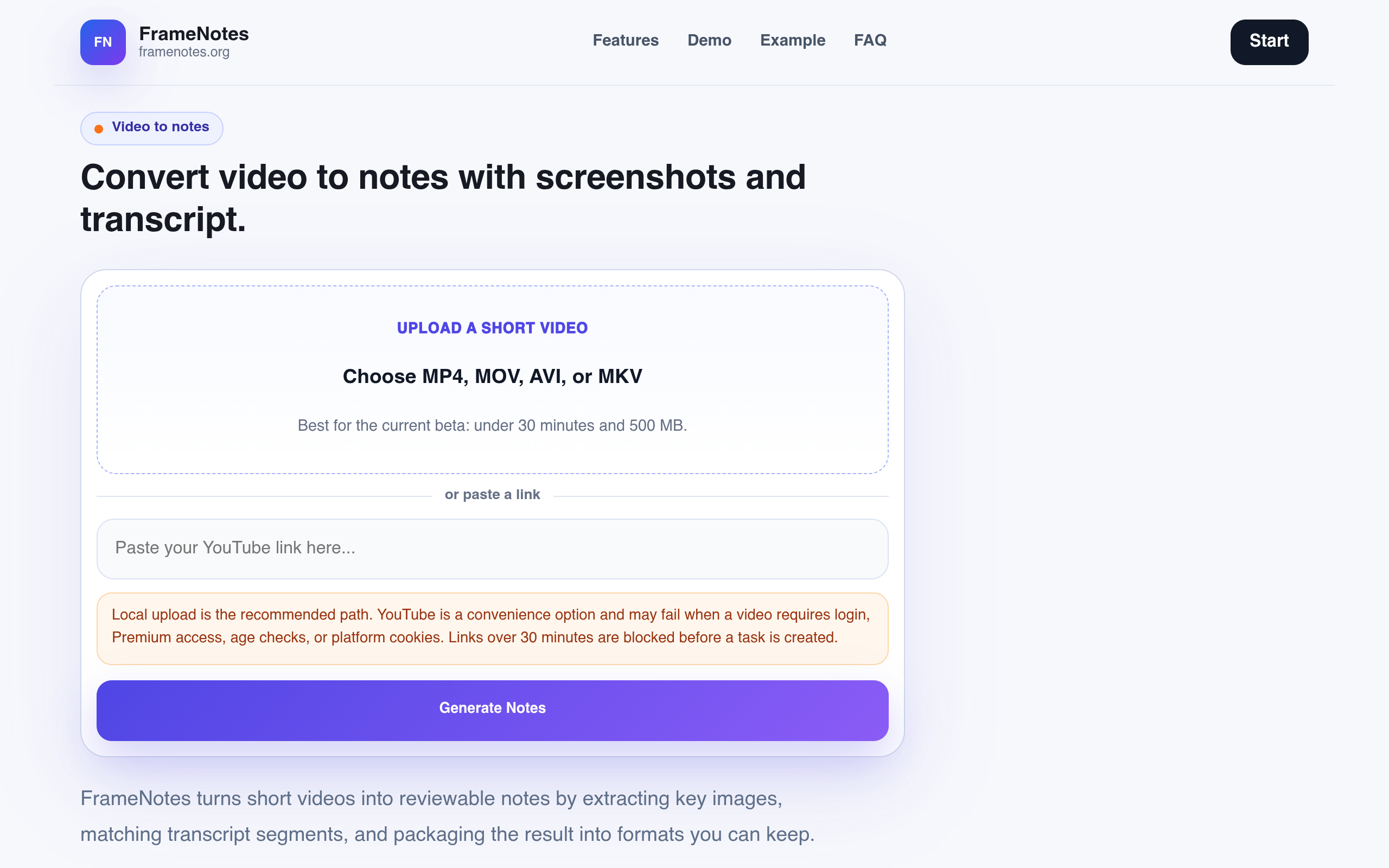
FrameNotes converts videos into structured, timestamped notes. Upload a local MP4, MOV, AVI or MKV file (under 30 minutes and 500 MB) or paste a YouTube link. FrameNotes transcribes the audio, writes a summary, and keeps every note line anchored to its moment in the video so you can jump straight to the right second. It also captures key frames and lets you export the result as Markdown, DOCX, HTML, or a presentation-style HTML deck. Built for students, researchers, meeting-heavy teams and anyone who watches long tutorials. The public beta is free. Disclosure: submitted by the project creator.
Key Features
Timestamped notes
Every note line links back to its exact moment in the video, so you can verify or replay a claim in one click instead of scrubbing.
Key frame capture
FrameNotes pulls the slides, whiteboards and demo screens out of the video so the written notes keep the visual context.
Multiple export formats
Export to Markdown (including a Markdown ZIP with images), DOCX, HTML, or a presentation-style HTML deck ready to reuse.
Local upload or YouTube link
Upload a local MP4, MOV, AVI or MKV under 30 minutes and 500 MB, or paste a YouTube link as a convenience option.
How to Use FrameNotes
1. Open framenotes.org and go to the video-to-notes page. 2. Upload a local MP4, MOV, AVI or MKV file under 30 minutes and 500 MB, or paste a YouTube link. 3. Wait for FrameNotes to transcribe the audio and build the notes. 4. Review the timestamped notes and the captured key frames. 5. Export as Markdown, DOCX, HTML or a presentation-style HTML deck. Note: the public beta is free.