
Formly
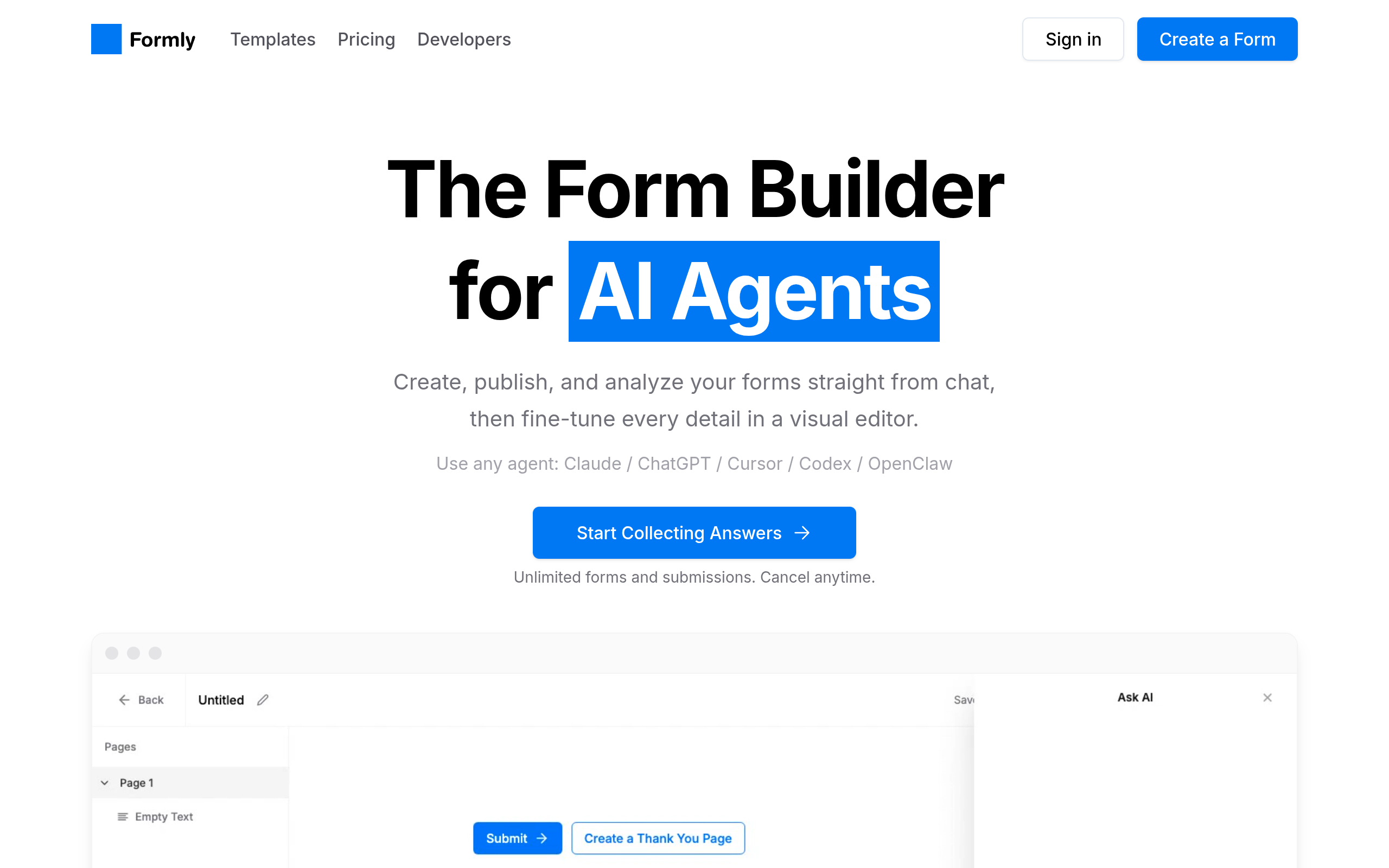
Formly is an AI-powered form builder for creating, publishing, and analyzing forms from chat or a visual editor.
About
Formly helps teams create polished, high-converting forms without starting from a blank page. Users can describe the outcome they want in chat with AI agents like Claude, ChatGPT, Cursor, or Codex, then publish and manage the form in a visual editor. It supports drag-and-drop blocks, multi-page flows, conditional logic, answer piping, file uploads, signatures, ratings, custom branding, embedded forms, analytics, submissions, webhooks, email notifications, and GDPR-conscious hosting in Europe.
Key Features
AI Form Generation
Describe the outcome you need in chat (e.g., 'Build a job application form with resume upload') and let an LLM agent generate a complete draft with questions, field types, and multi-page flow.
Visual Drag-and-Drop Editor
Full WYSIWYG editor to fine-tune the AI draft or build forms from scratch using blocks (text, dropdowns, matrices, file upload, signatures, ratings) and multi-page layouts.
Conditional Logic & Answer Piping
Create personalized paths with conditional logic, variables and answer piping to show relevant questions and reuse answers across the form.
Integrations, Webhooks & API
Send submissions to your stack via webhooks or REST API, embed forms, use short links or custom domains, and connect to automation tools (Zapier, n8n, Notion planned).
GDPR-Conscious Hosting & Analytics
Data hosted in Europe with GDPR considerations, plus built-in analytics, submission management, email notifications and AI summaries of responses.
How to Use Formly
1) Connect an AI agent (Claude, ChatGPT, Cursor, Codex, etc.) to Formly (one-time setup). 2) In chat, tell the agent the outcome you want (e.g., 'Create a customer feedback survey' or 'Screen 200 job applicants') and ask it to generate a form. 3) Open the generated draft in the visual editor — adjust blocks, pages, conditional logic, branding, and fields as needed. 4) Publish the form (embed, popup, short link, or custom domain), configure webhooks/notifications, then collect and analyze responses or ask your agent for an AI summary.