
Flowova
AI flowchart generator - describe your process in plain text or upload files (PDF, images, Word, PPT), get professional flowcharts in seconds.
About
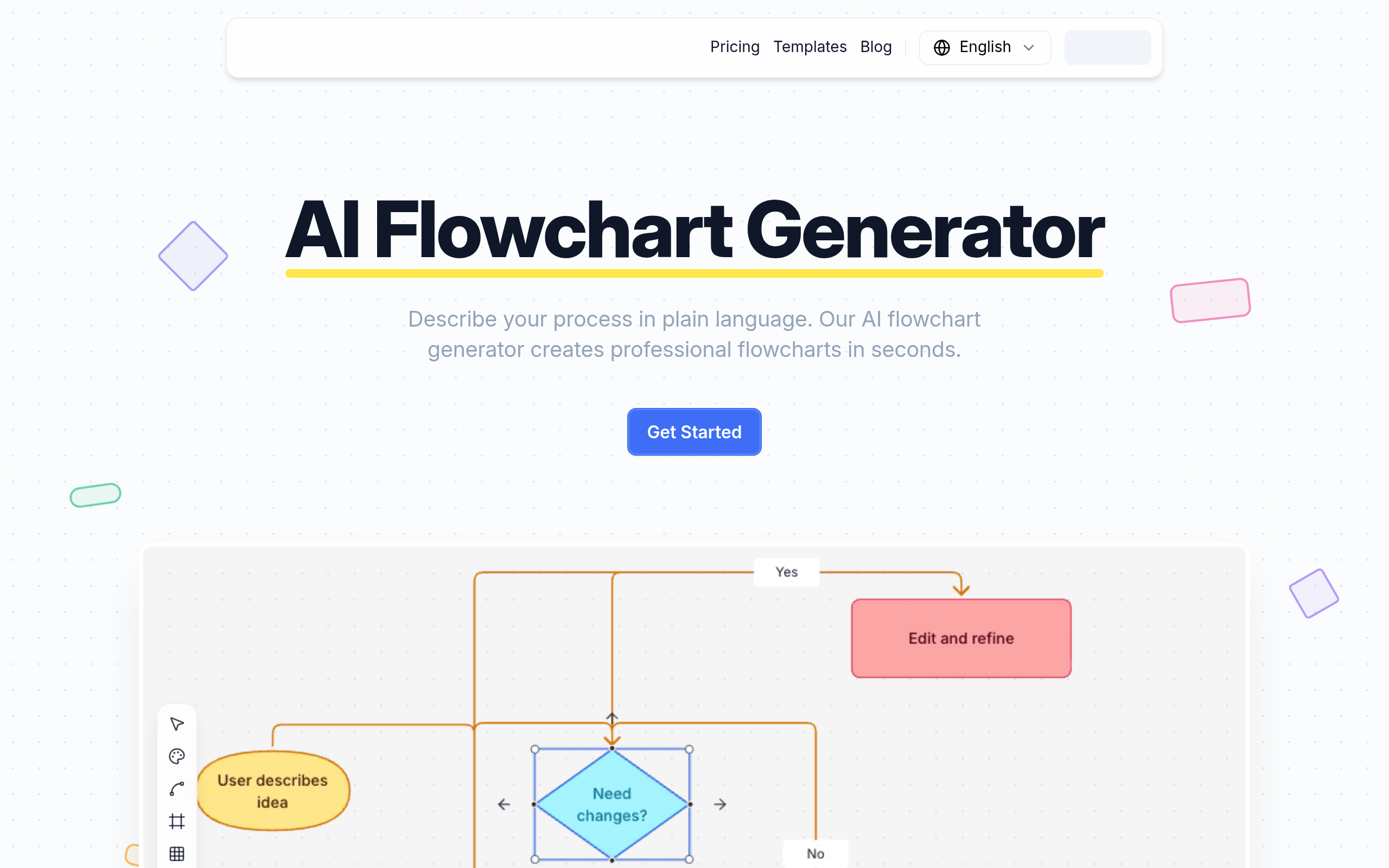
Flowova is an AI-powered flowchart generator that transforms your ideas into professional diagrams instantly. Simply describe your process in plain language, and our AI creates structured flowcharts with proper shapes, logical connections, and clean layouts. No design skills needed. What makes Flowova different: Multi-format Input Support Upload images, PDFs, Word documents, PowerPoint files, or just type your description. Flowova understands context from any format and even supports multiple files at once. Powerful Visual Editor 18+ shapes from basic rectangles to decision diamonds, 5 edge styles, drag-and-drop editing, and one-click auto layout. Zero learning curve. 40+ Professional Themes Choose from vibrant, calm, or monochrome color themes. Every color is carefully tuned for clarity and contrast, making your flowcharts presentation-ready instantly. Flexible Export Options Download as PNG for presentations, SVG for infinite scaling, or Mermaid code for embedding in Notion and documentation. Share via public link - no sign-up required for viewers. Full Mermaid Support Import existing Mermaid diagrams, edit them visually, and export back. Complete round-trip support for developers who work with code-based diagrams. Cloud Sync & Auto-Save Your work saves automatically. Access from any device and never lose progress. Flowova is built for developers, product managers, business analysts, educators, and anyone who needs to visualize workflows quickly and professionally.
Key Features
Feature 1
AI-powered flowchart generation from natural language
Feature 2
Multi-format input - supports images, PDF, Word, PPT, and text
Feature 3
40+ professional color themes
Feature 4
18+ shapes with drag-and-drop editing
Feature 5
Export as PNG, SVG, or Mermaid code
How to Use Flowova
1. Describe: Type your process in plain language, or upload images, PDFs, Word, or PowerPoint files. Flowova understands context from any format. 2. Generate: Click generate and watch as AI creates your flowchart with proper shapes, logical connections, and clean layout in seconds. 3. Customize: Fine-tune with drag-and-drop editing, choose from 40+ color themes, and export as PNG, SVG, Mermaid code, or share via public link. No account required to start. Free tier available.