
FlowMusic AI
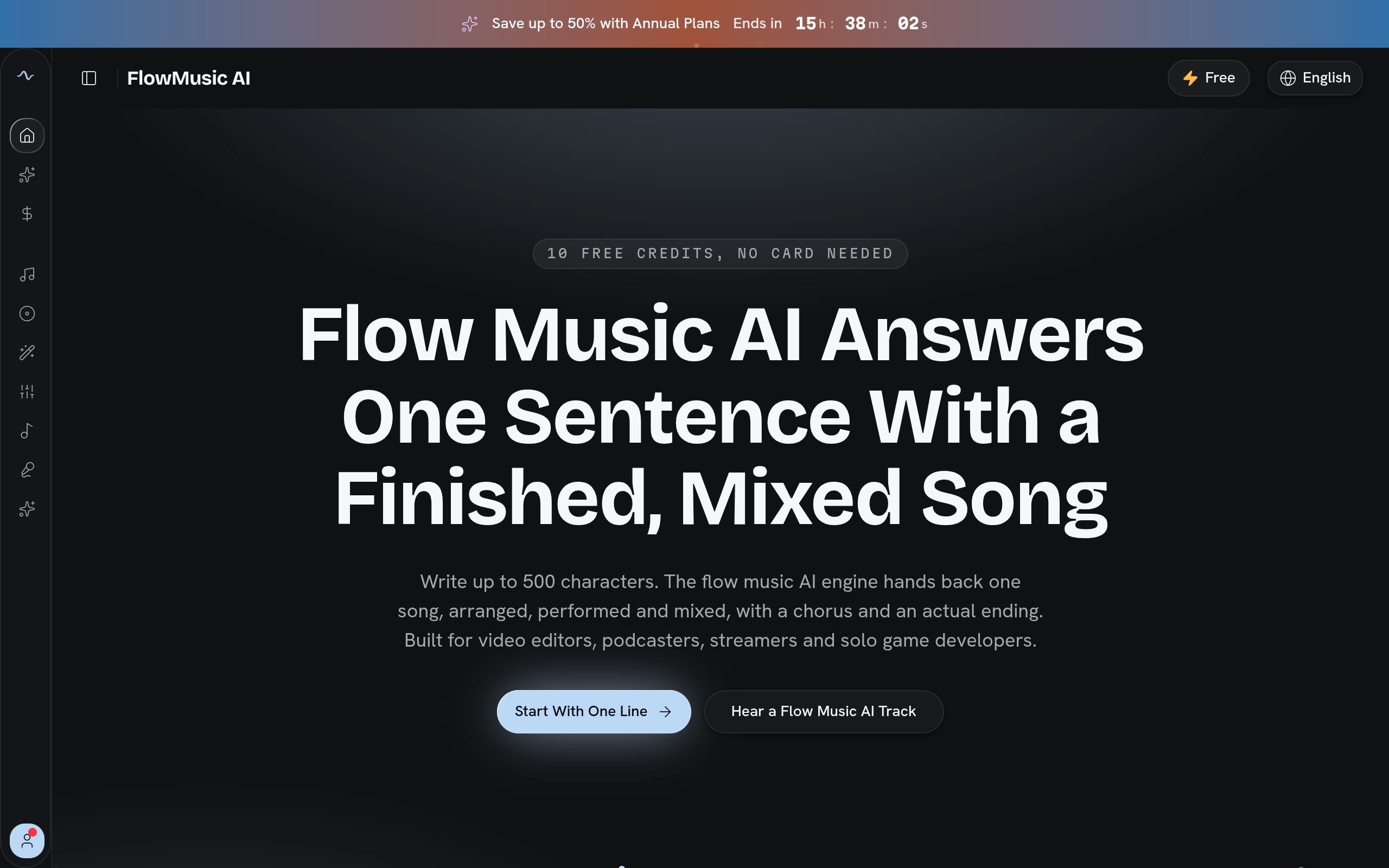
FlowMusic AI turns one sentence into a finished song, arranged, performed and mixed, with a chorus and a real ending.
About
FlowMusic AI turns a single sentence into a finished song. Write up to 500 characters describing the mood, genre or story you want, and the engine returns a complete track — arranged, performed and mixed, with a chorus and an actual ending rather than a loop that fades out. Six more tools sit alongside the generator. AI Music Cover relands a track you already own in a different style. AI Music Extender writes forward from any second between 1 and 480 of your own audio. AI Vocal Remover splits a finished song into lanes you can solo, mute and export. AI Instrumental Generator builds drums, bass and keys in your track's own key and tempo. AI Singing Voice Generator performs a lead vocal over your instrumental and lyric sheet. AI Voice Cloning stores 15 seconds of your own singing as a voice you can cast on later tracks. Video editors, podcasters, streamers, indie game developers and course creators use it to score their work without hunting for licences. Sign up free for 10 credits and hear a full track before paying.
Key Features
One‑Sentence Song Generator
Turn a single brief (up to 500 characters) into a finished, arranged and mixed song (intro, verses, chorus and a real ending). Choose sung or instrumental; the engine sets key, tempo and arrangement automatically.
Integrated AI Music Tools Suite
Six companion tools work from the same project library: AI Music Cover (re‑style a track), AI Music Extender (write forward from any second), AI Vocal Remover (split stems), AI Instrumental Generator (build drums/bass/keys in track key/tempo), AI Singing Voice Generator (produce lead vocals from lyrics), and AI Voice Cloning.
Voice Cloning & Singing Voice
Store ~15 seconds of a consenting singer to reuse as a castable voice on later tracks, or generate a lead vocal from your lyric sheet and style notes — delivered performed and mixed to the backing.
Custom Mode & Pro Controls
Custom Mode accepts titles and up to 5,000 characters of lyrics and lets you set target length (10–360s). Pro controls (vocal gender, style weight, creative variation, audio influence, excluded styles) let you steer subsequent passes when refining a take.
How to Use FlowMusic AI
1. Open the AI Music Generator and stay in Simple mode. 2. Write up to 500 characters describing the mood, genre or story you want. 3. Generate, then listen to the finished track in the browser. 4. Prefer full control? Switch to Custom mode and supply your own title, style and a lyric sheet of up to 5,000 characters, or turn on instrumental-only mode. 5. If a result is close but not right, feed it back through AI Music Cover to restyle it, or AI Music Extender to write forward from any second between 1 and 480. 6. On Pro, set a target duration between 10 and 360 seconds and continue a track from any timestamp. 7. Download the track, export WAV, or on Business split it into up to 13 stems and export MIDI.