
Flippy
Free online media tools: convert, compress, trim, merge and resize audio and video. No signup, no watermark.
About
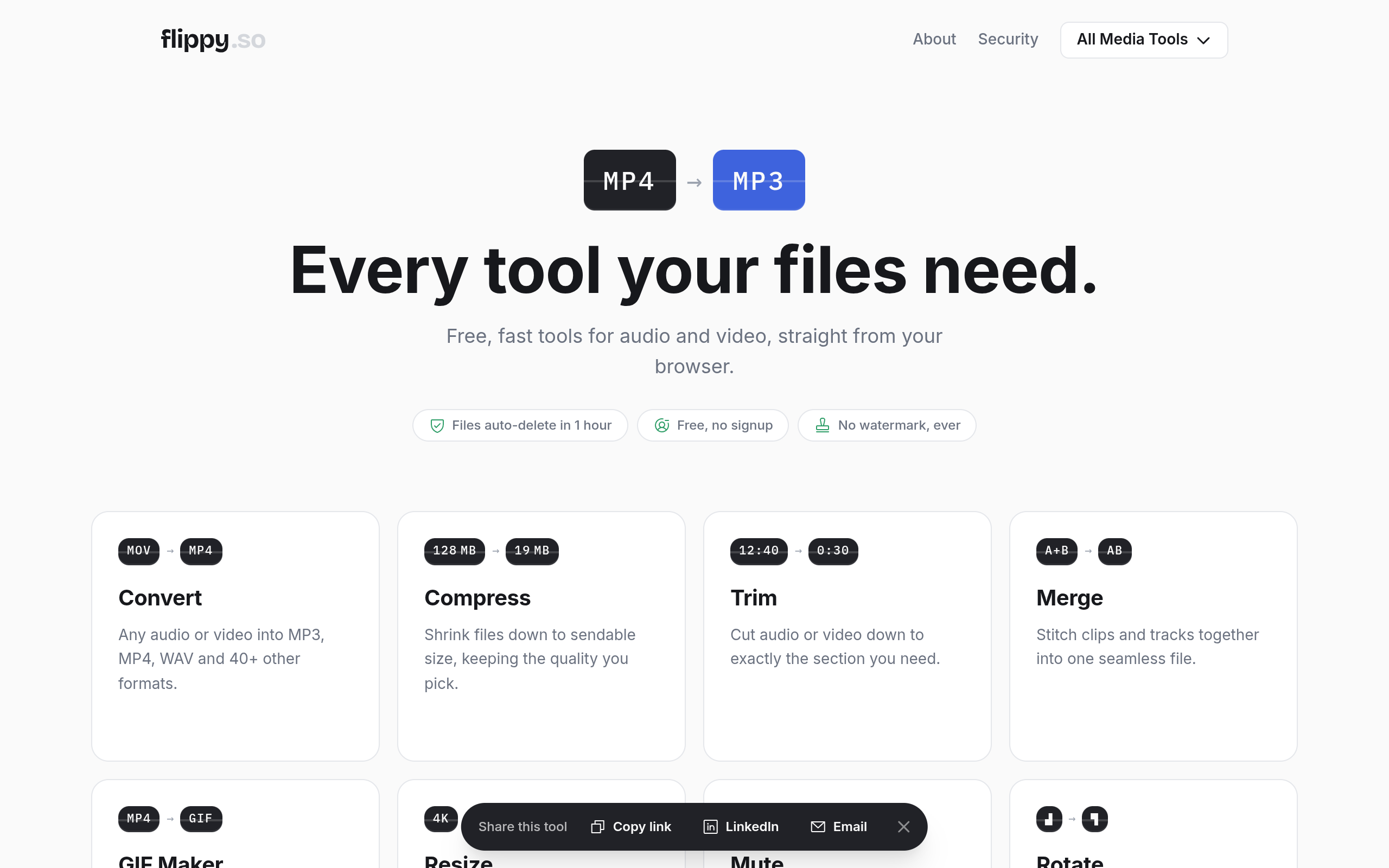
Flippy is a free suite of online media tools: convert between 40+ audio and video formats, compress videos to exact size targets (8 MB for Discord, 25 MB for email), trim, merge, resize for Shorts and Reels, make palette-optimized GIFs, extract audio, mute, rotate, change speed and boost volume. Everything is free with no signup, no watermark and no daily limits, and delete themselves within one hour. Independent contractors can manage varied client media requests without buying costly software licenses. Deliver unwatermarked video and audio files that align with professional client standards. Unlimited tool usage means you can process dozens of project assets back-to-back. Instant web browser access helps you hit client deadlines from any computer. Keep business operating expenses low while supplying high-quality media outputs.
Key Features
Format Converter
Convert between 40+ audio and video formats (MP4, MP3, WAV, MOV, MKV, WEBM, FLAC, AAC etc.) directly in your browser.
Targeted Video Compression
Compress videos to exact size targets (e.g., 8 MB for Discord, 25 MB for email) while letting you choose quality and bitrate.
Quick Editing Tools
Trim, merge, rotate, change speed, mute, boost volume and resize videos for Shorts/Reels without installing software.
GIF Maker & Frame Grab
Create palette-optimized loopable GIFs from clips and extract high-quality still frames from any second of a video.
Privacy & Auto-Delete
No signup, no watermark, files auto-delete within one hour, and transfers are encrypted—designed to minimize stored user data.
How to Use Flippy
1) Open Flippy in your browser and select the tool you need (Convert, Compress, Trim, GIF Maker, etc.). 2) Upload or drag-and-drop your file (up to 500 MB). 3) Choose output settings (format, target size, resolution, trim in/out points, speed, volume boost, etc.). 4) Process and download the result — files are kept temporarily and auto-delete within an hour.