
Fimo
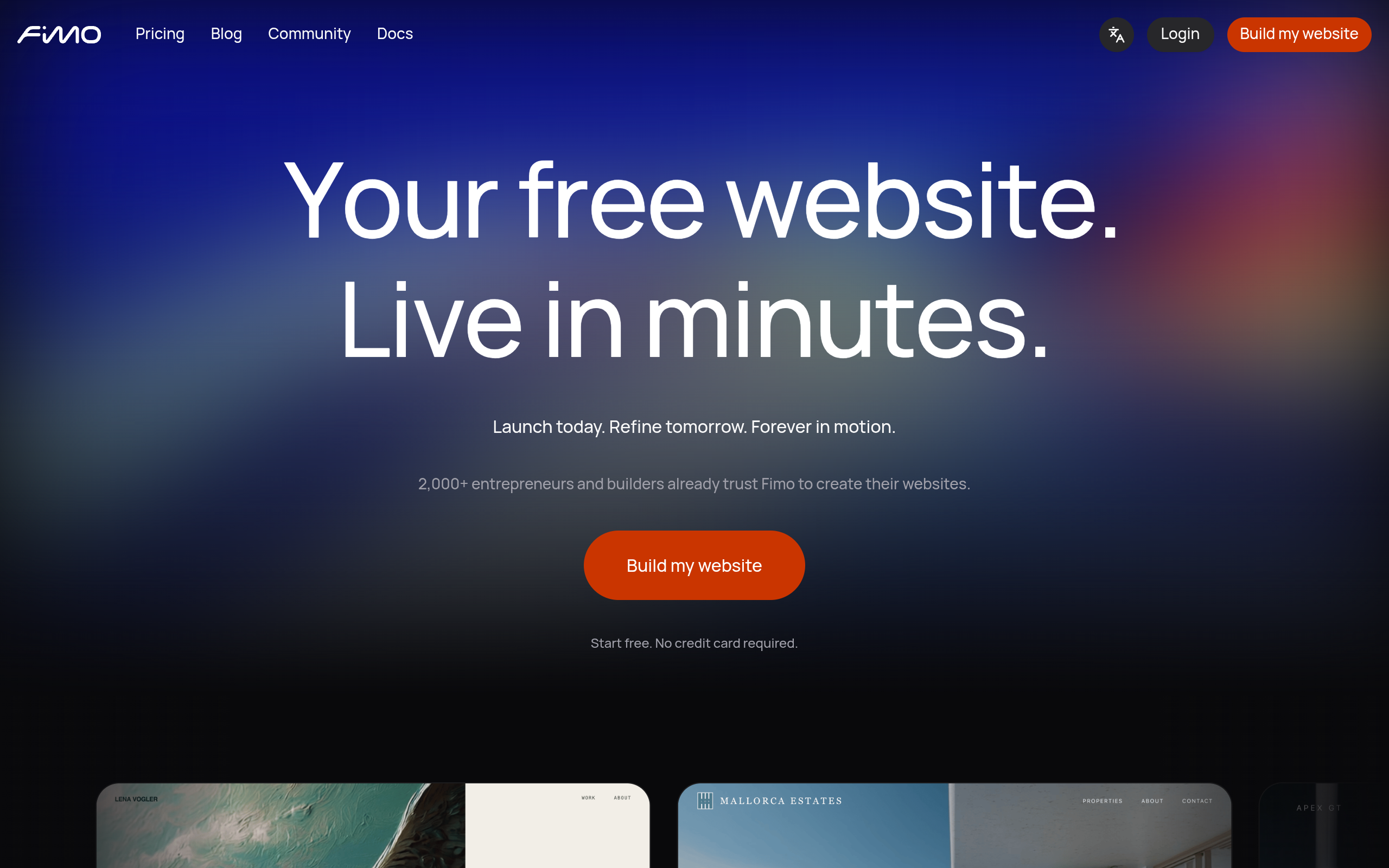
Fimo is an AI website builder that turns your prompt into a polished, multi-page site with CMS, hosting, and analytics built in.
About
Fimo is an AI website builder that turns a short description of your idea into a complete, multi-page website. Describe what you want, and Fimo generates a polished site with real content and motion-first design, everything already in place. From there you edit text, swap images, and adjust colors, then publish when you're ready. It's built for entrepreneurs, freelancers, and small businesses who want a professional site without hiring a designer or writing code. Use cases span business sites, blogs, portfolios, and landing pages across industries like real estate, fitness, hospitality, and professional services. Every plan includes an AI-assisted CMS, server-side rendered pages for search visibility, built-in analytics, fast managed hosting, and real-time collaboration with granular team permissions. Start free with no credit card, launch in minutes, and keep refining as you grow. Over 2,000 builders already use Fimo to get their ideas online.
Key Features
AI Prompt-to-Site Generator
Turn a short description of your idea into a polished, multi-page website with real content, layout, and motion-first design—instantly scaffolding pages, sections, and assets.
AI-Assisted CMS with Real Code
Edit content visually while every change maps to real code in your repo. The CMS supports structured content, auto-merges, and safe schema updates tied to Git commits.
Autonomous Agents
Run specialized agents for SEO, translations, content refreshes, competitor monitoring and more. Agents operate in isolated sandboxes and can auto-publish or ask for review.
Managed Hosting, SSR & Analytics
One-command deploys to fast managed hosting with SSL, CDN, server-side rendered pages for SEO, built-in analytics, and custom domains included.
Team Collaboration & Integrations
Real-time visual editor, granular team permissions, and integrations with tools like GitHub, Figma, Tailwind, and preferred coding agents (Claude Code, Codex, Cursor).
How to Use Fimo
1) Sign up and enter a short prompt describing your site (business type, pages, tone). 2) Review the generated multi-page site in the visual editor—edit copy, swap images, and tweak colors or layout. 3) Configure the AI agents and CMS (set schedules for SEO, translations, or content refresh), connect your domain and GitHub if desired. 4) Deploy and publish with one command, monitor built-in analytics, and let agents keep your site updated automatically.