
Fill PDF from Sheet
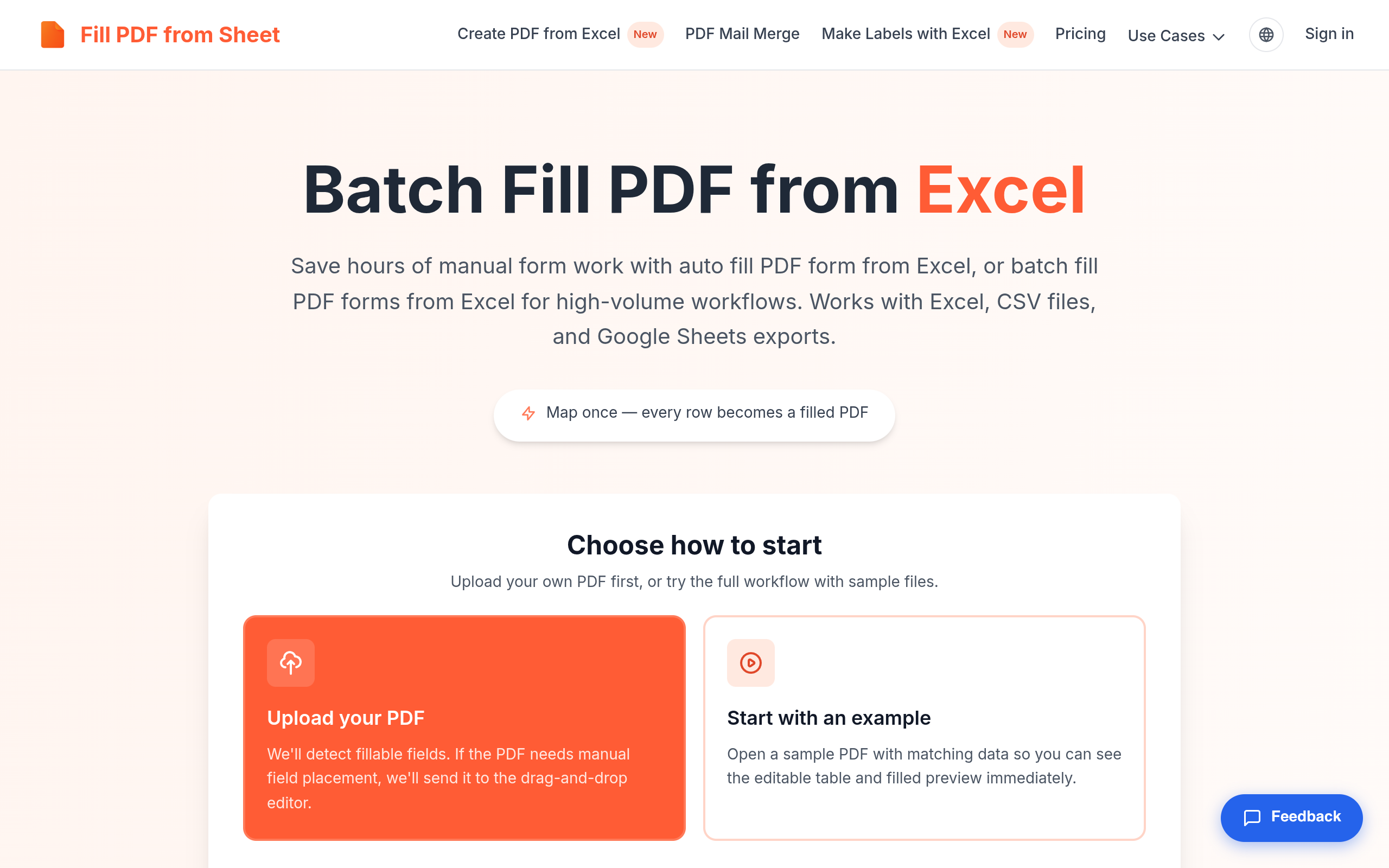
Fill PDF from Sheet automates the process of populating PDF forms from data in Excel, CSV, or Google Sheets. It offers smart mapping to accurately generate individual or batch PDF forms, saving professionals significant time on manual data entry. Ideal for high-volume workflows, it ensures precision and efficiency in document creation.
About
Batch fill PDFs from Excel, CSV, or Google Sheets, Smart data mapping for accurate form generation, Generate individual or high-volume batch PDF forms, Drag-and-drop editor for non-fillable PDFs, Automated workflows for time-saving
Key Features
Batch PDF Generation
Generate a separate filled PDF for each row in your spreadsheet or CSV in one run, enabling high-volume, repeatable document creation.
Smart Field Mapping
Automatic detection and intelligent matching of spreadsheet column headers to PDF form fields, with an interface to review and adjust mappings before generation.
Drag-and-Drop Editor for Non-Fillable PDFs
If a PDF has no native form fields, use the visual drag-and-drop editor to place fields manually and make the template fillable without external tools.
Google Sheets Add-on
Direct integration via an official Google Sheets add-on so you can map columns and fill PDFs from an active sheet without exporting files.
Privacy-Focused Local Processing
Spreadsheet and PDF contents are processed locally in memory during generation and not stored on disk or in a database, ensuring files are deleted immediately after use.
How to Use Fill PDF from Sheet
Batch fill PDFs from Excel, CSV, or Google Sheets, Smart data mapping for accurate form generation, Generate individual or high-volume batch PDF forms, Drag-and-drop editor for non-fillable PDFs, Automated workflows for time-saving