
FileOnTap
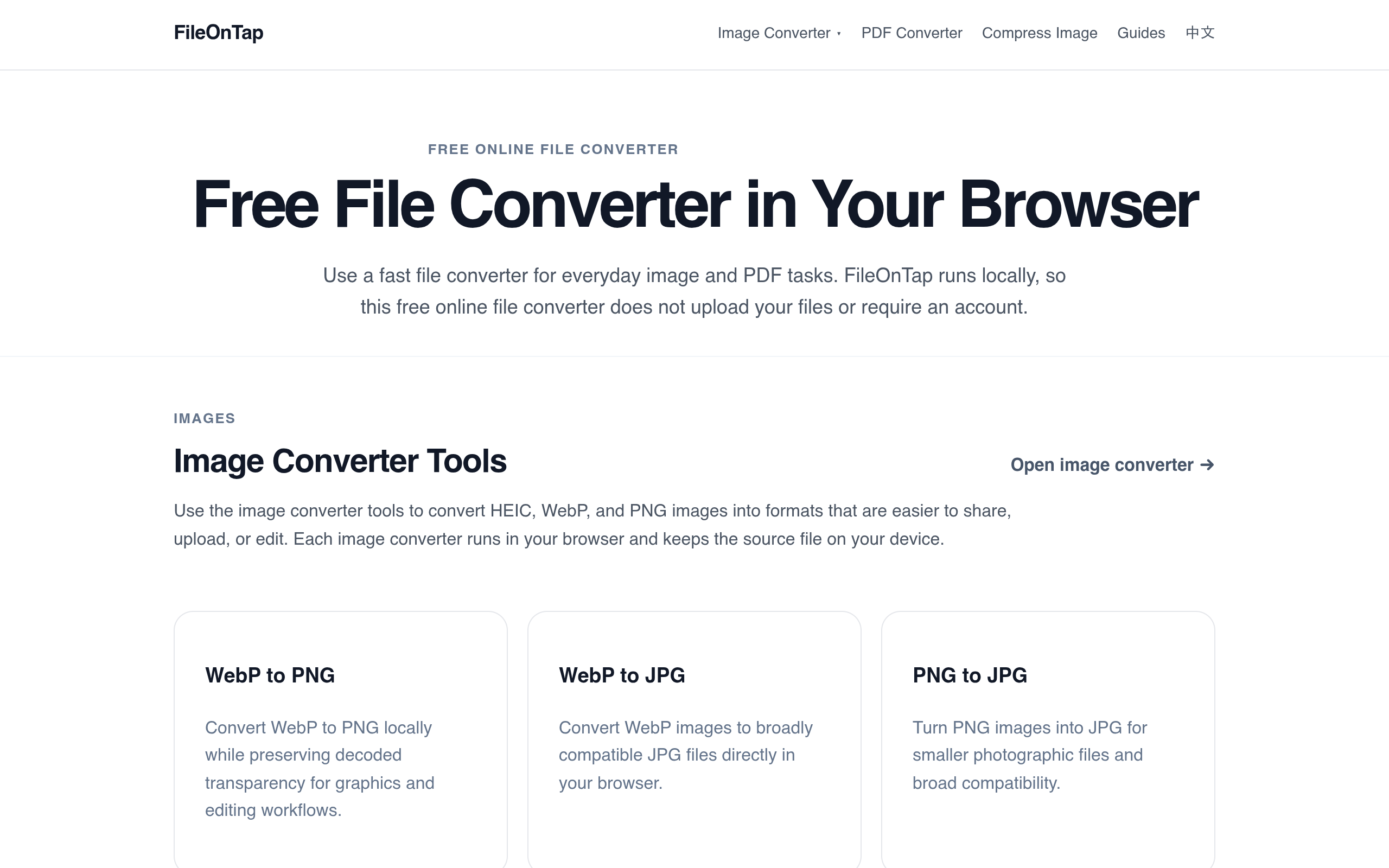
Free browser File Converter for images and PDFs. Converts locally — no upload, no account.
About
FileOnTap is a free browser-based file converter for images and PDFs. Files are converted locally in your browser, so there is no upload and no account required. It is designed for quick, private conversions on any modern device.
Key Features
Local in‑Browser Conversion
All conversions run in your browser — no files are uploaded to a server, ensuring faster processing and better privacy.
Multiple Format Support
Convert between common image and document formats (e.g., JPG, PNG, WebP, PDF) for compatibility with web, print, and apps.
Batch & Drag‑and‑Drop
Quickly convert multiple files at once with drag‑and‑drop support to speed common workflows.
No Account & Lightweight UI
No sign‑up required and a minimal interface for fast, distraction‑free conversions on desktop and mobile.
How to Use FileOnTap
Open FileOnTap, choose a conversion tool, select a file, and download the converted result. Processing happens locally in your browser.