
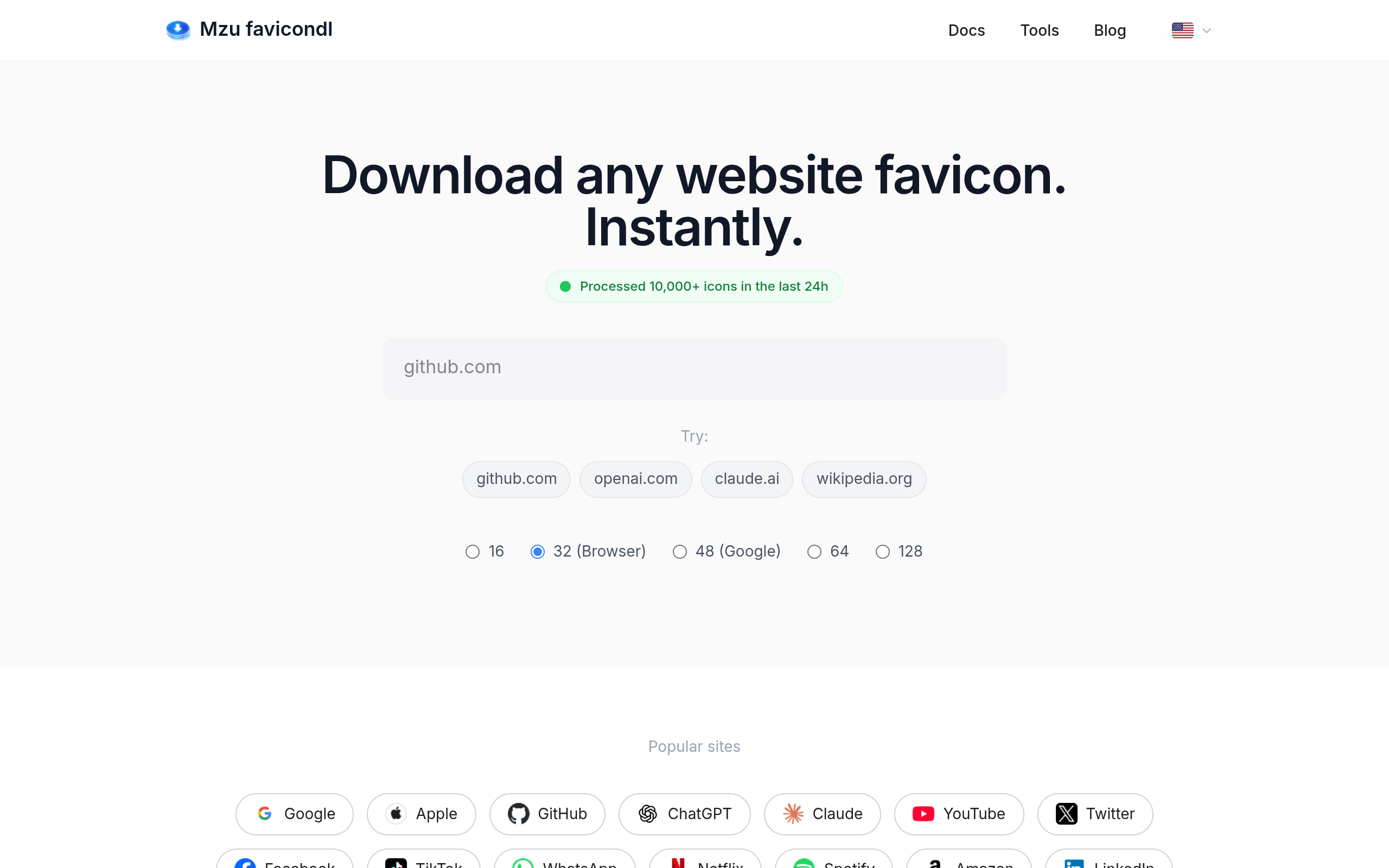
FaviconDL
Instant favicon download API for any website with a simple API call.
About
FaviconDL is a free API that lets you download any website favicon instantly. Supports multiple sizes and formats with a simple API call. Perfect for developers building bookmark managers, link previews, or directory sites. Features include redirect URLs, HTML snippets, and bulk downloads.
Key Features
Instant Favicon Fetching
Retrieve a website's favicon in milliseconds via a simple API call (domain or URL), no signup required.
Multiple Sizes & Formats
Request icons in a range of sizes (16–512px) and common formats (PNG, ICO, SVG when available) to suit web apps, previews, and high-res needs.
Redirect & Direct URL Modes
Choose redirect responses (useful for direct linking) or download mode to obtain the raw image bytes for processing or storage.
Copy-ready Integration Snippets
Ready-to-use cURL, JavaScript (fetch), and Python examples plus HTML snippets and URL templates for quick integration.
Bulk & Batch Processing
Bulk download and batch processing tools to fetch many favicons at once for directories, bookmark managers, or brand asset collection.
How to Use FaviconDL
1) Build the API URL: https://favicondl.com/api/favicon?domain=example.com&size=128&format=png (change domain, size (16–512), and format/format=redirect as needed). 2) Call the endpoint: use fetch/cURL/requests to GET the URL; add allow_redirects=True if you want the final image when using redirect mode. 3) Save or embed: save the response bytes as an image file or use the returned direct URL/HTML snippet to embed the favicon in your app. 4) Bulk usage: for many domains, use the bulk/batch tools or iterate requests server-side and cache results to avoid repeated lookups.