
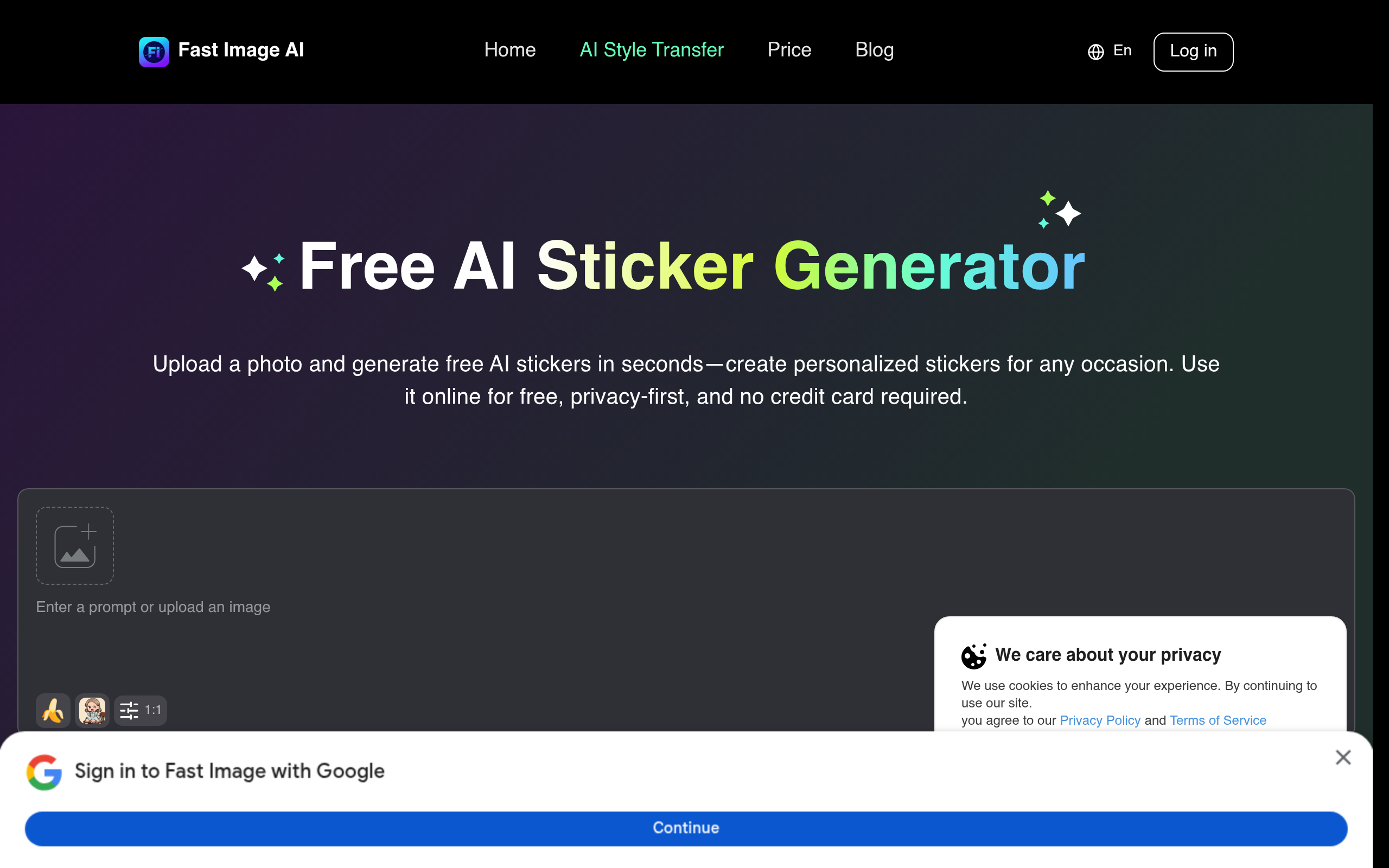
Fast Image AI Sticker Generator
One Click, Endless Creative Possibilities.
About
Fast Image AI (fastimage.ai) instantly transforms your photos into stunning artworks in popular styles like Studio Ghibli and sketch. Just in time for Christmas, the platform has newly added 13 exclusive Christmas-themed style conversion features. You can easily customize image elements and create eye-catching visuals in mere seconds—it’s the perfect choice for social media profiles, cover images, or creative projects.
Key Features
One‑Click Sticker Generation
Create stickers instantly by uploading a photo or entering a prompt — the AI generates a ready-to-download sticker in seconds with no design skills required.
Multiple Style Presets (Including Holiday Themes)
Choose from popular artistic styles such as Studio Ghibli, sketch, and 13 exclusive Christmas-themed conversions to match different moods and occasions.
High‑Resolution & Multiple Output Options
Export high-resolution stickers suitable for digital use or printing; select image ratio and resolution to fit social profiles, chat packs, or physical stickers.
Generate Variations & Build Sticker Packs
Produce multiple variations from a single input, mix and match favorites, and assemble custom sticker packs for commercial or personal use.
Privacy‑First, Free Online Tool
Use the generator for free without a credit card; uploaded photos are handled with privacy options and you can manage or delete your creation history.
How to Use Fast Image AI Sticker Generator
1) Go to the AI Sticker Generator page and either upload your photo or type a short prompt describing the sticker you want. 2) Pick a style preset (e.g., Studio Ghibli, sketch, or a Christmas theme), set the image ratio and output resolution if needed. 3) Click Generate and wait a few seconds while the AI creates one or more sticker variations. 4) Preview, choose your favorite variation, then download the high-resolution sticker or save it to your account/history. Repeat to build a sticker pack.