
Fantastic Forms
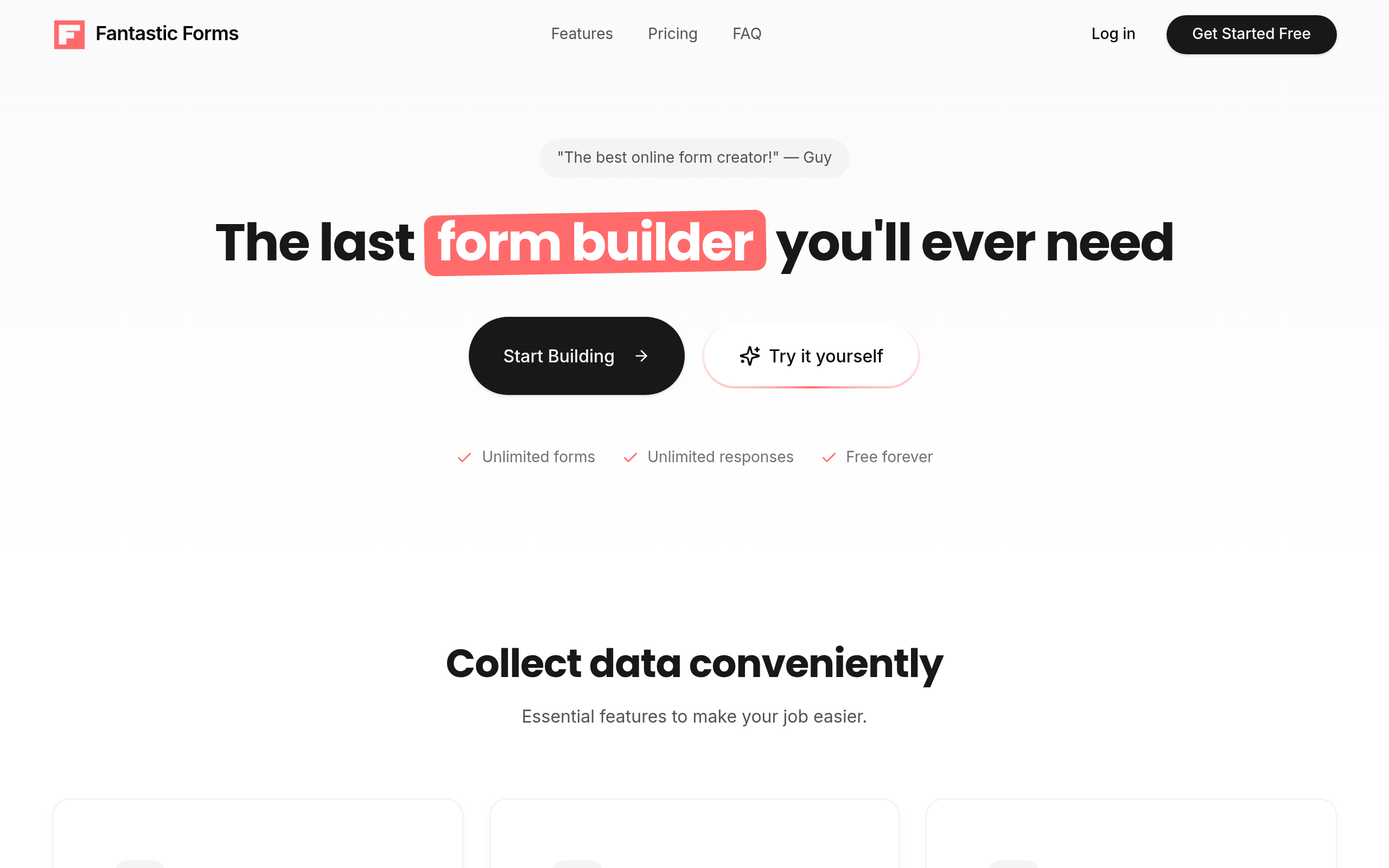
The #1 solution for powerful forms. Drag & drop fields, collect responses, track analytics, and share anywhere with no coding required. Click here!
About
FantasticForms.com is the best online form builder to create custom forms with conditional logic, file uploads and advanced fields: fast, fun and 100% free!
Key Features
Drag & Drop Form Builder
Build custom forms quickly using an intuitive drag-and-drop interface — add, reorder and configure fields without coding.
Conditional Logic & Branching
Show or hide questions, route respondents, and create multi-step flows based on prior answers to collect relevant data.
File Uploads & Advanced Fields
Accept file uploads, use advanced field types (dates, ratings, file fields, etc.) and collect richer responses.
Analytics & Response Management
View form response summaries and analytics, export data, and manage submissions from a central dashboard.
Share & Embed Anywhere
Publish forms via shareable links or embed them on websites; integrates with common workflows and tools for automations.
How to Use Fantastic Forms
1) Sign up or log in at FantasticForms.com and create a new form. 2) Use the drag-and-drop builder to add fields (text, email, file upload, rating, etc.) and arrange the layout. 3) Configure field settings and add conditional logic/branching, notifications, and validation rules. 4) Publish your form and share via link or embed code; monitor responses and analytics in the dashboard and export data as needed.