
FanMind
Document assistant for organizations: answers questions from your own files with document and page citations, or says it doesn't know.
About
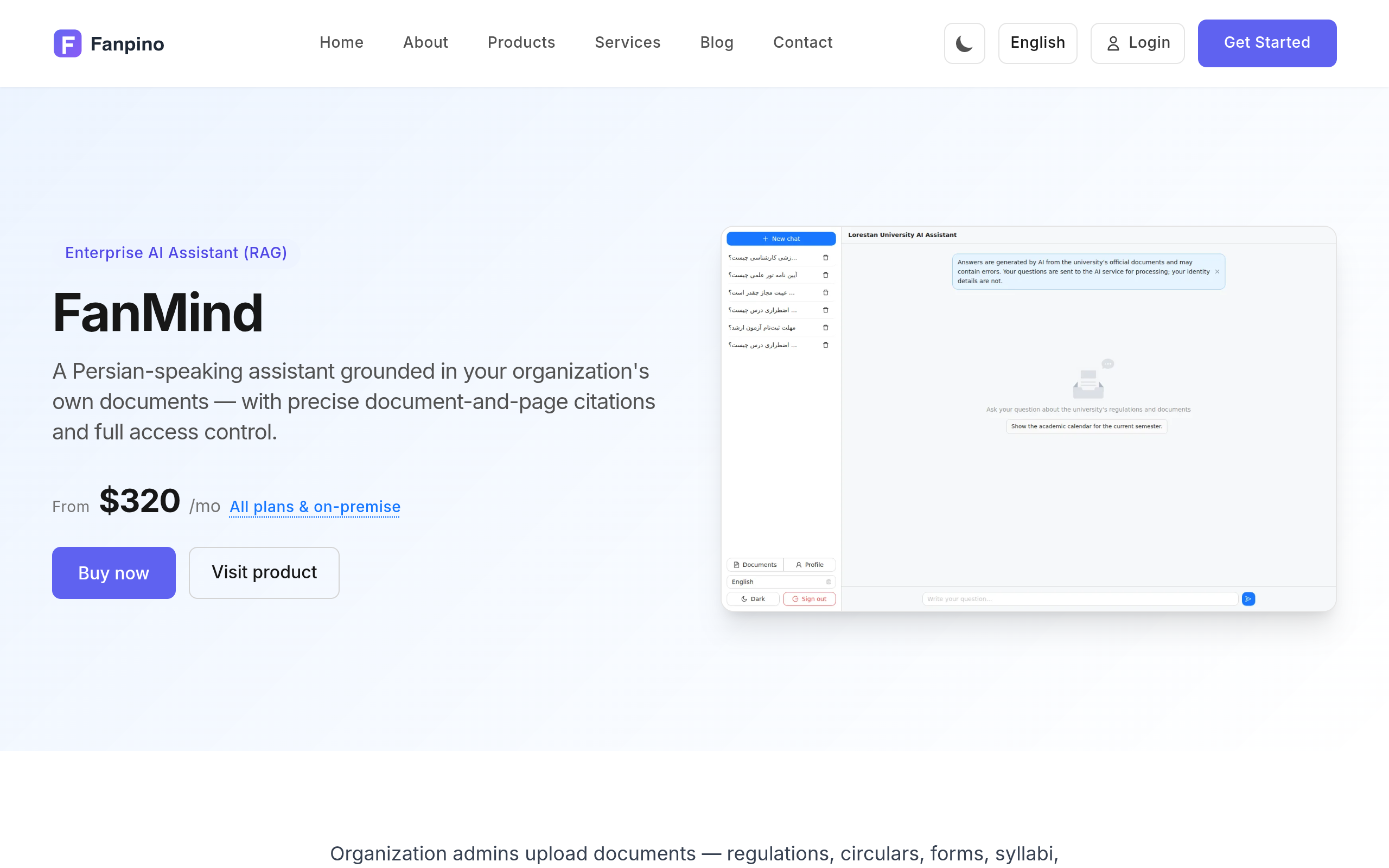
FanMind is a retrieval-based (RAG) assistant that answers staff and student questions from an organization's own documents: regulations, circulars, forms, syllabi, calendars. Admins upload PDF, Word, Excel or PowerPoint files and the system parses and indexes them. Every answer links to the exact document and page it came from. If nothing in the documents supports an answer, FanMind says so instead of guessing, and the question goes to a list the content admin can work through by adding the missing document. Each document is scoped to a role, department, group or level, and that scope is enforced inside retrieval, not filtered afterwards. Confidential documents are left out of AI indexing by default. Admins get bulk ZIP upload, CSV user import, an audit log, daily token caps and per-user rate limits. The chat interface is in Persian. It runs as a hosted subscription or on your own servers. Built by Fanpino, Dubai.
Key Features
Grounded Answers with Document & Page Citations
Every response includes clickable links to the exact source document and specific page, and the assistant will explicitly say when no supporting document exists (no hallucinations).
Role & Department Scoped Retrieval
Documents are indexed with audience scopes (role, department, group, level) and those scopes are enforced at retrieval time so users only see answers sourced from documents they are permitted to access.
Bulk Ingestion & Multi-format Parsing
Admins can upload documents in ZIP batches and supported formats (PDF, Word, Excel, PowerPoint); the system parses and indexes pages automatically for fast retrieval.
Admin Console, Analytics & Resolve Workflow
Full admin panel with CSV user import, audit log, analytics (top questions, trends), and an unanswered-questions queue that content admins can resolve by adding documents.
Security, Privacy & Deploy Options
Confidential docs excluded from AI indexing by default, outbound traffic routed through a controlled tunnel, daily token caps and per-user rate limits, and available as hosted or on-premise deployment.
How to Use FanMind
1. An admin uploads documents and sets who can see each one. 2. Users sign in with SMS code, SSO or username. 3. They ask a question in plain language and click the citations to open the source page. 4. The admin reviews unanswered questions and adds the missing documents.