
Evoto
Evoto is a powerful photo editing platform that lets you retouch, enhance, and perfect images instantly with evoto—no advanced skills required.
About
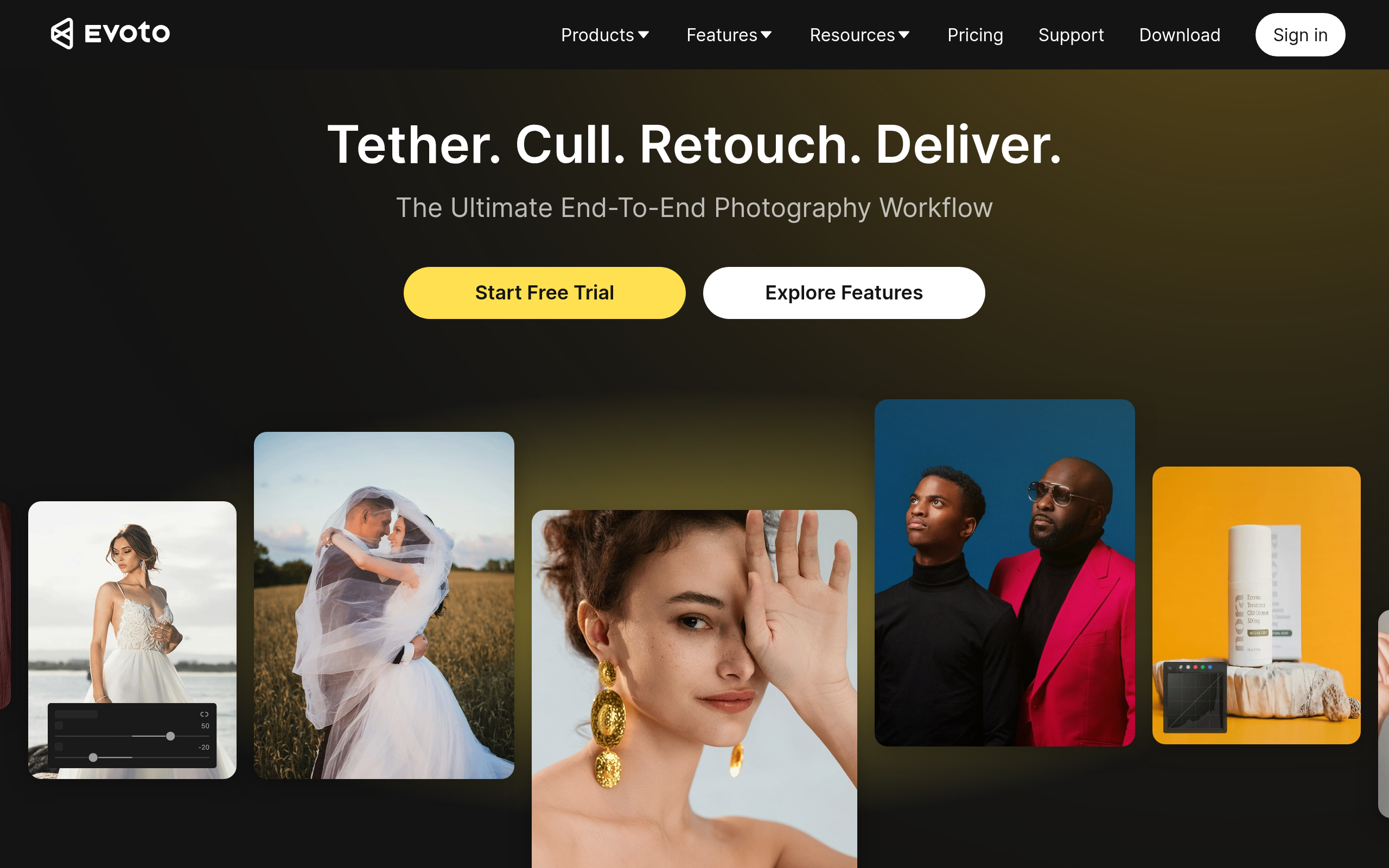
Evoto is a next-generation image editor that streamlines workflows and allows users to focus on creative work rather than tedious tasks. It combines various photo editing tools into one powerful app, allowing users to sync edits in seconds and work more efficiently. Its advanced features include precise face and body sculpting, color editing, background adjustment, and exclusive presets. Evoto also enables batch processing and supports raw file processing. Its portrait retouching feature allows for quick touch-ups and natural-looking skin tones. The tool can be downloaded for free with a trial version available.
Key Features
Image editing
Enhance, retouch, and transform your photos effortlessly with Evoto’s Image Editing tools. Automatically adjust exposure, brightness, contrast, and colors, remove imperfections, and refine details to achieve professional-quality results. Whether you’re editing portraits, product shots, or creative visuals, Evoto makes complex editing simple, fast, and precise—no advanced skills required.
Portrait Retouch
Quickly enhance and perfect your portraits with Evoto’s Portrait Retouch tools. Automatically smooth skin, remove blemishes and wrinkles, refine facial features, and balance tones for a natural, flawless look. Whether for professional headshots, social media, or personal projects, Evoto makes portrait editing fast, precise, and effortless—no manual masking or advanced Photoshop skills required.
Color Editing
Transform the look and feel of your images with Evoto’s Color Editing tools. Adjust hue, saturation, brightness, and contrast with precision, enhance vibrancy, and correct color casts to achieve balanced, professional-quality results. Whether you’re editing portraits, landscapes, or product photos, Evoto makes color adjustments fast, intuitive, and perfectly natural—no advanced skills required.
Color Match
Ensure perfect color consistency across all your images with Evoto’s Color Match feature. Automatically analyze and match tones, hues, and saturation from one photo to another, making your portraits, products, or creative projects look cohesive and professional. Save time on manual adjustments while achieving accurate, natural-looking color balance across your entire collection.
Batch Edit
Save time and streamline your workflow with Evoto’s Batch Edit feature. Apply consistent adjustments—such as exposure, color correction, retouching, and filters—to multiple images at once. Whether you’re working on product photos, portraits, or large shoots, Batch Edit ensures professional-quality results across your entire collection, without the need for repetitive manual editing.
Cloud Space
Securely store and manage all your photos with Evoto’s Cloud Space. Upload, organize, and access your images anytime, anywhere, while keeping them safe with reliable cloud storage. Share files with team members, collaborate in real time, and ensure that your projects are always backed up and easily accessible—perfect for photographers, content creators, and teams on the go.
Background removal
Easily remove and replace backgrounds with Evoto AI’s Background Removal feature. Automatically detect subjects and separate them from any background, preserving details and edges for a clean, professional look. Perfect for product photography, portraits, or creative projects, this tool saves time and eliminates the need for manual masking, making background editing fast, precise, and effortless.
Tethered Shooting
Connect your camera directly to Evoto for Tethered Shooting and see your photos appear instantly on your computer or tablet as you shoot. This feature allows real-time preview, immediate quality checks, and faster workflow adjustments, making it ideal for studio sessions, product photography, and professional portrait shoots. Stay efficient, organized, and fully in control of your shoot from start to finish.
How to Use Evoto
Upload your photo to Evoto, choose from a variety of AI-powered editing and retouching tools, fine-tune your adjustments, and then download your perfectly enhanced image.
Use Cases
Frequently Asked Questions
Q: How much does Evoto cost?
A: Evoto AI operates on a credit-based system. New users receive free credits upon registration to try the platform, and some web pages or promotions may also provide additional free credits. Additional credits can be purchased as needed to export images and access premium editing features.AI credits can be purchased via subscription plans. For example, $80/year grants 800 credits to use across Evoto AI’s features.
Q: How do I access Evoto?
A: Evoto AI is available as a desktop application for full-featured photo editing. You can also use the web platform to access a selection of AI-powered tools, upload photos, make edits, and download your images instantly.
Q: Is Evoto easy to use for beginners?
A: Yes. The platform is designed to be intuitive, with AI automating complex edits so that even users without advanced skills can achieve professional results.
Q: What file types does Evoto support?
A: Evoto AI supports common image formats like JPEG, PNG, and high-quality RAW files for professional editing.
Q: Can I use Evoto for commercial projects?
A: Yes. Evoto is suitable for photographers, e-commerce sellers, content creators, and other professional use cases.