
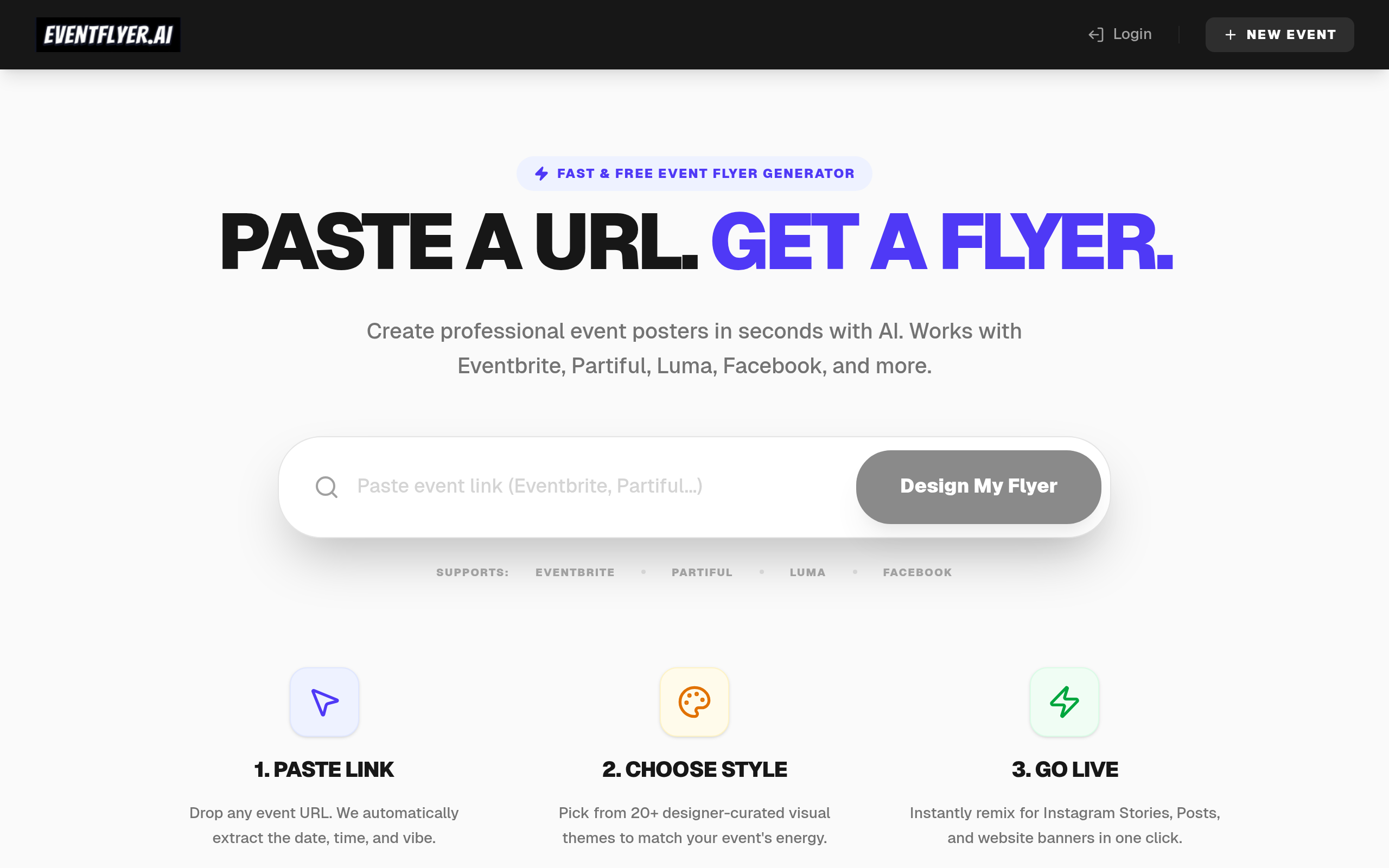
EVENTFLYER.AI
AI generated event flyers in seconds. Paste any event URL to generate incredible, unique flyers and social media designs instantly.
About
EventFlyer.AI is an automated graphic design tool to take event URLs and create print/social media ready flyers in seconds. How it works: Enter your event URL (works with any event publishing website), choose your design styles (pop art, minimalist, techno, rock concert corporate, etc), and in in about 30 seconds your unique poster will pop out. What sets us apart: Unlike generic template tools, Event Flyer AI features "Intelligent Social Remixing." Once your main design is ready, our AI reflows the elements perfectly for Instagram Stories (9:16), square posts (1:1), and website banners (16:9)—maintaining 100% brand consistency across every platform with zero manual effort. Key Features: - 20+ unique AI themes curated by designers. - Automatic resizing for all social formats. Perfect for: Bar owners, club promoters, non-profits, community organizers, and anyone hosting an event who wants a professional edge without the professional price tag. Design less, promote more.
Key Features
URL-to-Design Importer
Paste any event URL and the AI extracts event details (title, date, venue, images) to auto-populate your flyer—no manual data entry required.
20+ Curated Design Themes
Choose from designer-curated styles (pop art, minimalist, techno, rock concert, corporate, etc.) to instantly apply a consistent visual identity.
Intelligent Social Remixing
Automatically reflows and reformats the main design into multiple aspect ratios (Instagram Story 9:16, square 1:1, web banner 16:9) while preserving layout and branding.
Auto-resize & Export
Export ready-to-use assets for print and digital channels (PNG, JPG, PDF) with presets for common social platforms and print sizes.
Editable Customization & Branding
Fine-tune text, colors, images, and layout after generation so you can match brand guidelines or event-specific preferences.
How to Use EVENTFLYER.AI
1) Paste an event URL into the generator and let the AI extract event details. 2) Select a design theme (e.g., pop art, minimalist, techno) and any customization options (colors, fonts, images). 3) Click Generate — preview the main poster and the auto-generated social/responsive versions. 4) Edit any text or assets if needed, then export/download the formats you want (print PDF, Instagram PNG, story, banner).