
Evaline Chatbot AI
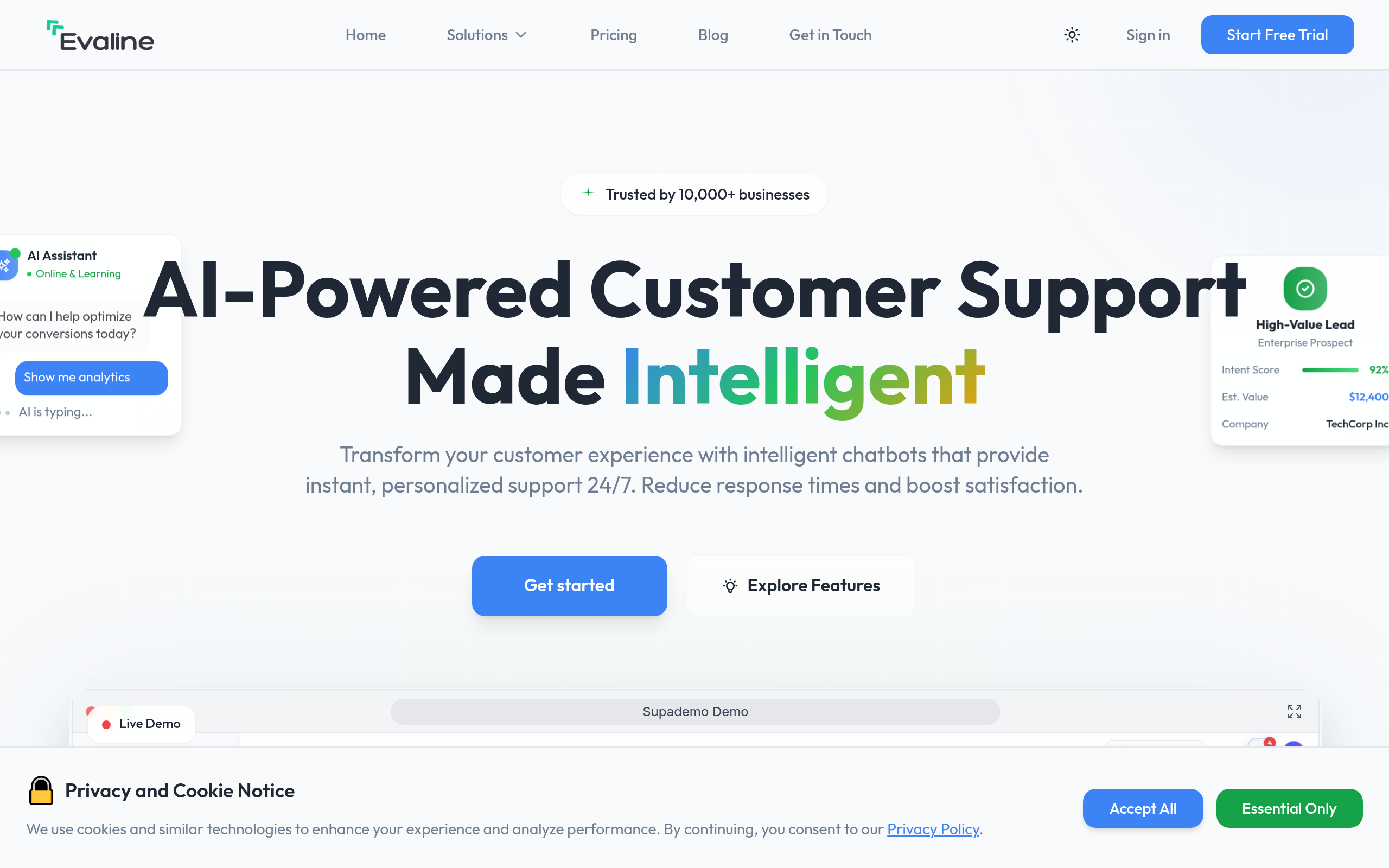
Evaline is an AI chatbot available 24/7 that automatically responds to prospects and automates customer support.
About
Evaline is an intelligent chatbot designed to automatically respond to prospects and customers 24/7. It allows businesses to never miss an incoming message. As soon as a visitor asks a question, the chatbot responds instantly with accurate and relevant information. Evaline isn't limited to automated responses. The platform also integrates: – A ticketing system to structure and manage customer support – The creation of comprehensive and scalable knowledge bases – Automated workflows to trigger actions at the right time – The ability to trigger the chatbot based on custom rules (page visited, behavior, timing, etc.) Thanks to these features, businesses can automate a large part of their customer relationship management while maintaining a seamless and professional experience. Evaline is for businesses, agencies, and e-commerce companies that want to improve their responsiveness, structure their support, and increase their conversion rate without hiring more staff.
Key Features
24/7 Automated Chat Responses
Instantly replies to visitor questions any time of day using AI to provide accurate, context-aware answers so businesses never miss leads or requests.
Built-in Ticketing System
Converts conversations into structured support tickets to track, prioritize and manage customer issues across teams.
Scalable Knowledge Base Builder
Create and maintain a searchable knowledge base that the chatbot uses to give consistent, up-to-date answers and that scales with your content.
Automated Workflows & Trigger Rules
Set custom rules (page visited, behavior, timing) and automated workflows to trigger actions, route leads or escalate tickets at the right moment.
Integrations & Analytics
Connects to existing tools (CRMs, messaging platforms) and provides analytics to measure responsiveness, ticket resolution and conversion impact.
How to Use Evaline Chatbot AI
1) Sign up and install the Evaline chat widget on your website or connect preferred messaging channels. 2) Import or create FAQs and documentation to build the knowledge base so the chatbot has accurate answers. 3) Configure ticketing, routing and automated workflows; set trigger rules (e.g., page visited, idle time, user intent) to determine when the bot engages or escalates. 4) Monitor conversations and analytics, then refine knowledge base content and automation rules to improve responses and conversion rates.