
Enhance.Dating
Photo selection, bio builder, full profile review by AI and real people, and help with messages for dating apps. 20 languages, first try free.
About
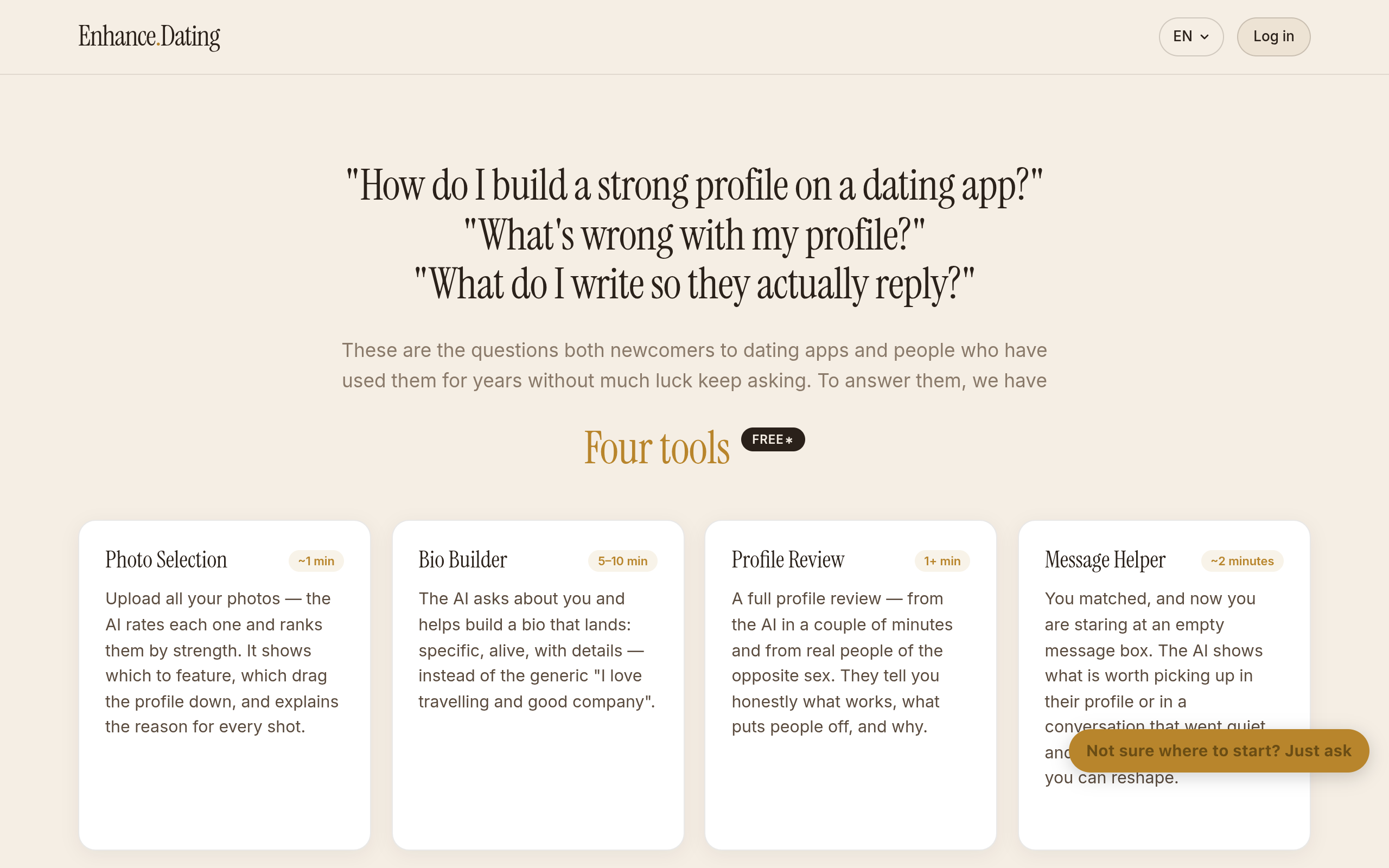
Enhance.Dating helps people figure out why a dating profile gets no matches, then fix it. Photo selection: upload all your photos; each one is scored on expression, light, framing and background, then ranked. You see which to lead with, which drag the profile down, and why. Bio builder: instead of a blank page, a few questions; your answers become a text that sounds like you, not a template. Profile review: the whole profile, first analysed by AI in minutes, then reviewed in writing by real people from the audience you want to reach. Message help: works with what you bring, the other person's profile or a conversation that went quiet. No canned lines. Interface and AI answers in 20 languages. The first try needs no payment.
Key Features
Photo Selection & Scoring
Upload all candidate photos and get AI scores for expression, lighting, framing and background. Photos are ranked from strongest to weakest with concrete explanations of what helps or harms your profile.
Guided Bio Builder
A conversational questionnaire that turns your answers into multiple bio options in different tones (witty, warm, intriguing). Options are editable and ready to paste into any dating app.
Combined Profile Review
Fast AI analysis followed by written feedback from real people in your target audience. Reviews highlight what attracts or repels, and give actionable fixes for photos and text.
Contextual Message Helper
Generate message suggestions tailored to a match’s profile or a stalled conversation. Responses are context-aware, adjustable in tone, and avoid generic canned lines.
Multilingual Support & Free Trial
Interface and AI outputs available in 20 languages, with the first try available free so users can test photo scores, bios, or message suggestions before paying.
How to Use Enhance.Dating
1. Open enhance.dating and upload your dating photos: each one is scored and ranked with an explanation. 2. Answer a few questions and the bio builder turns them into a profile text. 3. Send the whole profile for review: AI first, then real people. 4. Paste a match profile or a quiet chat to get help with the next message.