
DueDrop
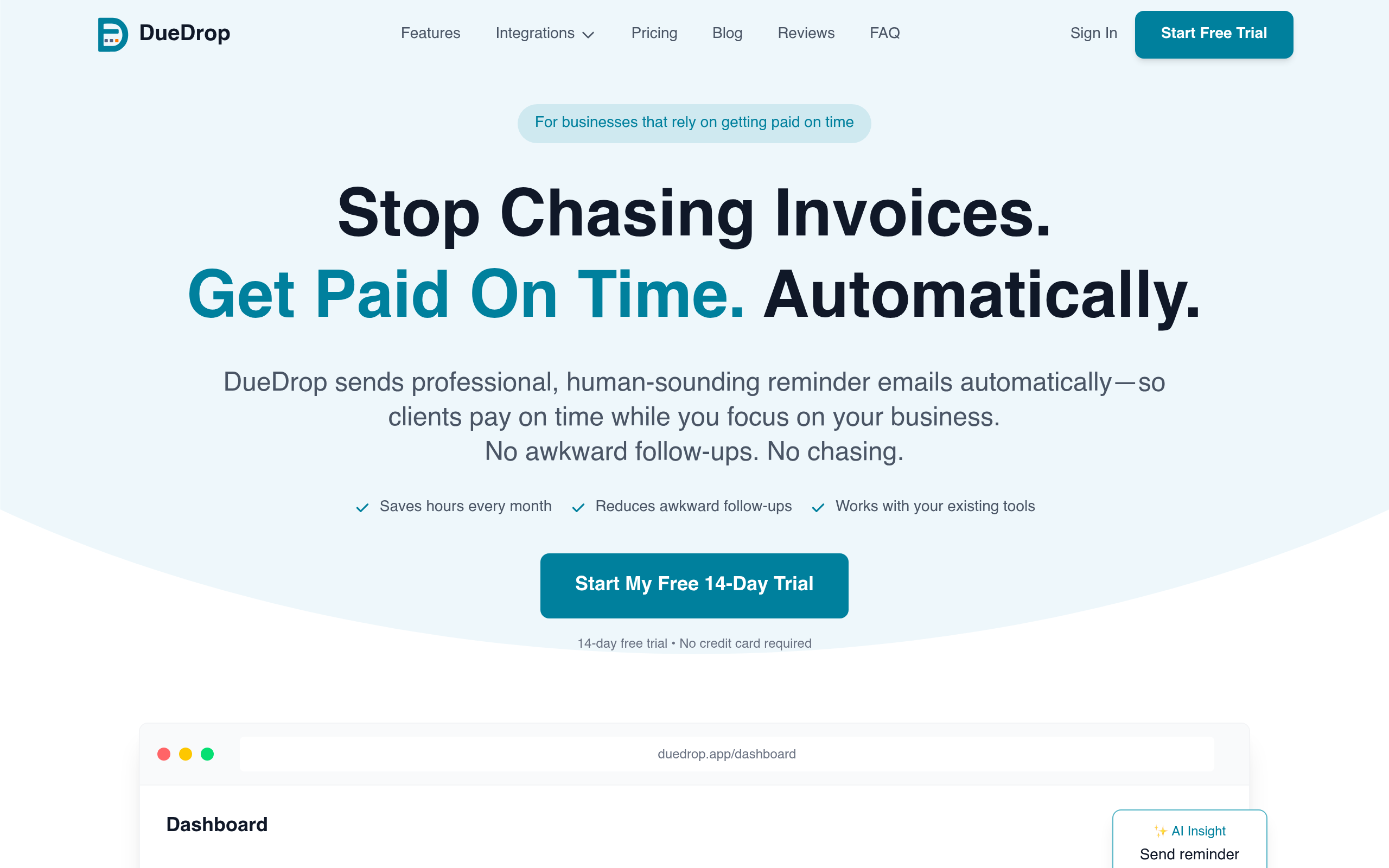
DueDrop automates personalized invoice reminders so you get paid faster without awkward follow-ups.
About
DueDrop helps businesses get paid faster by automating invoice follow-ups that feel personal—not robotic. Connect your accounting tools, set a reminder schedule, and DueDrop sends smart, human-like emails before and after due dates until invoices are paid. Designed for freelancers, agencies, and small businesses, DueDrop removes the awkwardness of chasing payments while improving cash flow. With customizable tone, flexible schedules, and seamless integrations, it works quietly in the background so you can focus on running your business—not collecting payments.
Key Features
AI Tone-Matched Reminders
Reads prior email threads and drafts reminders that match your voice and tone so messages feel personal rather than robotic.
Send From Your Inbox
Sends reminders through your actual Gmail, Outlook, Yahoo, or Zoho account (or any SMTP), so emails appear to come directly from you with normal reply handling.
Accounting & Email Integrations
Syncs with QuickBooks, Xero, FreshBooks, and Wave plus major email providers for automatic detection of overdue invoices and seamless sending.
Customizable Cadence & Per-Client Rules
Set flexible reminder schedules, per-client cadence and tone rules, and choose preferred send windows to match your business needs.
Auto-Pause, Audit Log & Security
Automatically pauses a reminder sequence when a client replies, logs activity in an audit trail, and uses OAuth/password-free sign-in with bank-grade encryption.
How to Use DueDrop
1) Connect accounts: Link your accounting software (QuickBooks, Xero, FreshBooks, Wave) and your email provider (Gmail, Outlook, Yahoo, Zoho) via OAuth. 2) Configure cadence & tone: Choose a global reminder schedule or set per-client cadence and tone rules; optionally review sample drafts. 3) Let DueDrop run: It monitors invoices, drafts tone-matched reminders, and sends them from your inbox at scheduled times. 4) Monitor & adjust: Watch the audit log, pause or tweak cadences, and revoke access anytime.